

AirParrot Remote
Screenshots
ASO analysis
Good use of the title field.
Could go longer. The first 252 chars are above-the-fold; everything else still indexes.
Used by similar apps in your niche, but not in your title or description. Adding these (where genuinely relevant) can broaden your search reach.
Words you and your peers both use. Confirms positioning in this niche.
Keyword rankings
iTunes Search · top 200About
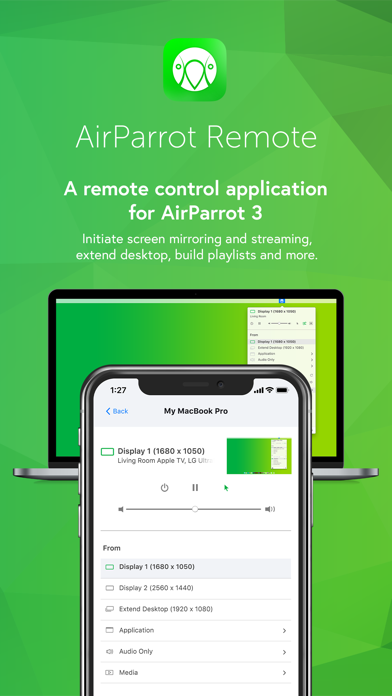
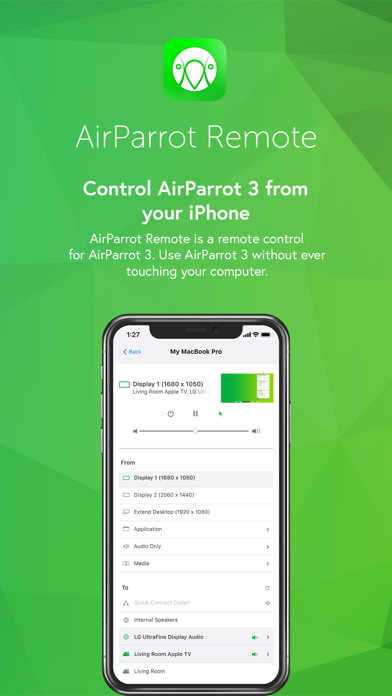
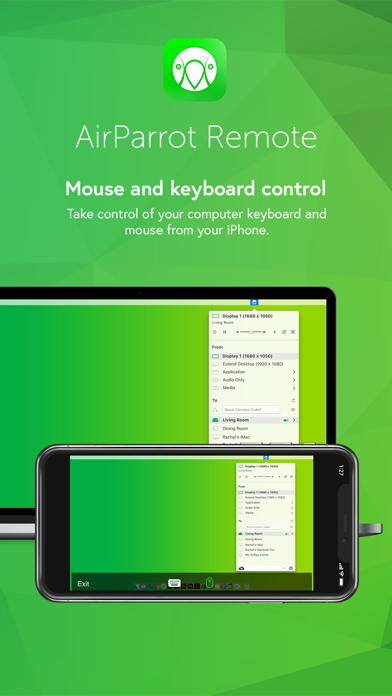
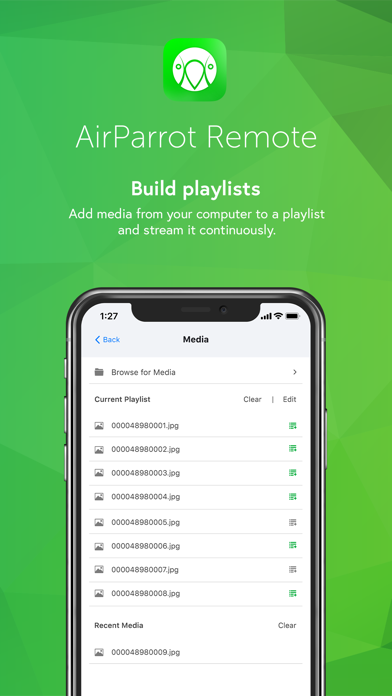
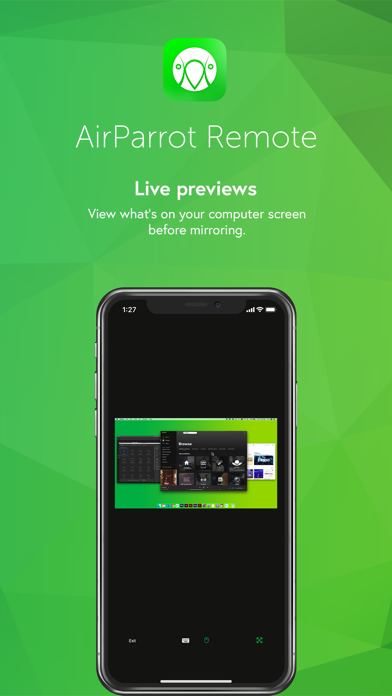
AirParrot Remote allows you to control AirParrot desktop software from your iPad or iPhone. Use this app to: • Wirelessly control your computer keyboard and mouse from a phone or tablet • Remotely initiate screen mirroring and media streaming from your computer • Use your iPad as a second monitor • Initiate presentations and flip through slides from your mobile device • Remotely access media servers • Minimize germ spread in environments where computers are a shared resource Control Your Computer Once paired, AirParrot Remote can control the keyboard and mouse on your system. Extend Desktop Use your tablet as a wireless second screen for your computer. Build Playlists Find media files on your computer and add them to a playlist for continuous streaming. Initiate screen mirroring Initiate screen mirroring connections to a number of receivers like AirPlay 2-enabled Smart TVs, Apple TV and more. Preview Screens View what’s on your computer desktop before you begin screen mirroring Secure Pairing Pairing AirParrot Remote to AirParrot 3 is easy and secure. The apps are paired directly with no in-between connections. Use a Quick Connect Code (TM) or automatic discovery to begin. More details AirParrot Remote is an AirParrot companion application. It is compatible with the AirParrot 3 and AirParrot 2 computer software. You must have either the AirParrot 3 or AirParrot 2 application running on your computer to successfully experience AirParrot Remote: http://www.airsquirrels.com/airparrot/download/


