AppScoutAppScout.gallery
Amplosion: Redirect AMP Links icon
Utilities

Amplosion: Redirect AMP Links

by Christian Selig
Rating4.9(132)
Price$2.99
Updated4y ago
Released4y ago
Latest rank
#15
Top Paid · Utilities
Rank change
↑ 21
vs last refresh
Rank history
Movement appears after the next data refresh.
Charting in:GB·Top Paid#15↑21AU·Top Paid#51↓21

Screenshots

Amplosion: Redirect AMP Links screenshot 1Amplosion: Redirect AMP Links screenshot 2Amplosion: Redirect AMP Links screenshot 3Amplosion: Redirect AMP Links screenshot 4Amplosion: Redirect AMP Links screenshot 5Amplosion: Redirect AMP Links screenshot 6Amplosion: Redirect AMP Links screenshot 7Amplosion: Redirect AMP Links screenshot 8

Estimates

low confidence
Downloads / month
91K–609K
Chart-rank signal only
Revenue / month
$191K–$1.3M
After Apple's 30% cut

ASO analysis

Title29 / 30
Amplosion: Redirect AMP Links

Tight against the limit — verify it doesn't truncate on small screens.

Description1,095 / 4,000
5 paragraphs · 27% of limit used

Could go longer. The first 252 chars are above-the-fold; everything else still indexes.

Top keywords in your description
amplosion×4amp×3beautiful×3many×3times×3activated×2counter×2extension×2flip×2home×2it's×2links×2
Keyword opportunities

Used by similar apps in your niche, but not in your title or description. Adding these (where genuinely relevant) can broaden your search reach.

ios7 peersapple6 peerscopy6 peersdata6 peersprivacy6 peersweb6 peersdevice5 peersextensions5 peersgoogle5 peerslink5 peers
Shared niche keywords

Words you and your peers both use. Confirms positioning in this niche.

extension8 peerssafari7 peerssettings7 peersautomatically6 peerspages6 peersfeatures5 peerslinks5 peersopen5 peersscreen4 peerswell4 peers

Keyword rankings

iTunes Search · top 200
Keyword tracking starts automatically for apps on the top charts — ranks appear after the next data refresh. Manual tracking for search-only and niche apps coming soon.

About

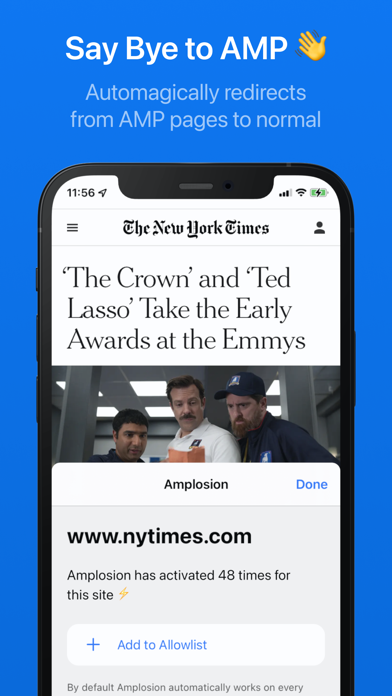
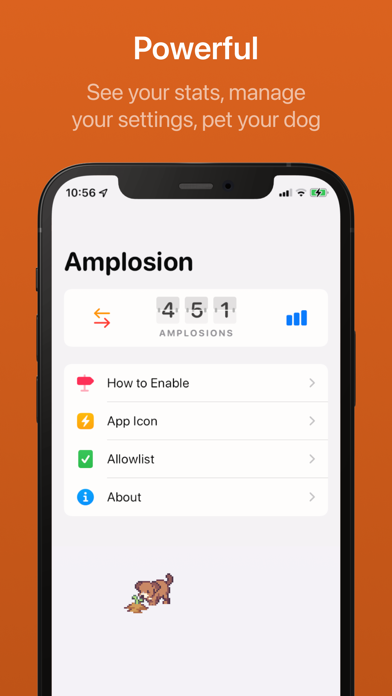
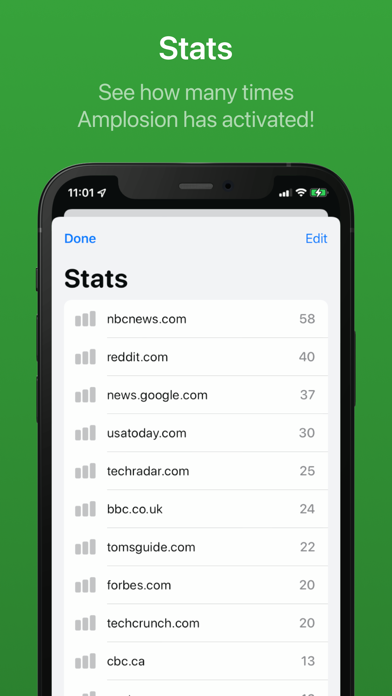
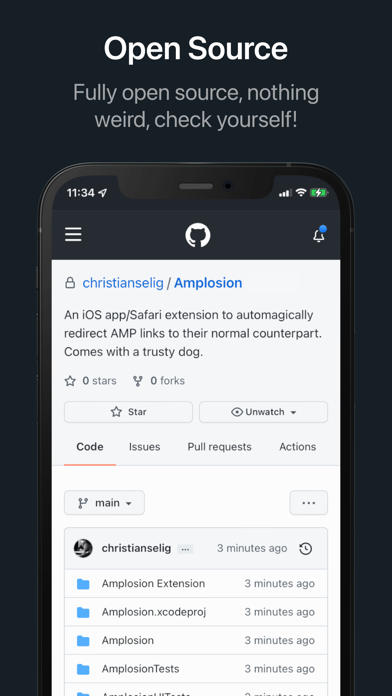
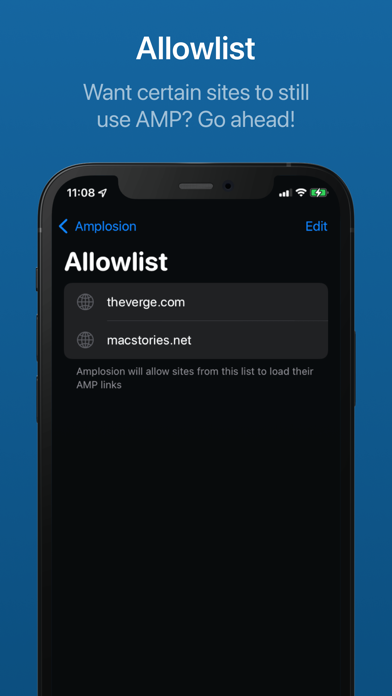
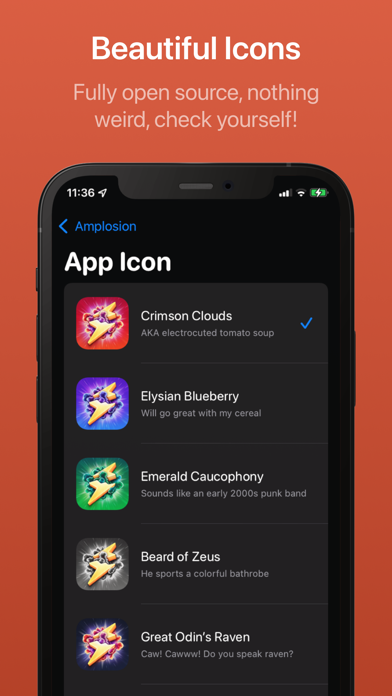
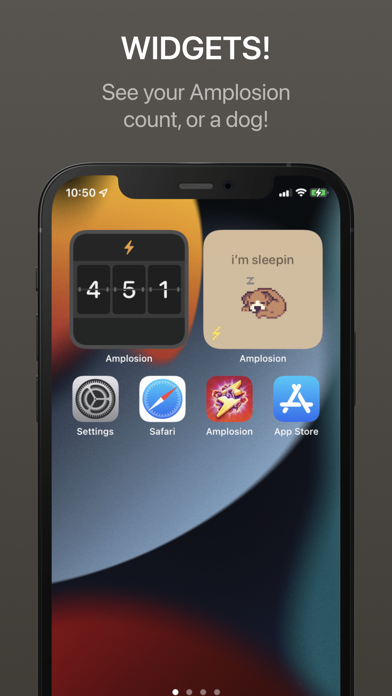
Amplosion automagically redirects AMP pages/links to their normal counterparts within Safari using an easy and elegant Safari extension. Activating it is super simple with just a few taps in the Settings app (full walkthrough in-app), and then you're good to go. Amplosion will automatically redirect AMP links you encounter, and you can even permit certain websites to continue to display AMP by adding them to the Allowlist. Amplosion shows how many times it has activated with a beautiful flip counter at the top of the app so you can see how many times it's saved the day. There's also a myriad of beautiful app icons to choose from. It's completely open source, so with this transparency you can verify everything about the extension. Awesome home screen widgets are included as well, featuring the flip counter so you can see how many times Amplosion has activated right from your home screen. As a bonus, it features a lovable digital dog that lives in the app named Lord Waffles, and a beautiful story about him and his turtle friend Rascal. There's also a widget for Lord Waffles!

01
Map Redirect for Map Links icon
Map Redirect for Map Links
Miao Wang
3.8
02
Opener ‒ open links in apps icon
Opener ‒ open links in apps
tijo, inc.
4.6
03
MapSwitch - Mapper for Safari icon
MapSwitch - Mapper for Safari
Ameen Mody
4.4
04
Enable Right Click for Safari icon
Enable Right Click for Safari
Alfredo Grassau
0.0
05
Color Widgets icon
Color Widgets
Digital Charms, Inc.
4.5
06
Mapper for Safari icon
Mapper for Safari
Alex Kitcoff
4.2
07
StopTheMadness Pro icon
StopTheMadness Pro
Jeff Johnson
5.0
08
Alook Browser - 8x Speed icon
Alook Browser - 8x Speed
Baoding Lehuo Network Technology Co., Ltd.
4.6
09
Achoo HTML Viewer & Inspector icon
Achoo HTML Viewer & Inspector
Christian Selig
4.2
10
Simple Refresh for Safari icon
Simple Refresh for Safari
William Walker
3.5