AppScoutAppScout.gallery
Aquarium Dynamic Wallpapers+ icon
Lifestyle

Aquarium Dynamic Wallpapers+

by Voros Innovation
Rating4.2(152)
Price$0.99
Updated7y ago
Released10y ago
Latest rank
#91
in Lifestyle
Rank change
First data point — change appears after the next refresh
Rank history

Screenshots

Aquarium Dynamic Wallpapers+ screenshot 1Aquarium Dynamic Wallpapers+ screenshot 2Aquarium Dynamic Wallpapers+ screenshot 3Aquarium Dynamic Wallpapers+ screenshot 4Aquarium Dynamic Wallpapers+ screenshot 5

ASO analysis

Title28 / 30
Aquarium Dynamic Wallpapers+

Good use of the title field.

Description1,174 / 4,000
4 paragraphs · 29% of limit used

Could go longer. The first 252 chars are above-the-fold; everything else still indexes.

Top keywords in your description
wallpaper×8live×7aquarium×5lock×4screen×4iphone×3play×3save×3simply×3wallpapers×3action×2button×2
Keyword opportunities

Used by similar apps in your niche, but not in your title or description. Adding these (where genuinely relevant) can broaden your search reach.

device6 peersfeatures6 peershome6 peersbeautiful5 peersipad5 peersavailable4 peersbackgrounds4 peerscreated4 peersdesign4 peersios4 peers
Shared niche keywords

Words you and your peers both use. Confirms positioning in this niche.

iphone9 peerslock8 peersscreen8 peerswallpaper8 peerswallpapers8 peerssave6 peersbest5 peersphoto5 peersset5 peerschoose4 peers

Keyword rankings

iTunes Search · top 200
Keyword tracking starts automatically for apps on the top charts — ranks appear after the next data refresh. Manual tracking for search-only and niche apps coming soon.

About

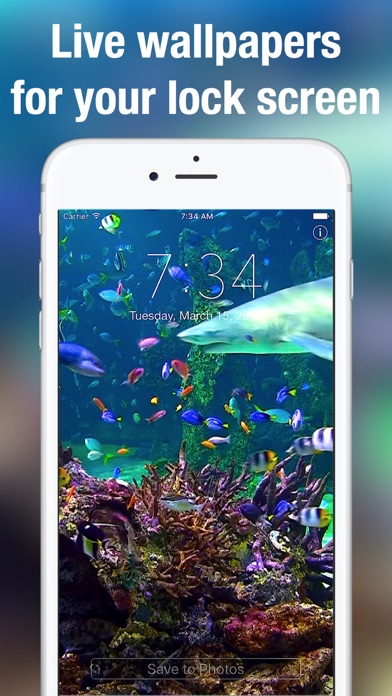
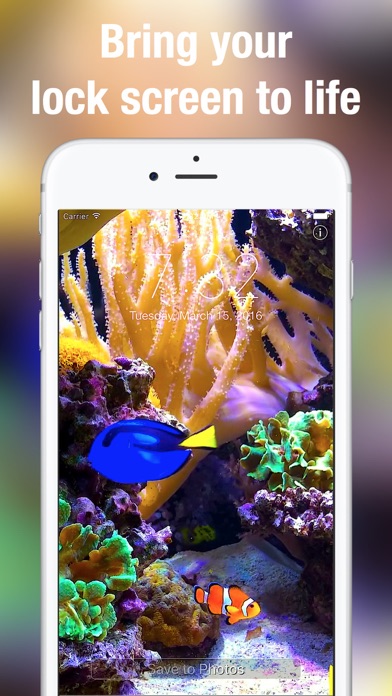
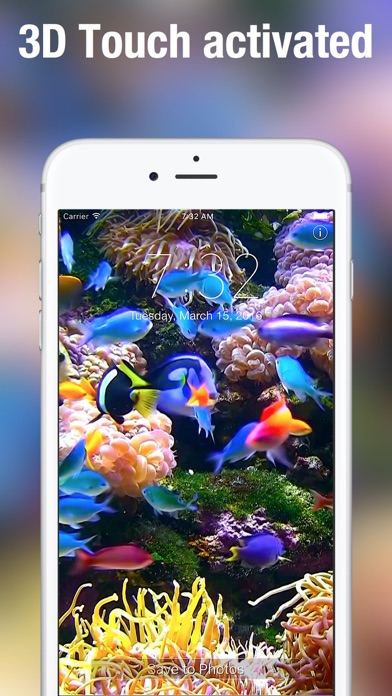
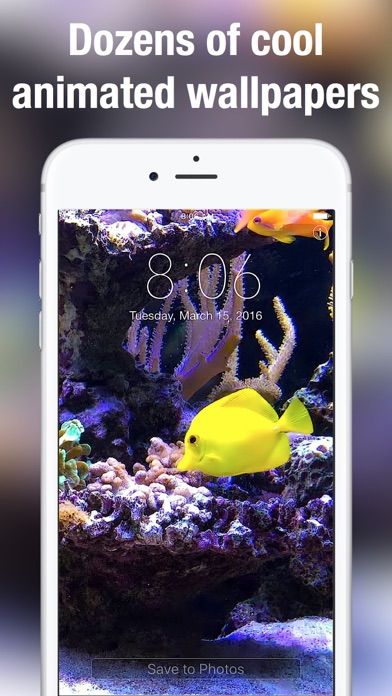
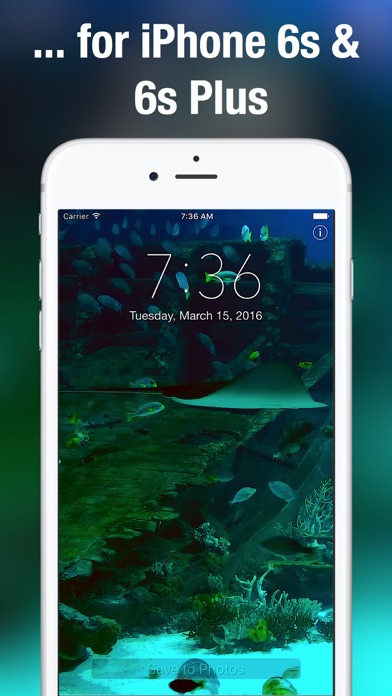
Stunning, aquarium themed Live Wallpaper on your iPhone! Many beautifully designed, tropical moving wallpapers to choose from. Aquarium Live Wallpaper only works on iPhone 6s, 7, 8, X, Xs, Xs Max or later. Featuring sharks, clownfish (Nemo), blue tang (Dory) and many other colourful fish these long Aquarium Live Wallpaper scenes will light up your iPhone. Swipe between the various wallpapers to find your favourites. Then save the ones you would like to use to your Camera Roll. From there simply take the same steps you normally do to make regular photos your lockscreen and/or wallpaper. To play the aquarium scenes simply hold your finger to your lock screen. How to set as a live lock screen wallpaper: + Simply swipe between the Live Wallpapers + Touch the photo to play animation fully + If you like a particular live wallpaper, press the save button to save it to your Photo's app Camera Roll + To set as a live wallpaper for your lock screen press the action button and select wallpaper action + For best quality, please zoom out the picture because it is slightly zoomed in by default + If you touch the lock screen it will play your selected aquarium scene

01
Live Wallpapers & Backgrounds+ icon
Live Wallpapers & Backgrounds+
Voros Innovation
4.3
02
Black - Live Wallpapers icon
Black - Live Wallpapers
Ronan Stark
4.4
03
Nebula - Live Wallpapers icon
Nebula - Live Wallpapers
Ronan Stark
4.4
04
MyScreen - Live Wallpapers icon
MyScreen - Live Wallpapers
Live Wallpapers
4.4
05
Art Wallpapers by Artpaper icon
Art Wallpapers by Artpaper
Gikken UG (haftungsbeschraenkt)
4.8
06
Wallpapers Backgrounds HD PRO icon
Wallpapers Backgrounds HD PRO
KISSAPP, S.L.
3.8
07
Monogram Wallpapers Background icon
Monogram Wallpapers Background
Yellow Lab, Inc.
4.5
08
Every Day Spirit® Lock Screens icon
Every Day Spirit® Lock Screens
Mary Davis
4.6
09
Fauna: Daily Animal Widget icon
Fauna: Daily Animal Widget
JUSTIN WEI SUN
0.0
10
Landscape Design - pro planner icon
Landscape Design - pro planner
Editr Apps Inc.
2.6