

Budget Manager · Money Gone?
Screenshots



ASO analysis
Good use of the title field.
Solid length. Make sure the first 252 chars hook the reader.
Used by similar apps in your niche, but not in your title or description. Adding these (where genuinely relevant) can broaden your search reach.
Words you and your peers both use. Confirms positioning in this niche.
Keyword rankings
iTunes Search · top 200About
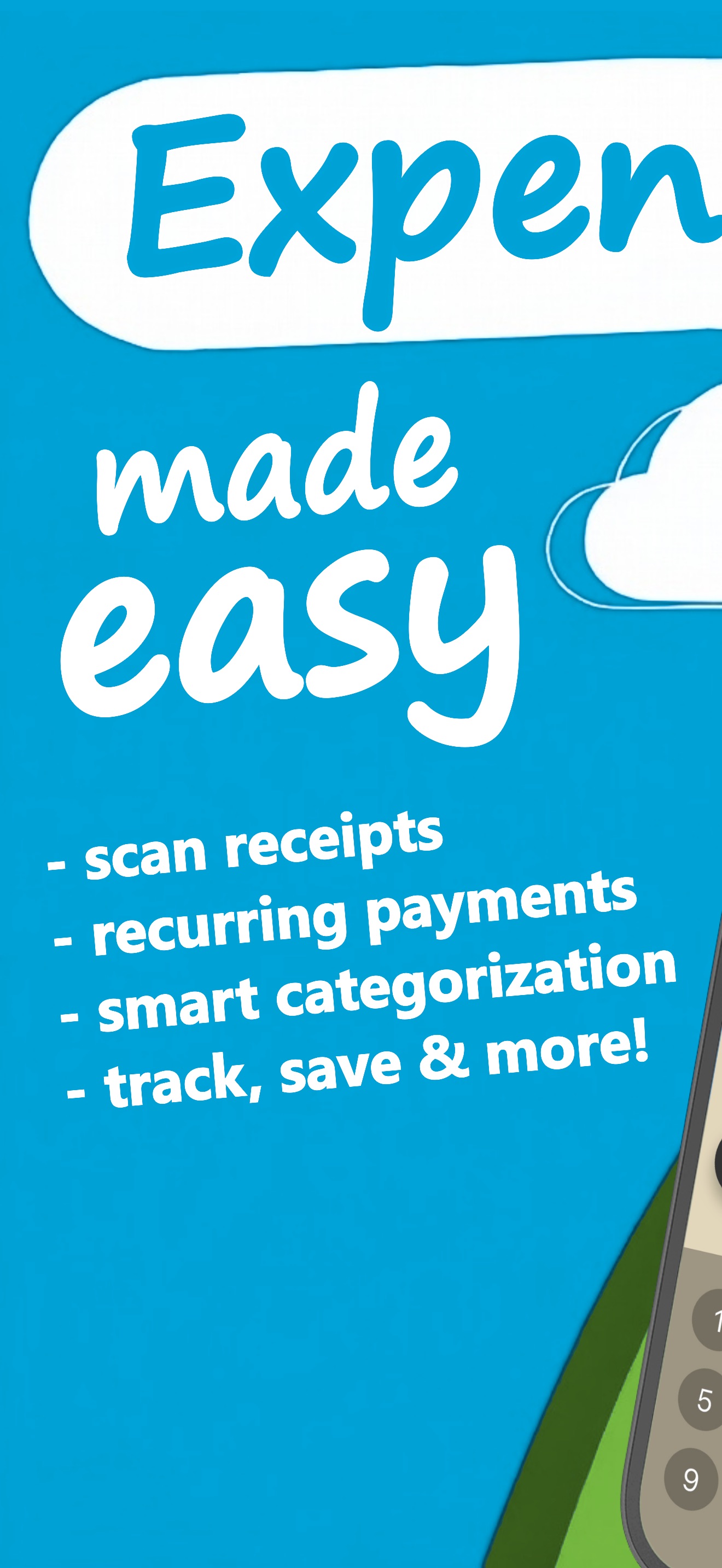
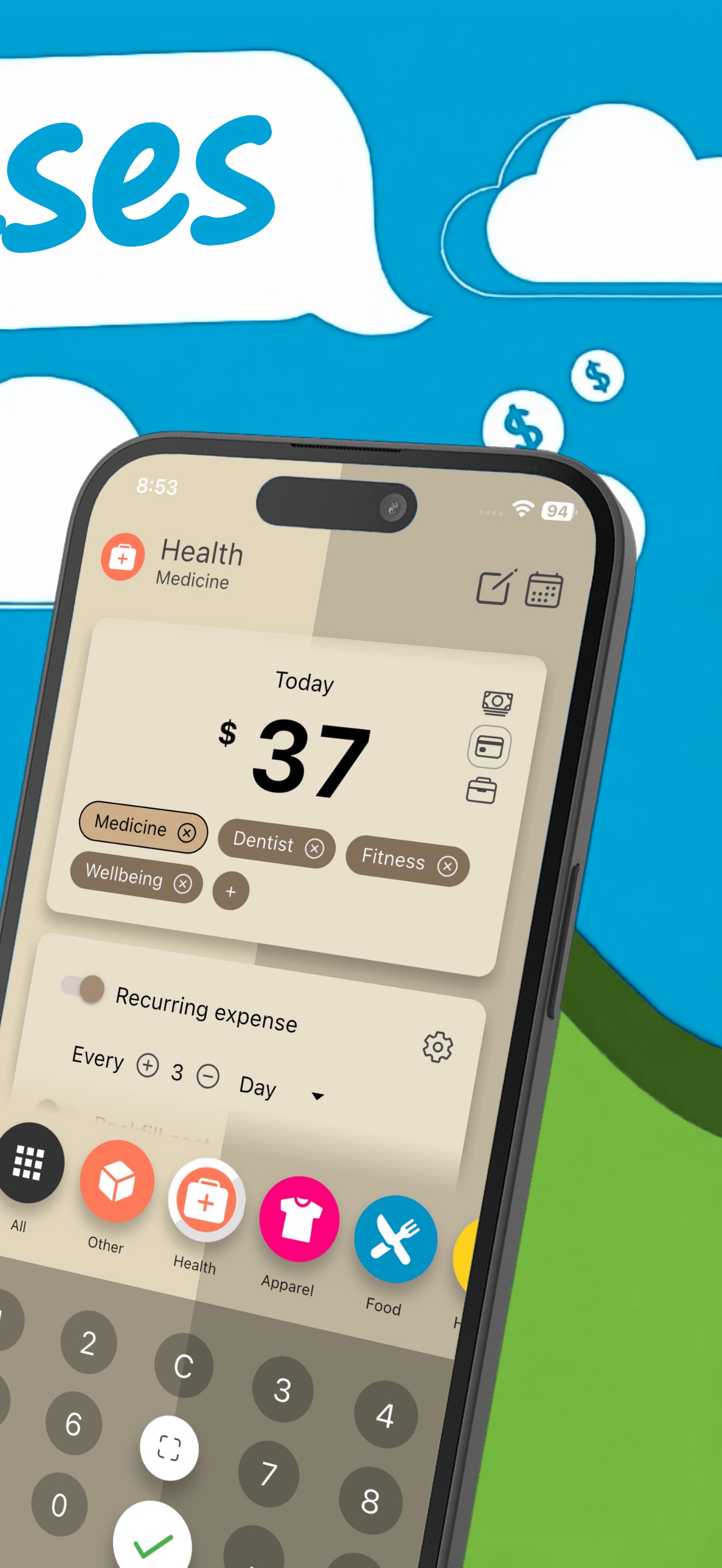
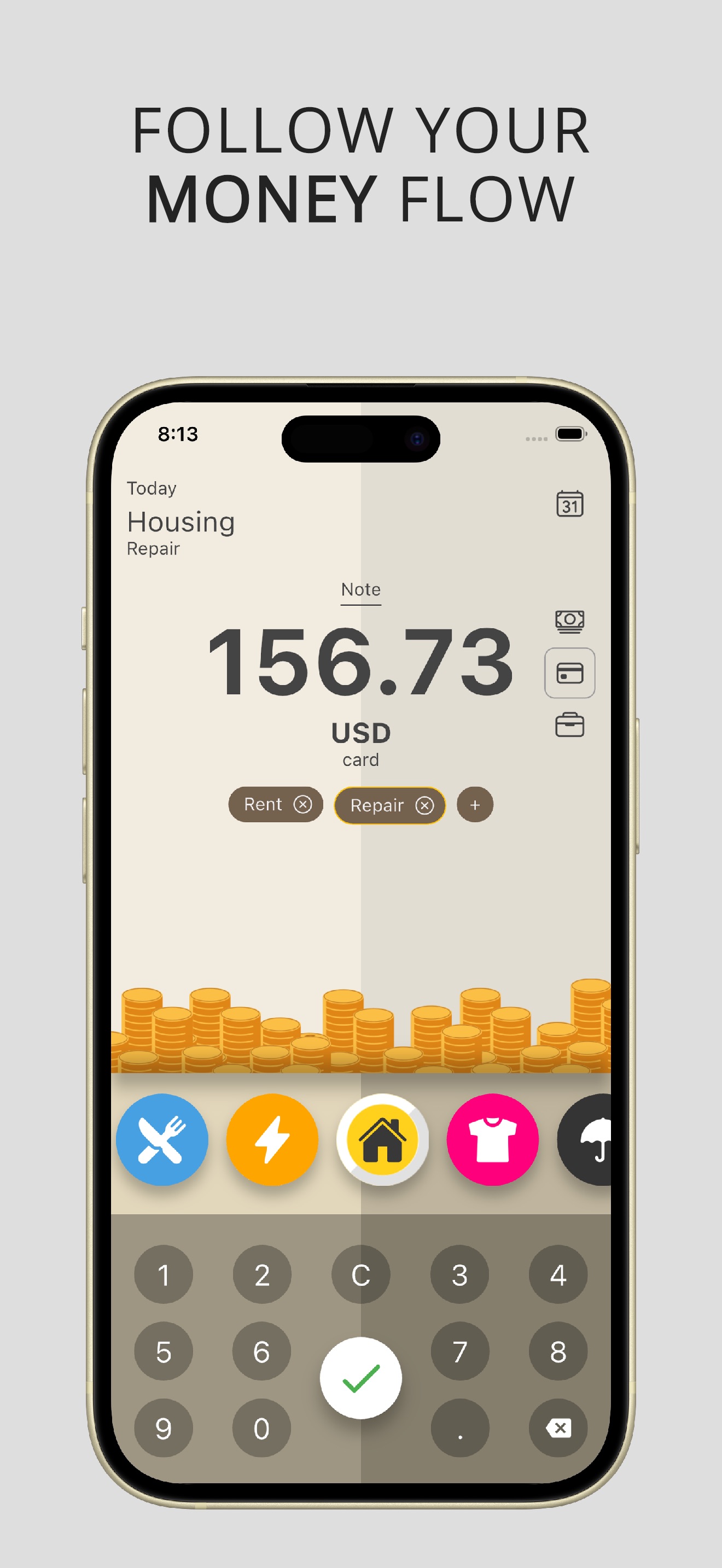
Money Gone? is an expense tracker for spending, money and budget. Capture expenses in the moment, review where money goes and keep clear overview of costs. History and categories make it easy to spot waste and direct cash toward savings. New: Smart Receipt Scanning Snap a photo of any receipt and Money Gone? instantly extracts the amount, date, and merchant details. The app automatically suggests the right category based on the purchase, eliminating manual typing and reducing errors. Perfect for quick grocery runs, restaurant bills, or shopping trips—just scan and move on. Receipt scanning transforms scattered paper receipts into organized digital records, making tax time easier and keeping all purchase proof in one secure place. New: Recurring Expenses Set up recurring expenses once and Money Gone? adds them automatically—monthly rent, weekly subscriptions, quarterly insurance, or annual fees. Never forget a regular bill again. Recurring expenses help you forecast future costs, spot forgotten subscriptions, and plan ahead with confidence. Combined with budget tracking, this feature ensures predictable costs stay on your radar and don't surprise you at month's end. Practical use cases: • Coffee, groceries, fuel, transport, subscriptions, cash payments • Separate home budget and work with notes and categories • Travel expenses and vacation spending within budget • Scan receipts on the go without manual entry • Set up recurring bills for accurate cash flow forecasts Budget and savings tips you can apply right away: • Set a simple weekly budget for categories that often grow unchecked • Use a daily spending log to increase awareness • Track essential categories: groceries, dining out, transport, fun • Review spending every weekend and decide one cost to cut • Plan purchases ahead to avoid last-minute price premiums • Use receipt scanning to build complete purchase history • Review recurring expenses quarterly to cancel unused subscriptions Why a dedicated expense tracker helps: • Awareness changes how you think about spending • Clear numbers show if you are on track • Small wins compound and build savings faster • Structure creates calm in personal finance • Automation saves time and eliminates repetitive data entry What you can expect day to day: • Fast expense entry or simply scan a receipt • Automatic recurring expense tracking • Daily and monthly totals to keep spending in check • Category views that highlight biggest cost drivers • Transaction history with simple filtering • Multiple currencies and offline-friendly design • Optional CSV export for backups • Light and dark themes Ways people use Money Gone? to improve money habits: • Students control food and transport costs, scan receipts for small purchases • Couples split household expenses fairly, recurring bills logged automatically • Freelancers separate personal and client costs, use receipt scanning for documentation • Parents monitor back-to-school and seasonal shopping • Travelers keep vacation budget on target by logging every purchase Long-tail benefits that add up: • Better control over daily spending • Clarity around cash flow • Fewer impulse purchases • Sustainable savings through small changes • Simple routine for personal finance • Digital receipt archive for warranty and tax • Predictable cash flow thanks to automation Start today. Track every expense, scan receipts, automate bills, and watch savings grow with Money Gone?. The app offers optional in-app purchases, including auto-renewable subscriptions. Payment will be linked to your Apple ID account after purchase confirmation. You can manage or cancel your subscription anytime in Settings > Apple ID > Subscriptions. – Privacy: https://www.creamsoft.com/rd.php?p=wmm_iosprivacy – Terms: https://www.creamsoft.com/rd.php?p=wmm_iostermsofuse


