

CalcTape Paper Tape Calculator
Screenshots
Estimates
low confidenceASO analysis
Tight against the limit — verify it doesn't truncate on small screens.
Solid length. Make sure the first 252 chars hook the reader.
Used by similar apps in your niche, but not in your title or description. Adding these (where genuinely relevant) can broaden your search reach.
Words you and your peers both use. Confirms positioning in this niche.
Keyword rankings
iTunes Search · top 200About
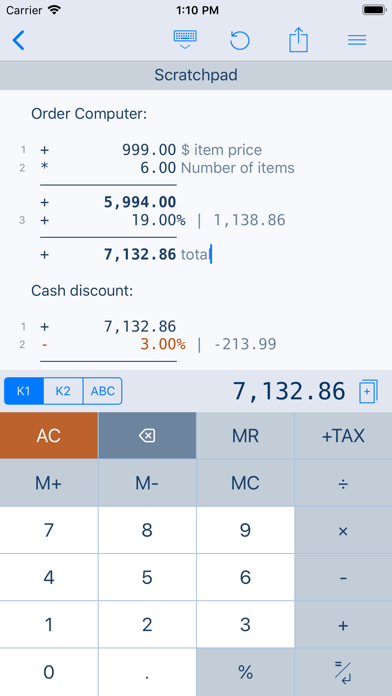
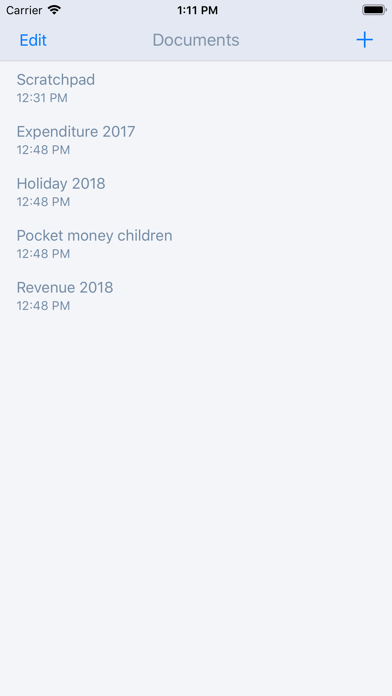
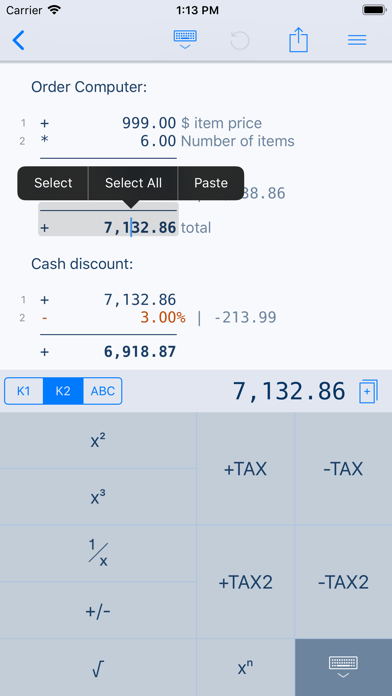
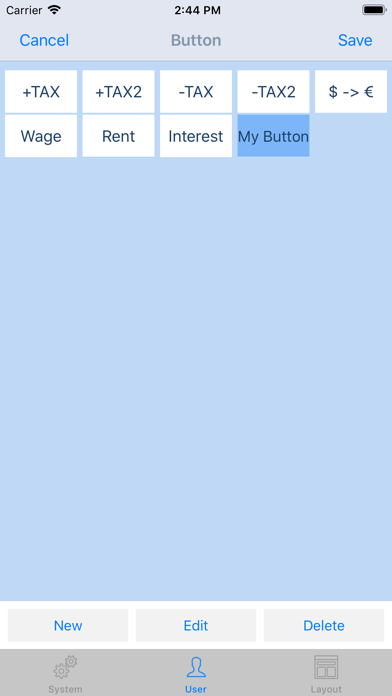
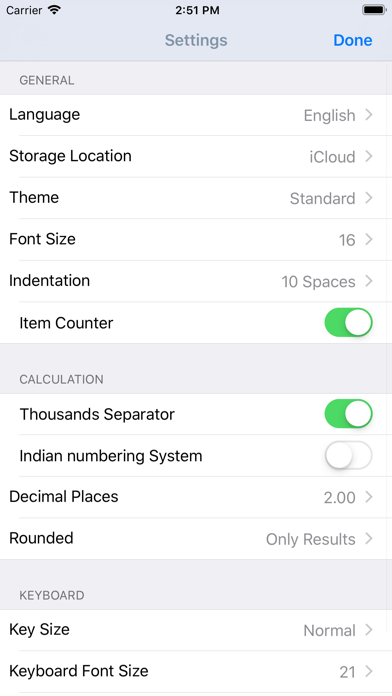
Calculator thought from scratch! Calculate, comment and correct instantly. What happens if you combine a standard calculator App, a classic desktop calculator and a note App ? CalcTape brings you the best of these and even more. It is your companion for all daily calculation needs and easily masters all scenarios you can imagine. CalcTape is NOT a scientific calculator, but do we need these in daily use ? Ever did a long calculation with many figures and asked yourself: "Did I enter the last figure correctly ?" "The result looks strange somehow !" With CalcTape you keep an overview, can check all figures and correct figures instantly inplace with all subsequent results being adjusted automatically ! Missed a figure ? No problem: Just insert it in the right place easily by entering a new line. You can place the cursor everywhere you like in the calculation: It's like a note where you can change anything you like in any place with the advantage, that changing numbers or operators updates your calculation immediately! CalcTape can be considered an "Excel Lite with a calculator interface". You can also keep the calculation for your records (documents) and create templates: Replacing the figures in your template and getting the correct results is a breeze. Commenting figures and results gives sense to your calculations, so you can understand what you did when viewing the calculation a month later. Customize CalcTape to your needs and place only those buttons on your keypad that you really need everyday. Create your own functions to e.g. add a specific percent rate with a tap on a single button. CalcTape features: - Save your calculations into files - Create own functions or text snippets to be entered when pressing a button (long press a button to enter the Button screen) - Create own keypad layouts (change assignment of all buttons except numbers and backspace / change button sizes) - Select between different keypad layouts (the "function keypad" contains no numbers and is nearly completely customizable) to get more buttons or other functions, 2 keypads are directly accessible in the main screen - Share your calculations using standard iOS sharing capabilities, e.g. email - Sync your calculations with iPhone, iPad, Mac and PC using iCloud Drive. - Calculate TAX, VAT and other percent values easily - Use CalcTape for budget, accounting and expense tracking in the office and at home, everyday. CalcTape, more than a calculator. FAQ: - Start a new calculation on the same sheet by simply tapping the "=" key twice. - Do a long tap on a button to assign another existing function or to create a user function for it. - If you accidentally hit "AC" you can use "Undo" to get your calculation back.


