

CalendarBudget: Budget Planner
Screenshots


ASO analysis
Tight against the limit — verify it doesn't truncate on small screens.
Solid length. Make sure the first 252 chars hook the reader.
Used by similar apps in your niche, but not in your title or description. Adding these (where genuinely relevant) can broaden your search reach.
Words you and your peers both use. Confirms positioning in this niche.
Keyword rankings
iTunes Search · top 200About
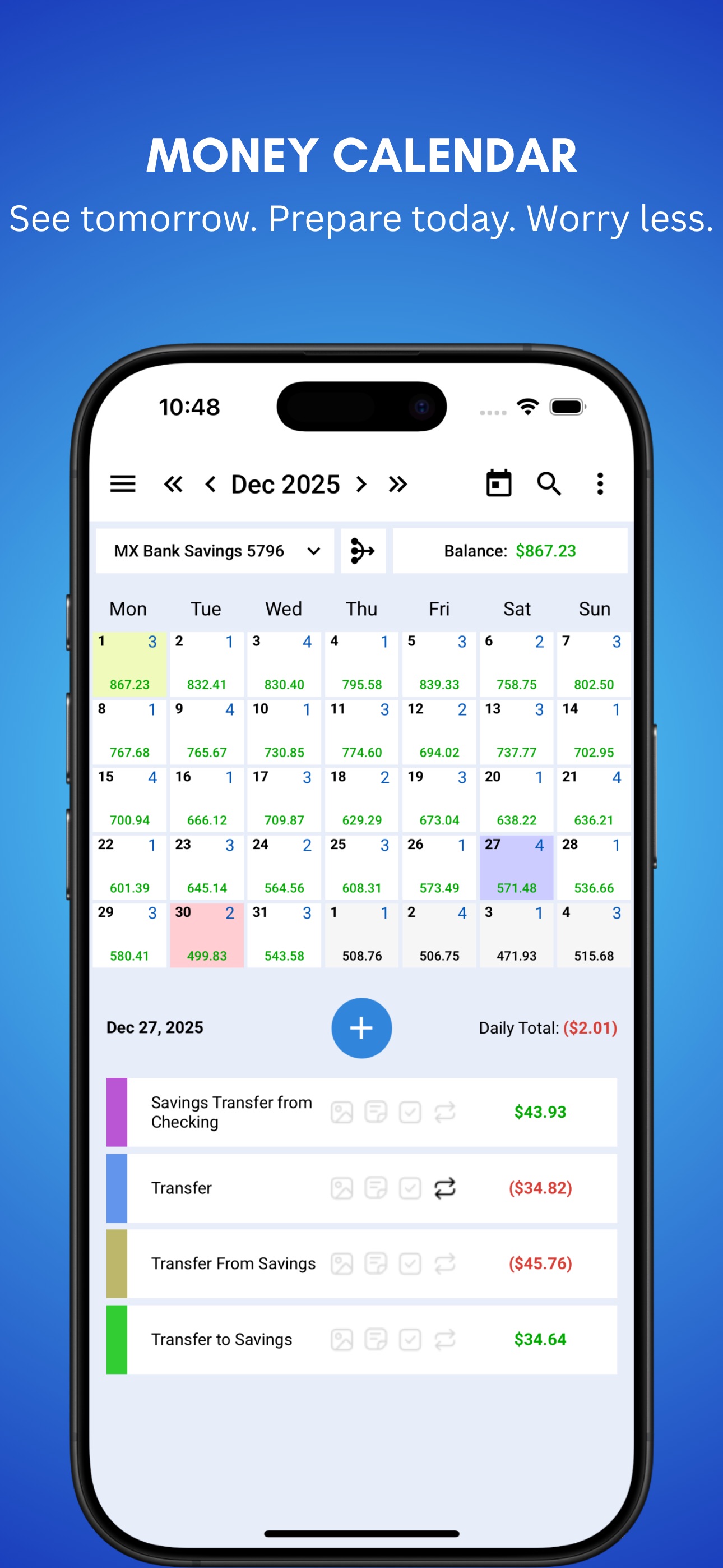
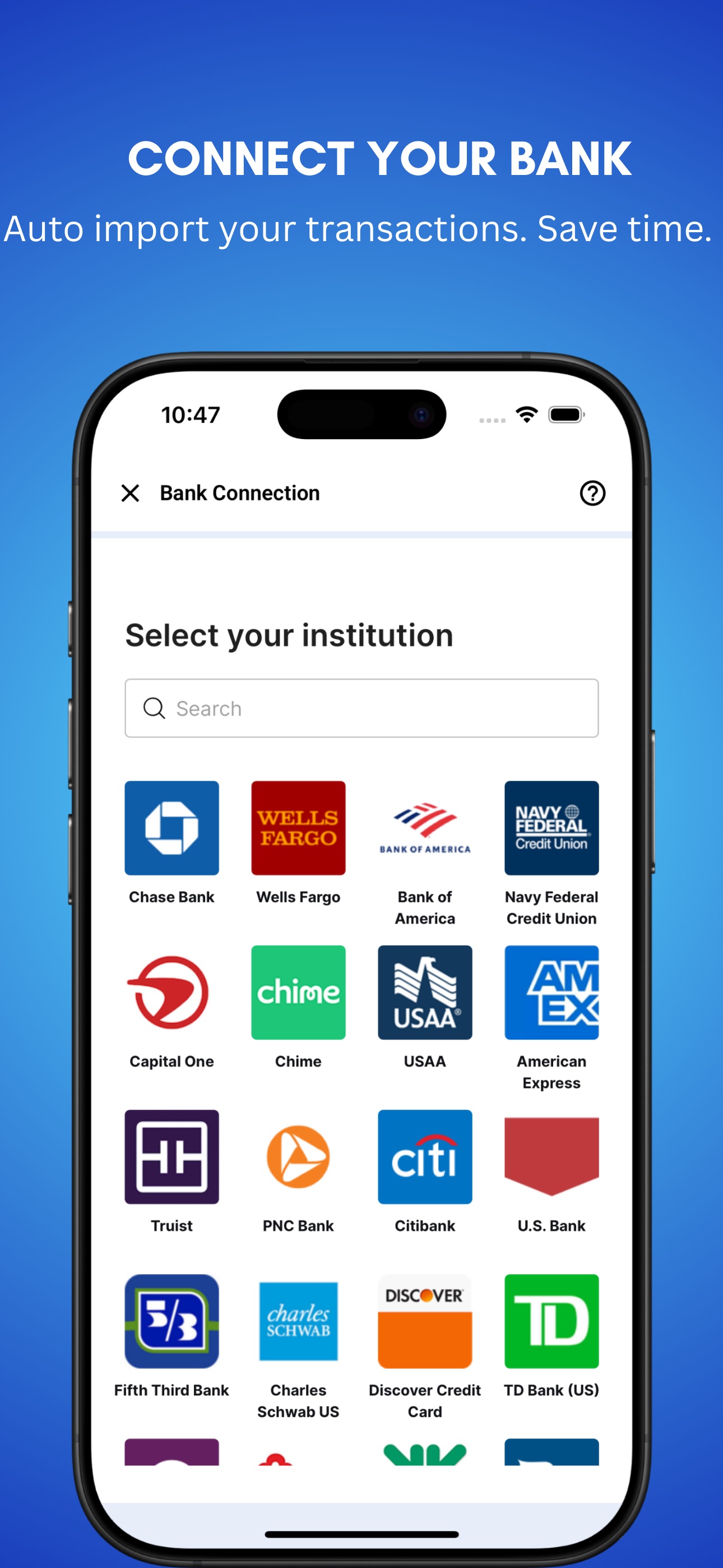
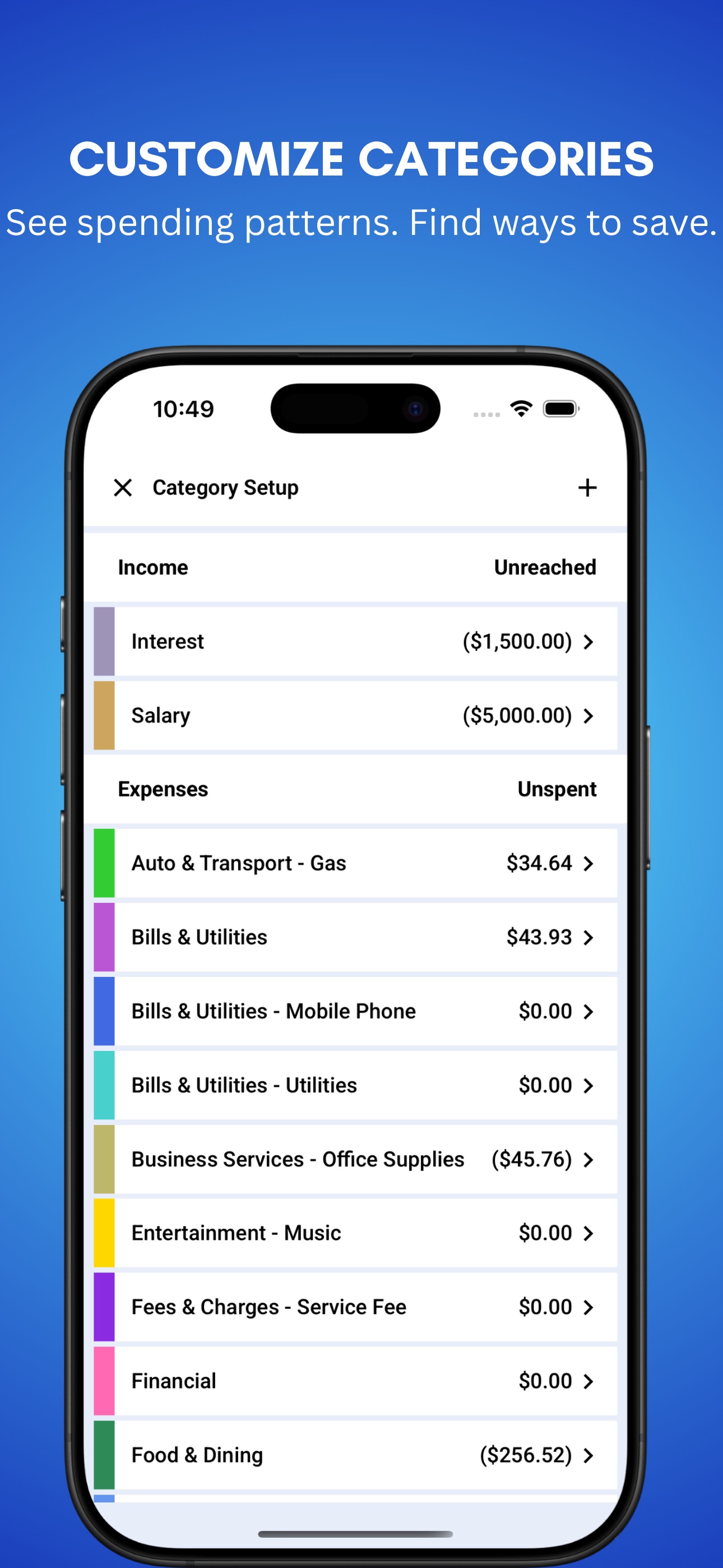
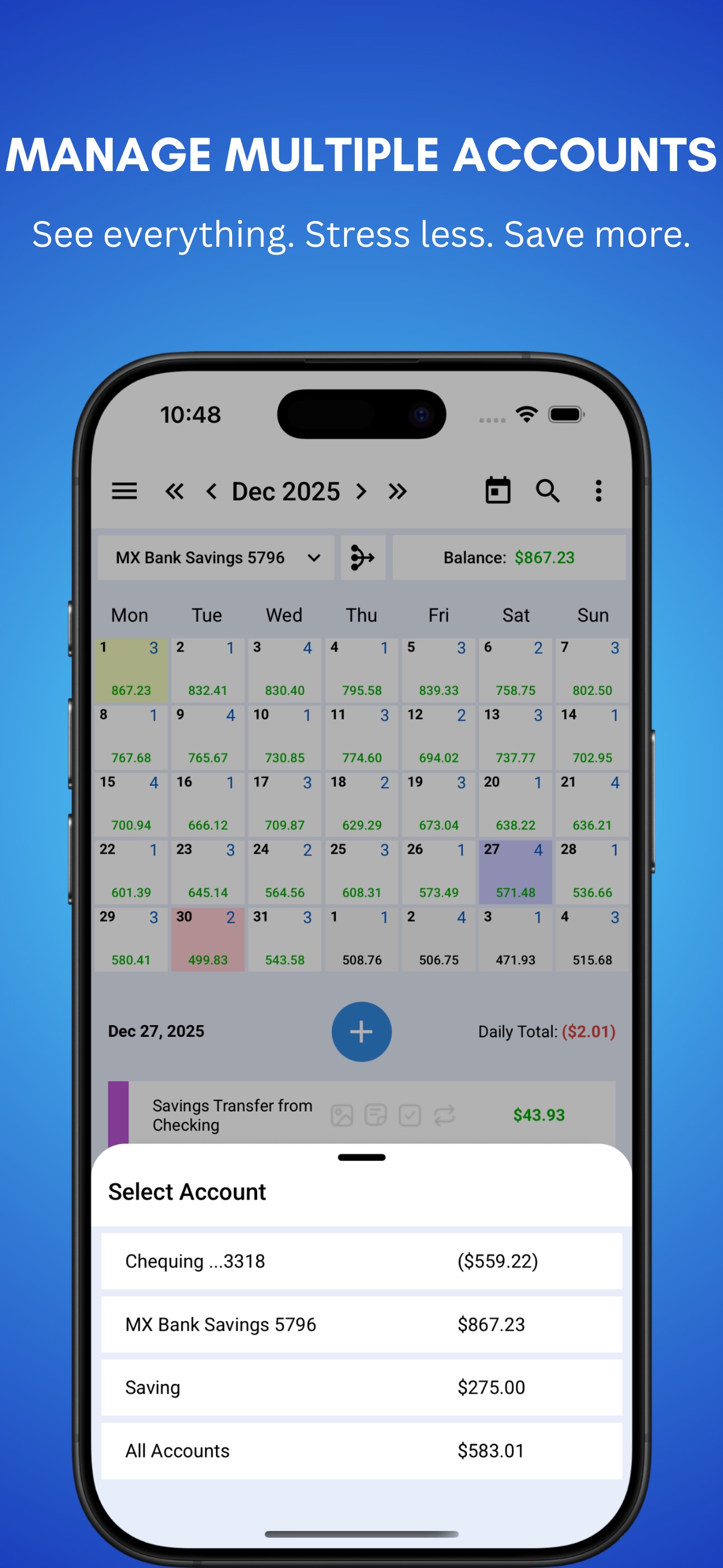
See Your Money Clearly — On a Calendar Most budgeting apps only show what already happened. CalendarBudget shows you what’s coming next, so you can stop guessing, avoid surprises, and feel more in control of your money. CalendarBudget puts your paycheques, bills, spending, and balances on a simple calendar so you can see your real financial picture today, tomorrow, and weeks ahead. Instead of wondering whether you can afford something, you can see the answer before you spend. How CalendarBudget Helps With CalendarBudget, every paycheque, bill, and purchase appears on the day it actually happens. That gives you a clear view of: • what money is coming in • what bills and expenses are coming up • what your balance will be over time This helps you plan ahead, reduce stress, and make better financial decisions with confidence. What You Can Do • See your future balance before you spend • Plan upcoming bills and expenses with confidence • Avoid overdrafts and late-payment surprises • Track spending and compare it to your plan • Organize spending with categories and envelopes • Attach receipts and notes to transactions • Sync across mobile and web • Use visual reports to understand your money habits • Forecast your finances days, months, or even years ahead Why It’s Different Most money apps focus on reports and past transactions. CalendarBudget is built around real life. Life happens on a schedule: • paycheques arrive on payday • bills are due on certain dates • purchases happen on real days • balances change over time CalendarBudget makes budgeting feel natural by showing your money the same way you already think about your life: on a calendar. You do not need to be a budgeting expert. If you can use a calendar, you can use CalendarBudget. Built for Everyday Life CalendarBudget is ideal if you want to: • stop living paycheque to paycheque • stay ahead of bills • plan larger purchases • build savings with less stress • feel more organized and in control • understand your true cash flow clearly Whether you are trying to reduce money stress, stay on top of bills, or simply make smarter day-to-day decisions, CalendarBudget helps you see what’s ahead. 30-Day Free Trial Start with a free 30-day trial. No credit card required. After your trial: • $11.99 per month • $89.99 per year • Full access to forecasting, reminders, and all premium features No contracts. Cancel anytime. Your financial future becomes easier to manage when you can actually see it. Start today with CalendarBudget. Payment Details Payment will be charged to your Apple ID account upon confirmation of purchase. Your subscription automatically renews unless auto-renew is turned off at least 24 hours before the end of the current period. Your account will be charged for renewal within 24 hours before the end of the current period. You can manage or cancel your subscription in Account Settings on the App Store after purchase. Any unused portion of a free trial period is forfeited when purchasing a subscription. Terms of Use: https://calendarbudget.com/terms-and-conditions/ Privacy Policy: https://calendarbudget.com/security-and-privacy/


