

Cinescope
Screenshots



ASO analysis
Short title. You're leaving keyword space on the table.
Solid length. Make sure the first 252 chars hook the reader.
Used by similar apps in your niche, but not in your title or description. Adding these (where genuinely relevant) can broaden your search reach.
Words you and your peers both use. Confirms positioning in this niche.
Keyword rankings
iTunes Search · top 200About
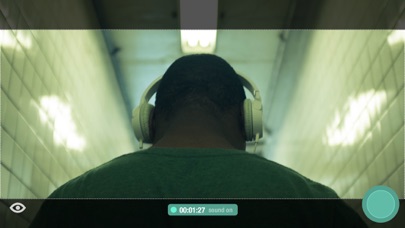
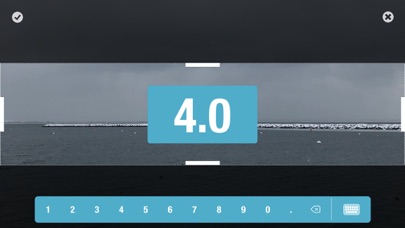
Cinescope version 2.5 is a filmmaker's best friend. Capture your vision with industry-standard aspect ratios, or create and save your own. Swipe the screen using one or two fingers to quickly tweak focus, exposure, tint, and temperature to create the perfect atmospheric mood. Shoot high resolution video in various aspect ratios and at various frame rates. Crop your media or optimize for Instagram with mattes colors based on the color palette of your image. All the features available in Cinescope: Photos • Save in either compressed (JPEG) or uncompressed (TIFF*) format • Store RAW information (DNG*) Videos • Capture in resolutions supported by your device • Pause and resume while shooting • Take a photo while shooting • Capture at 60, 30, 24 fps (based on selected resolution) • Capture with video stabilization (for resolutions that support it) Slow Motion • Capture in various resolutions and frame rates, including 240fps • Pause and resume while shooting • Capture with video stabilization (for resolutions that support it) Aspect Ratios • Capture using industry-standard aspect ratios • Create and save your own custom aspect ratios Live Filter • Capture in low, medium, and high-contrast black & white • Capture in various preset color levels Manual camera adjustment controls • Exposure: Single-finger vertical swipe • Focus: Single-finger horizontal swipe • Temperature: Two-finger vertical swipe • Tint: Two-finger horizontal swipe • Zoom: Pinch • Auto-adjust and fix to point of interest: Tap screen • Shake (or tap Lock Icon) to return to manual control Library • Format media for Instagram with additional color matte options • Crop your photos and videos Other • Swipe left or right on the Camera Function button to quickly move between photo, video, and slow-motion • Swipe left or right on the Aspect Ratio button to quickly change aspect ratios • Shoot in either landscape or portrait mode using any lens supported by your device • Four theme colors, manual control sensitivity adjustment, and alignment grid *Note: iOS does not natively handle TIFF or RAW files. Use an application like Image Capture to pull these formats directly from your device.


