

Clinometer + bubble level
Screenshots
Estimates
low confidenceASO analysis
Good use of the title field.
Solid length. Make sure the first 252 chars hook the reader.
Used by similar apps in your niche, but not in your title or description. Adding these (where genuinely relevant) can broaden your search reach.
Words you and your peers both use. Confirms positioning in this niche.
Keyword rankings
iTunes Search · top 200About
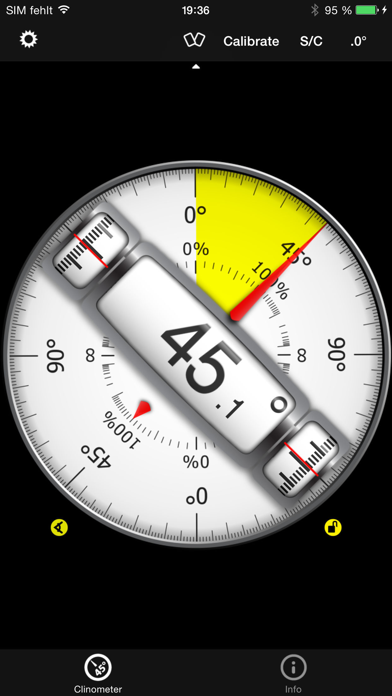
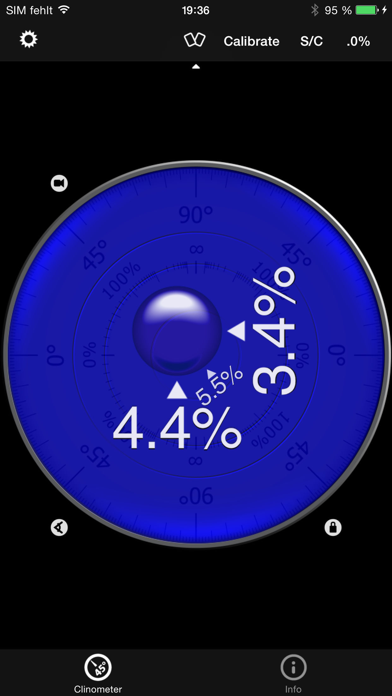
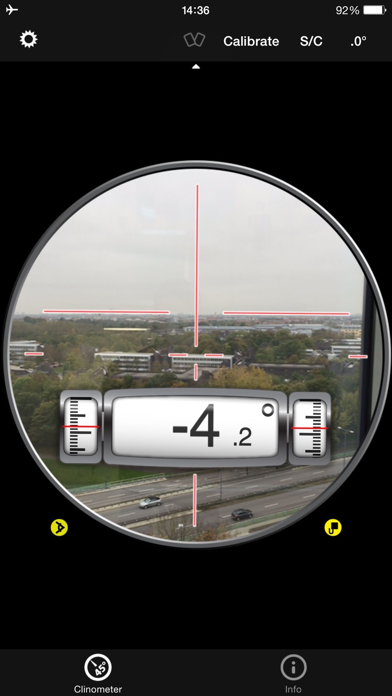
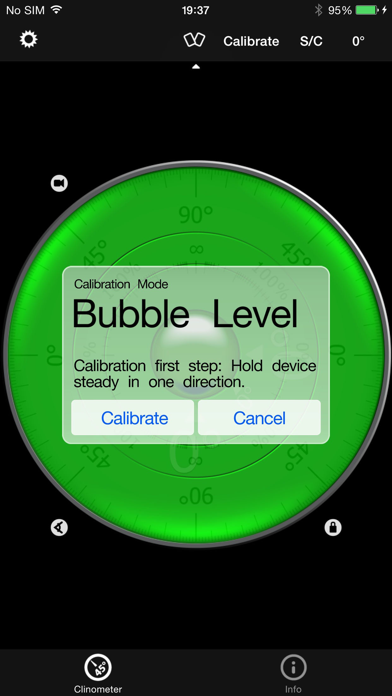
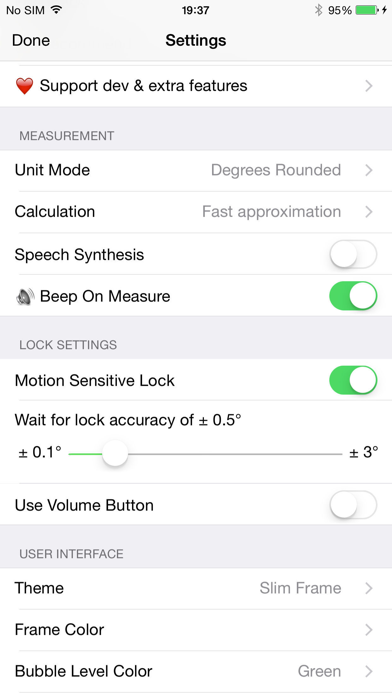
This professional tool called Clinometer is the most precise (all you can get with some calculations) slope measurement tool for the iPhone, iPod Touch and iPad using all sides of the device plus the camera. It can be used for simple applications like aligning a frame as well as for more sophisticated fields of applications where an arbitrary slope needs to be measured exactly. Read the reviews (and write your own) for all the applications you find! Thank for all your positive feedback! Please use our support link if you have questions and suggestions, we don't read the iTunes reviews every day! With this tool, the slope can be measured by all edges of the device and through the camera. The current features include: ◆ 3 Modes (incl. auto switching): Clinometer mode (auto when holding upright), Camera mode (any direction, manual activation) and Bubble level (smoothly fading in when holding flat). ◆ Relative angles: Besides measuring absolute angles, for every mode you can measure the relative angle between device positions ◆ Advanced two way calibration on all sides: For every 4 sides plus the bubble mode you can calibrate in two steps, which allows you to calibrate exactly even on non-level surfaces. Each direction can be calibrated individually to achieve the optimal precision. ◆ Speech synthesis: The device will speak the current reading, so you don't have to watch the display while measuring/aligning your object. ◆ Five different unit modes: The device can display the slope in degrees (rounded or in tenth of degrees), percentage, rise over run (common for roof slope measurement in :12) and 1V:H (common in engineering) ◆ Dial Rotation: You can smoothly rotate the background dial and thus define which side of the device represents 0° and 90° degrees. ◆ Motion-sensitive Lock feature: Besides the common instant simple tap hold mechanism you can activate the motion-sensitive lock. If activated the device waits for the final lock until you hold your device steady enough for at least 2 seconds. You can set the lock sensitivity between 0.1° and 1.0° degrees. ◆ Peer Mode: Use two devices to measure angles: One as a display, the other as the measurement device that can be attached to the hardware you want to align. ◆ Fullscreen Mode: The full screen mode can be toggled by tapping the center of the screen and by the upper and lower arrows in the center. This prevents you from erroneous inputs while measuring. ◆ Different color schemes: Press the S/C Button to instantly switch the color. The color can be selected differently for the bubble and the clinometer mode. The predefined color sets include day and night color schemes (Black on White, White on Black and Red). ◆ Adjustable Auto-Lock: You can prevent the device from turning into the sleep mode. According to wikipedia: An inclinometer or clinometer is an instrument for measuring angles of slope (or tilt), elevation or inclination of an object with respect to gravity. It is also known as a tilt meter, tilt indicator, slope alert, slope gauge, gradient meter, gradiometer, level gauge, level meter, declinometer, and pitch & roll indicator. For recreational use only. After the calibration it CAN (!) be very accurate especially for the main axis after calibration. The measurement is performed as well as possible (we try our best) by using the three inbuilt accelerometers. THANK YOU FOR YOUR SUPPORT! We will improve the application long-term. This was the first application of this kind shortly after the opening of the App Store. Since then it is continuously updated and enriched with new features.


