

Context Camera
Screenshots
Estimates
low confidenceASO analysis
Good use of the title field.
Could go longer. The first 252 chars are above-the-fold; everything else still indexes.
Used by similar apps in your niche, but not in your title or description. Adding these (where genuinely relevant) can broaden your search reach.
Words you and your peers both use. Confirms positioning in this niche.
Keyword rankings
iTunes Search · top 200About
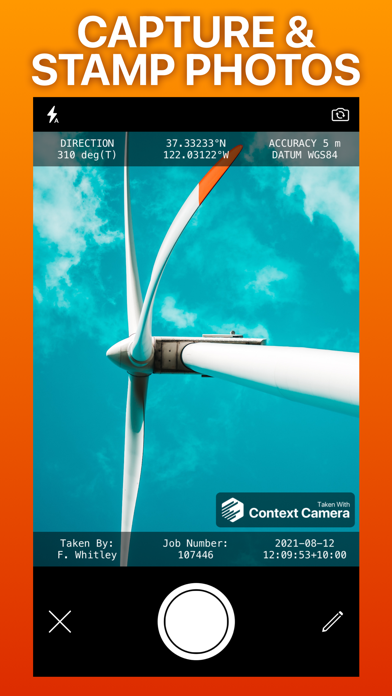
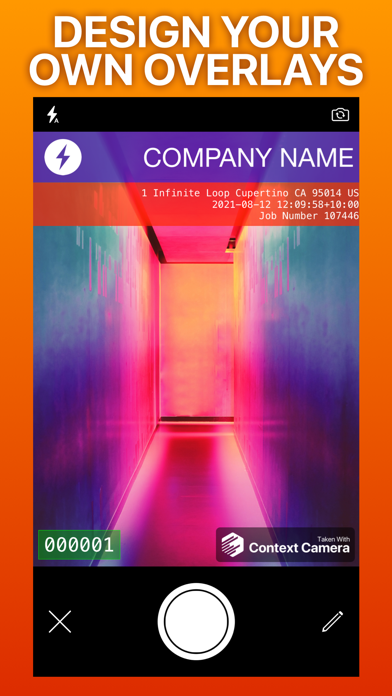
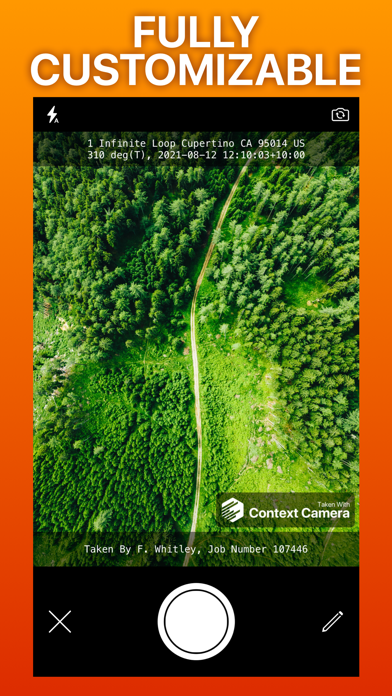
Capture more useful photos by stamping them with flexible information overlays. Trusted by professionals in construction, insurance, safety, inspection and emergency response. No in-app purchases or subscriptions. Key features - Choose from a selection of built-in information overlays, or create your own. - Overlays can show information including location, direction, user comments, date/time, and address, with support for a wide variety of formats and units. Custom overlays also let you add logos and watermarks for a professional touch. - Take photos using the built-in camera which supports zoom, focus and exposure controls. Your chosen information overlay is drawn on the camera preview to show you exactly what your photos will look like. - Store photos inside the app to keep them separate and annotate them, or automatically export them to your photo library, iCloud or Microsoft OneDrive. - Flexible photo export options including custom filenames and exporting multiple photos as zip files. Not supported - Importing photos taken by other apps. - Multiple device sync - photos stored inside the app are stored locally on your device. App Store Privacy Information Note Because you can optionally link cloud storage services to Context Camera, we are required to disclose the considerable data collected by these services in the privacy section of our App Store listing. If you do not link cloud storage services to the app minimal data is collected. See our privacy policy for details. Please email support@contextcamera.com with any questions.


