

Export contacts by Covve
Screenshots

Estimates
low confidenceASO analysis
Good use of the title field.
Could go longer. The first 252 chars are above-the-fold; everything else still indexes.
Used by similar apps in your niche, but not in your title or description. Adding these (where genuinely relevant) can broaden your search reach.
Words you and your peers both use. Confirms positioning in this niche.
Keyword rankings
iTunes Search · top 200About
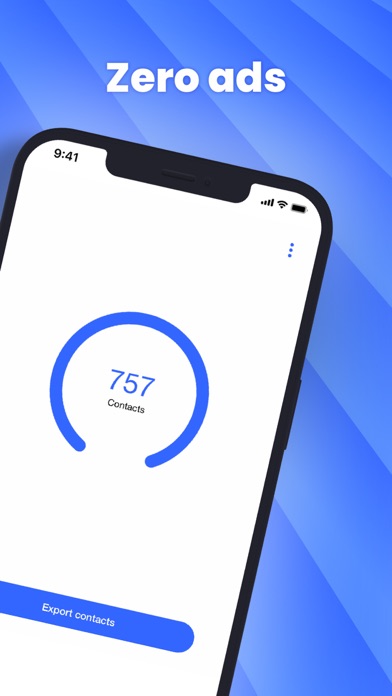
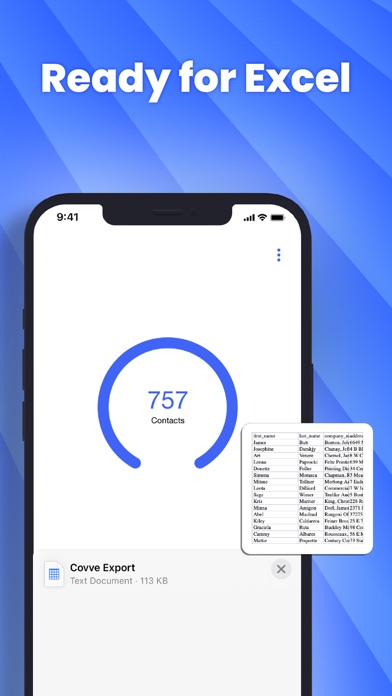
Export your iPhone contacts in CSV / Excel format. As simple as: - download and launch Covve Export - tap the ‘Export contacts’ button - choose where to save/send the file with your exported contacts The exported file contains all contacts and all contact fields, including notes. Export contacts by Covve does not need sign-up and your contacts are processed directly on your phone, guaranteeing your privacy. Covve Export is brought to you by the award winning team behind Covve. Contact us on support@covve.com for any questions and feedback.


