

Finale Keyboard
Screenshots




ASO analysis
Good use of the title field.
Solid length. Make sure the first 252 chars hook the reader.
Used by similar apps in your niche, but not in your title or description. Adding these (where genuinely relevant) can broaden your search reach.
Words you and your peers both use. Confirms positioning in this niche.
Keyword rankings
iTunes Search · top 200About
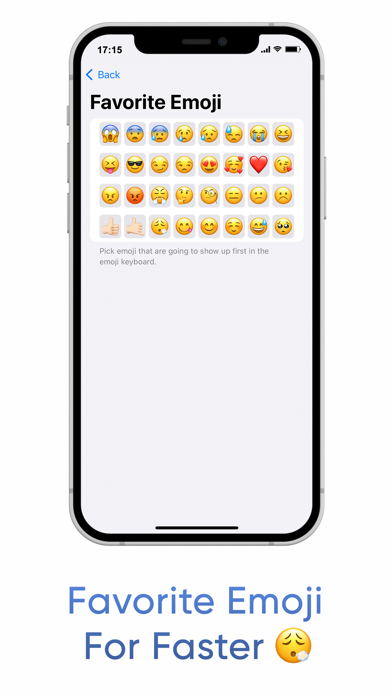
Finale Keyboard is a gesture-based minimal keyboard loaded with smart features to help you type faster. Ever used Fleksy (R.I.P)? You'll feel right at home. A new, freshly renovated, modern home. Finale Keyboard is not your typical keyboard. While you type characters as usual, most other actions - like inserting spaces, autocorrecting, adding punctuation, and more - are done using swipe gestures. Gestures allow you to type much faster than traditional keyboards. While they may take a few days to get used to, once they become second nature, you won't want to type without them. Finale Keyboard also has the smallest footprint of any keyboards available on iPhone. So, not only will you type faster, but you'll also reclaim valuable screen real estate. -- Features -- - Smallest keyboard for the iPhone: Save your screen real estate for what matters the most. - Easy-to-master gestures that let you type faster: Type blazingly fast with convenient gestures for your most important actions. - Smart autocorrect: Swipe right after typing a word to quickly autocorrect it and insert a space. Don't worry about typos - Finale will take care of misspellings for you. - Learns your vocabulary: Often use "gonna", "wanna", "yaaas", or have your own unique slang? Finale Keyboard will automatically learn words you type often and add them to its dictionary. - Shortcuts Add shortcuts to any key and trigger them with a downward swipe. Insert emojis, contact information, perform cut / copy / paste, and more. - Dynamic touch zones Finale Keyboard predicts which characters you are most likely to type next and will dynamically increase their touch zones to help you be more accurate. - Favorite Emojis: Create a personalized emoji layout so your most-used emojis are always exactly where you expect them. -- Gestures guide -- Essential - swipe right: Autocorrect a word and insert space. - swipe right after space: Insert punctuation - swipe up or down: Cycle through suggestions - swipe left: Delete word - swipe up on 'shift': Toggle symbols - swipe left on 'backspace': Open emojis - swipe up on 'backspace': Return Shortcuts - swipe down on shortcut key: Use shortcut - hold 'backspace': Peak shortcuts Miscellaneous - swipe up on 'shift': Change language - swipe up: Learn new word - hold 'shift': Toggle autocorrection - hold and slide anywhere: Move cursor - swipe up and hold: Continuously type character Supported languages: English, Russian, Spanish, and German. Email me at grant@finaletodo.com to request the language you need!


