Frames Creative PIP in Photo
Screenshots
ASO analysis
Good use of the title field.
Solid length. Make sure the first 252 chars hook the reader.
Used by similar apps in your niche, but not in your title or description. Adding these (where genuinely relevant) can broaden your search reach.
Words you and your peers both use. Confirms positioning in this niche.
Keyword rankings
iTunes Search · top 200About
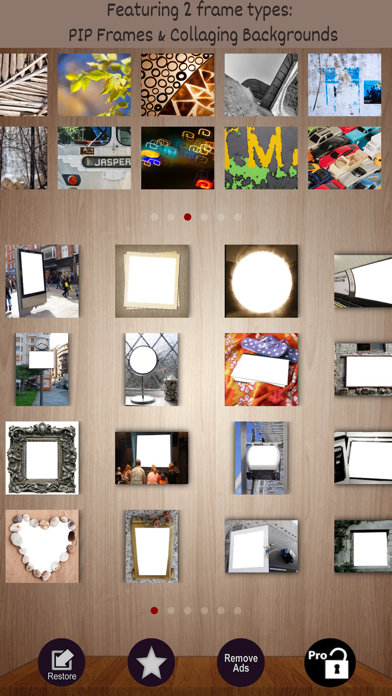
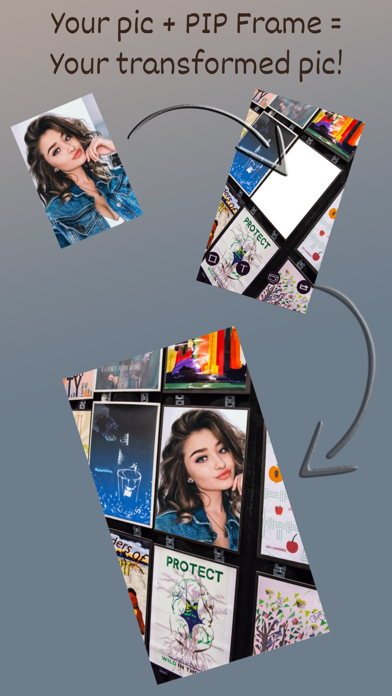
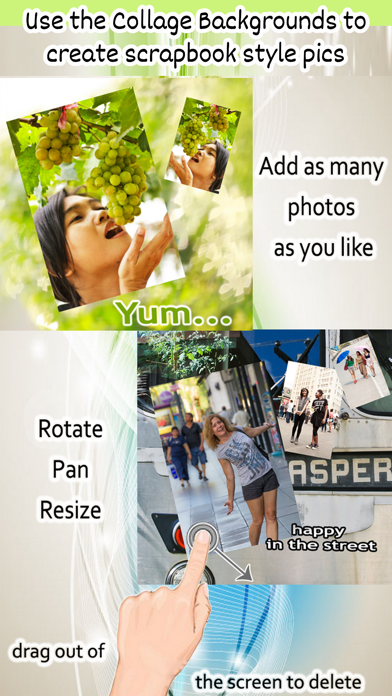
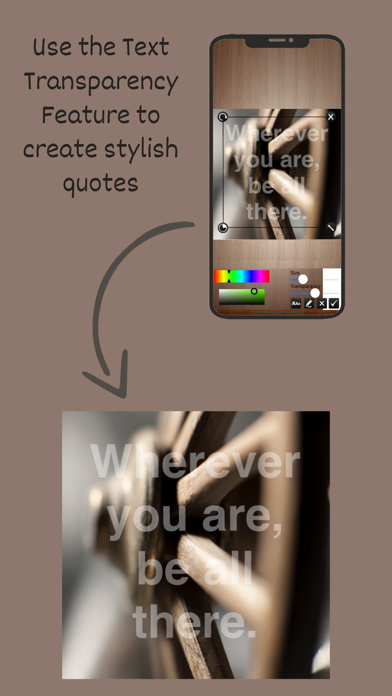
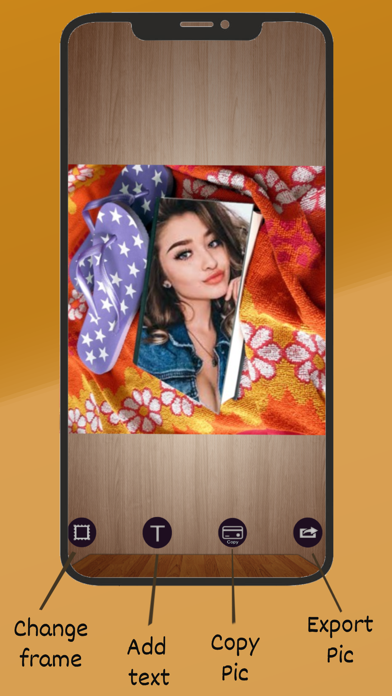
Specially designed frames for portrait and people photos. Transform selfies and portraits into amazing photos with the unique real life frames. 1. Combine your photo with our unique real life frame to create fun photos to impress your friends. 2. share entire photo on Instagram instantly,no cropping, on white or artsy backgounds! 3. combine multiple photos in one frame with no grid to make scrapbook, postcard, etc 4. add text label to your picture (with adjustable font, color, size and transparency) ************************* Features: -- Over 60 unique PIP Real Life frames! They are the only kind in the app store. They are nothing like the ordinary frames. Simply use the frames to turn an ordinary photo into a genius piece as if you were on a movie screen, billboard, magazine cover…etc It's the easiest way to combine two photos together! No painful erasing or exposure adjustment required. -- 48 most flexible ever Collage Frames Unlike any other frame / collage apps, Flexi frames allow you to add 1, 2 ,3,4 …or as many photos as you like, zoom them, rotate them, and place them anywhere you like... No restrictions! With the total freedom, you can arrange the photos just how YOU like it. Use the beautiful Flexi frames for an artistic presentation of single or multiple photos, make scrapbooks, post cards, posters ... the imagination is yours! All the 48 background are carefully selected with to give your photo an artsy presentation, and purposefully made square for instant Instagram sharing -- WYSIWYG text editing interface allows you to add word art to your picture EASILY! -- Simple to use fast editing We pride ourselves in designing a simple to use interface, so each task is done with minimum fuss. >tap on the frame icon to change frame >tap on the photo area to add/change a photo >move a photo with one finger >rotate, resize with two fingers >drag a photo off the screen to delete it -- All frames are built-in for offline use anytime anywhere We love to see your photos. Follow us on Instagram @frameitfree and post #Frame-it pics Don’t forget to tell us what you’d like to see added to the app. Write a review and let us know! Or send an email to frameitfree@gmail.com