

Glow Keyboard - Customize & Theme Your Keyboards
Screenshots
Estimates
low confidenceASO analysis
Over the 30-character limit by 18 — Apple will truncate on display.
Could go longer. The first 252 chars are above-the-fold; everything else still indexes.
Used by similar apps in your niche, but not in your title or description. Adding these (where genuinely relevant) can broaden your search reach.
Words you and your peers both use. Confirms positioning in this niche.
Keyword rankings
iTunes Search · top 200About
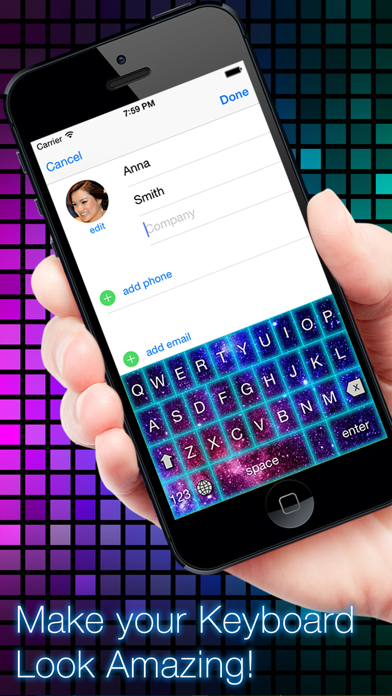
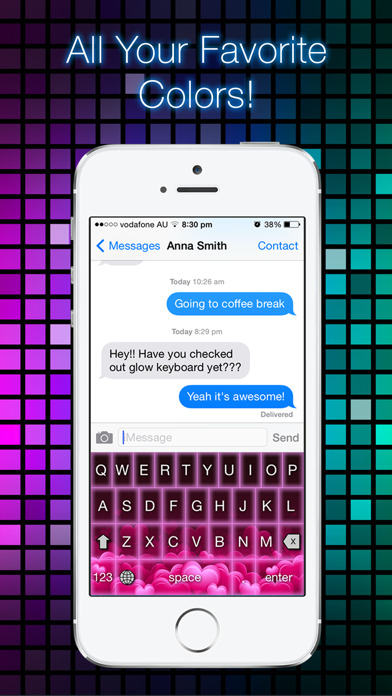
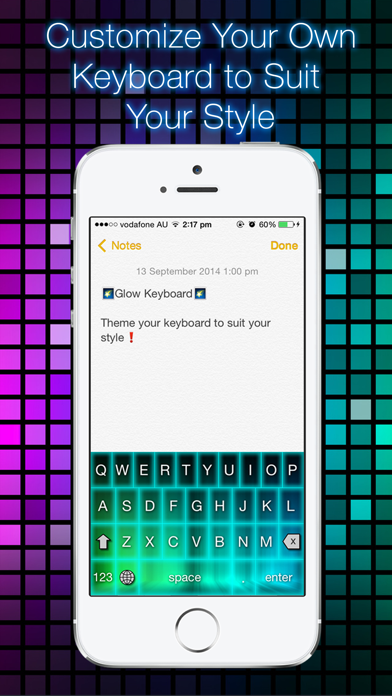
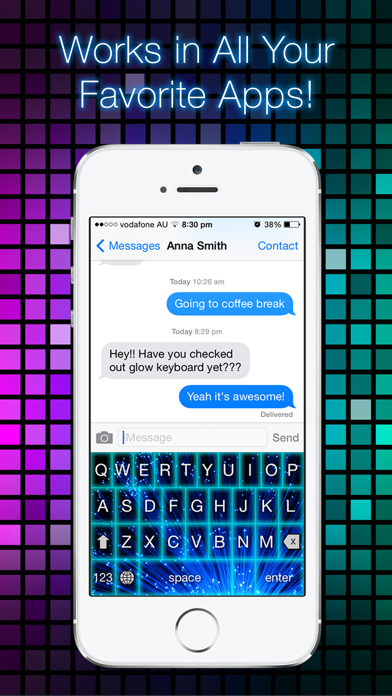
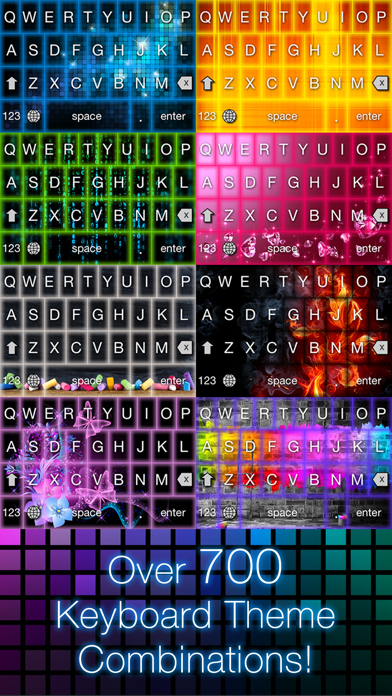
** ON SALE! ** ** 50% OFF FOR A LIMITED TIME ONLY ** Make Your Keyboard Look AMAZING with Glow Keyboard! Customize and Theme your Keyboard to Suit your Style. Users Love Glow Keyboard ------------------ ***** 5 Star Review Awesome af!! Love it is is so amazing. - Victoire ***** 5 Star Review I'm not going to lie, at first I though this wasn't going to work, that it would be another one of those scams. But to my suprise it worked perfectly!. It's a really cool app that i definitely recommend plus it's cool to show off to your friends! - Bobalina ***** 5 Star Review I love this app!! It's really cool and awesome and there is a lot of different styles and i think you should give it a try! Definitely 5 Stars! - Grayson12345 Features: ------------ - Systemwide keyboard. Works in all your favorite apps - Customizable keyboard. Select your favorite themes and colors. - Over 700 possible keyboard theme combinations. - Keyboard actually GLOWS when you type! - Automatic Capitalization. - Caps Lock support. How to Save and Enable Your Glow Keyboard: ------------------------------------- 1. Open 'Settings' app. 2. Select 'General’ -> 'Keyboard’ -> 'Keyboards’ 3. Select 'Add New Keyboard’ 4. Select 'Glow Keyboard’ 5. Open your keyboard in any app and press the ‘Globe’ button to switch to Glow Keyboard. Make Your Keyboard Look Amazing Today with Glow Keyboard!


