

Google Authenticator
Screenshots
Estimates
medium confidenceASO analysis
Good use of the title field.
Could go longer. The first 252 chars are above-the-fold; everything else still indexes.
Used by similar apps in your niche, but not in your title or description. Adding these (where genuinely relevant) can broaden your search reach.
Words you and your peers both use. Confirms positioning in this niche.
Keyword rankings
iTunes Search · top 200About
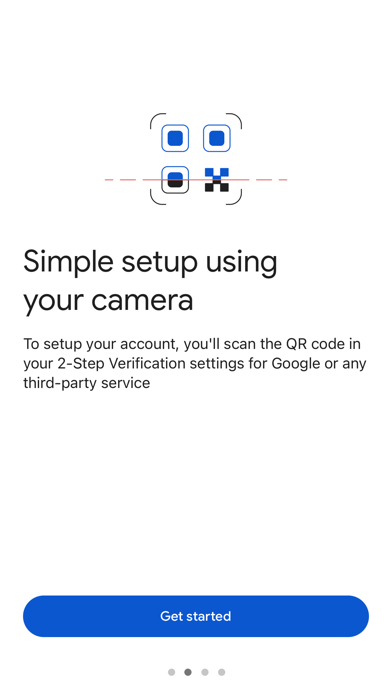
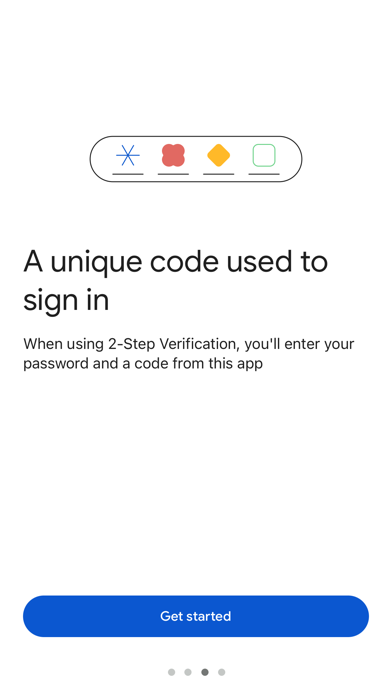
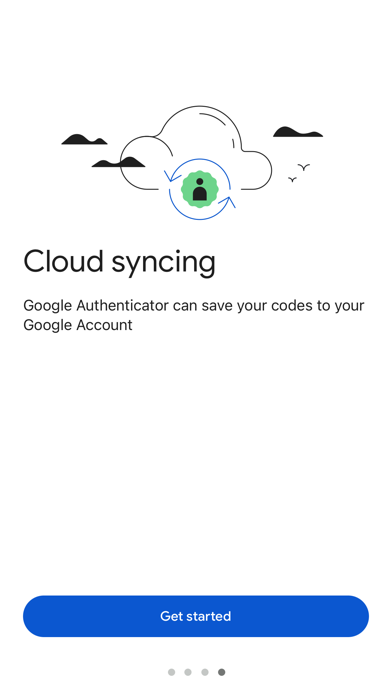
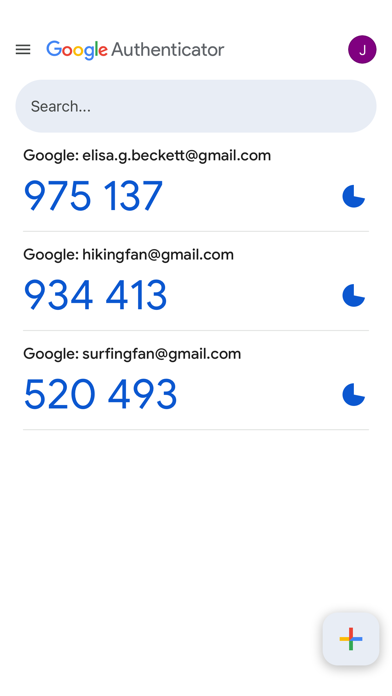
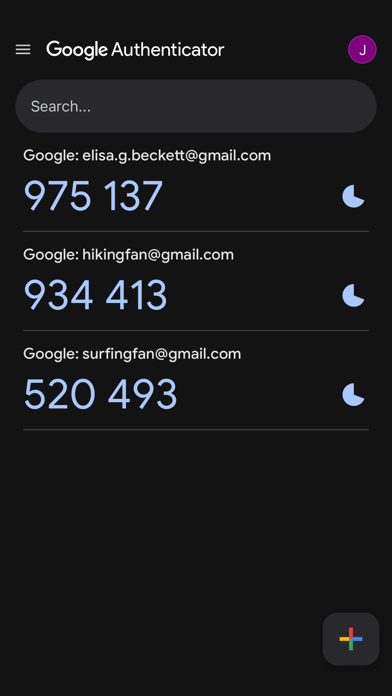
Google Authenticator adds an extra layer of security to your online accounts by adding a second step of verification when you sign in. This means that in addition to your password, you'll also need to enter a code that is generated by the Google Authenticator app on your phone. The verification code can be generated by the Google Authenticator app on your phone, even if you don't have a network or mobile connection. • Sync your Authenticator codes to your Google Account and across your devices. This way, you can always access them even if you lose your phone. • Set up your Authenticator accounts automatically with a QR code. This is quick and easy, and it helps to ensure that your codes are set up correctly. • Support for multiple accounts. You can use the authenticator app to manage multiple accounts, so you don't have to switch between apps every time you need to sign in. • Support for time-based and counter-based code generation. You can choose the type of code generation that best suits your needs. • Transfer accounts between devices with a QR code. This is a convenient way to move your accounts to a new device. To use Google Authenticator with Google, you need to enable 2-Step Verification on your Google Account. To get started, visit http://www.google.com/2step


