

Hours Time Tracking
Screenshots
ASO analysis
Good use of the title field.
Solid length. Make sure the first 252 chars hook the reader.
Used by similar apps in your niche, but not in your title or description. Adding these (where genuinely relevant) can broaden your search reach.
Words you and your peers both use. Confirms positioning in this niche.
Keyword rankings
iTunes Search · top 200About
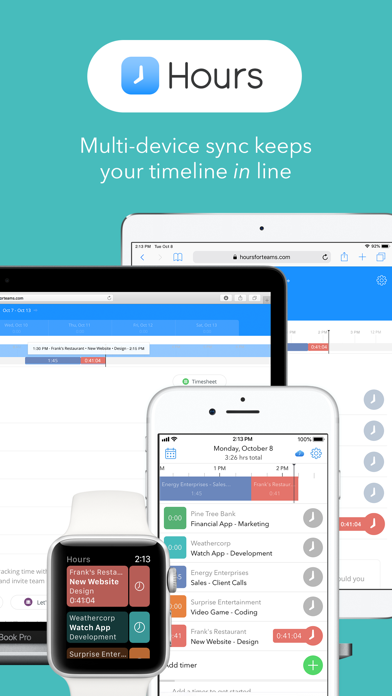
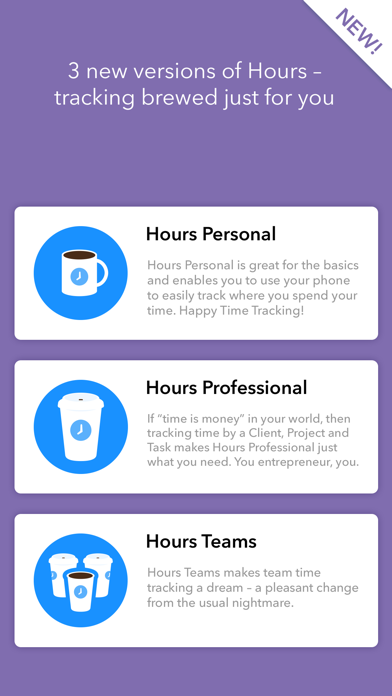
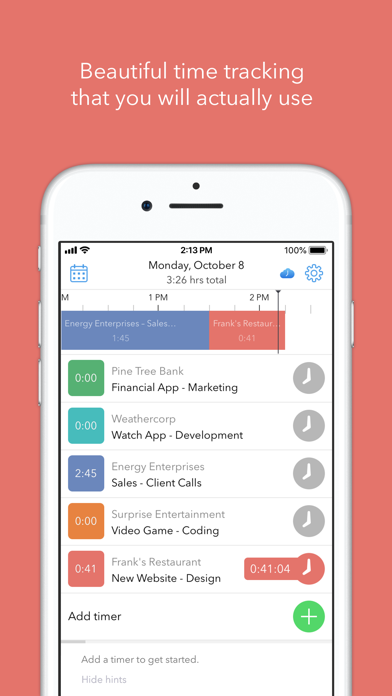
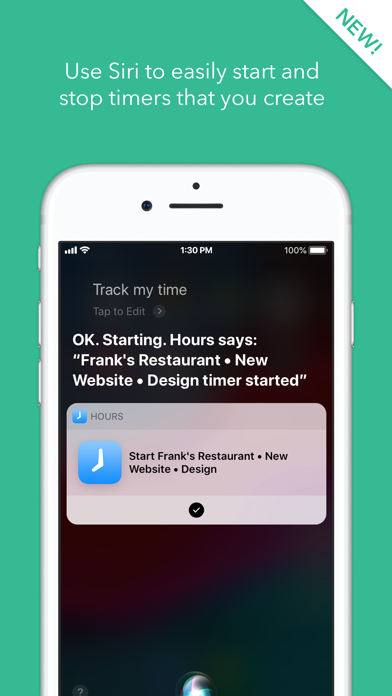
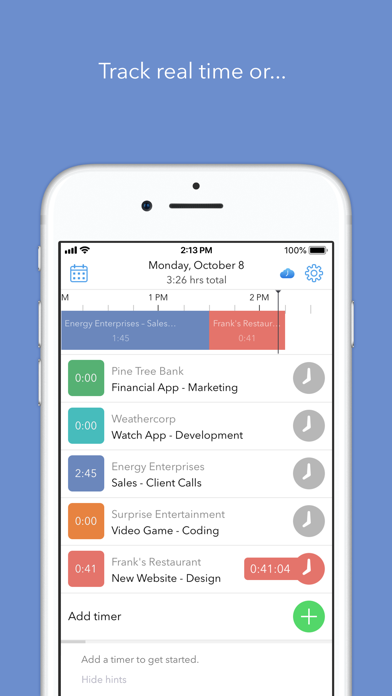
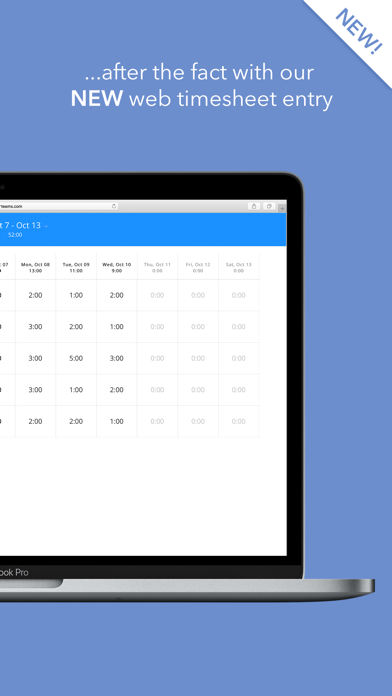
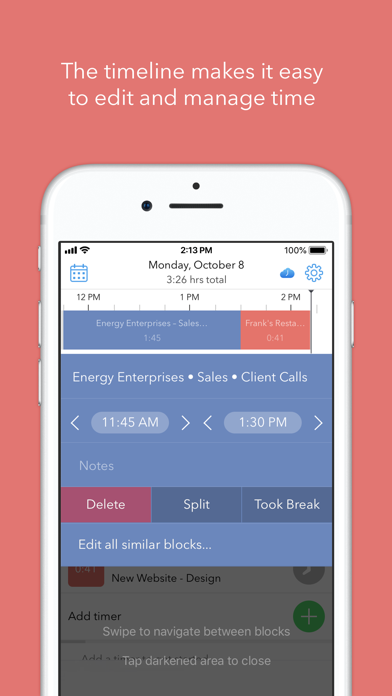
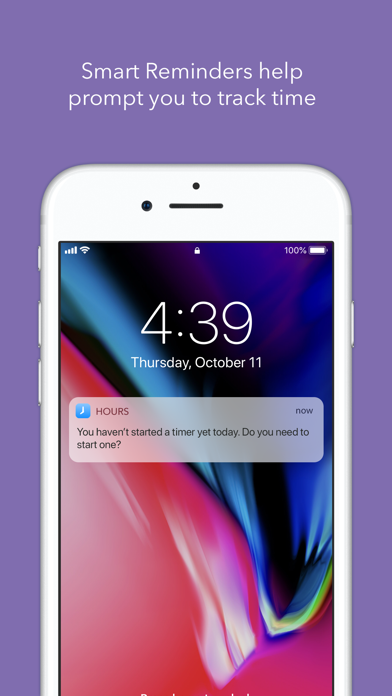
Hours Time Tracking let's you track time as an individual, freelancer, contractor, employee or as part of a team. Activate a simple timer to track where you spend your hours, use the visual timeline to correct mistakes or use the bulk timesheet entry to create a timesheet after the fact. Flexibility makes this the ideal time tracker tool to track all of your hours easily and quickly. Whether you are tracking personal time or tracking your hours as a professional such as a freelancer, developer, contractor or part of a Team for employee time tracking, the Hours app is the perfect choice for an easy time tracker. Multiple hours tracking options: Hours Personal - easily track time for personal use. Hours Professional - enables freelancers, contractors and entrepreneurs to track time on projects and invoice for their time. Hours Teams - enables collective tracking for team members working on a project. "The Perfect iPhone Time Tracking App" - Forbes "Surprisingly pleasant to use…well-thought-out interface" - TechCrunch “The world’s easiest way of tracking your time.” - 9to5Mac Best New Apps - Apple With a visual timeline, smart reminders, reporting, and an easy to use interface crafted by an Apple Design Award winning team, Hours lets you: - Choose between the Professional, Team and Personal version based on the features you need - Easily create simple timers that track tasks real time or use our timesheet option for after the fact time entry - Start/stop/switch timers with one tap - Edit the visual timeline to quickly identify and correct mistakes - Sync your time across multiple devices including Apple Watch and Hours Web - Invoice for your time with the Professional and Team versions - Use Siri to start and stop time tracking Please email us if you have any questions or suggestions to improve the app: support@hourstimetracking.com Hours offers an "Hours Pro" monthly subscription for $7.99 per month and an “Hours Pro” yearly subscription for $59.99 annually. When you purchase a subscription, it will be charged to your credit card through your iTunes account and will automatically renew unless canceled at least 24 hours prior to the end of the current period. Hours also offers an "Hours Personal” subscription for $19.99 annually. When you purchase a subscription, it will be charged to your credit card through your iTunes account and will automatically renew unless canceled at least 24 hours prior to the end of the current period. To manage your subscription, (including upgrading, downgrading and deactivating auto-renewal), go to the Account Settings screen after purchase. Instructions are available at: https://support.apple.com/en-us/HT202039 Privacy Policy: https://hourstimetracking.com/privacy-policy/ Terms of Service: https://hourstimetracking.com/terms-of-service/


