iDOS 3
Screenshots

Estimates
low confidenceASO analysis
Short title. You're leaving keyword space on the table.
Could go longer. The first 252 chars are above-the-fold; everything else still indexes.
Used by similar apps in your niche, but not in your title or description. Adding these (where genuinely relevant) can broaden your search reach.
Words you and your peers both use. Confirms positioning in this niche.
Keyword rankings
iTunes Search · top 200About
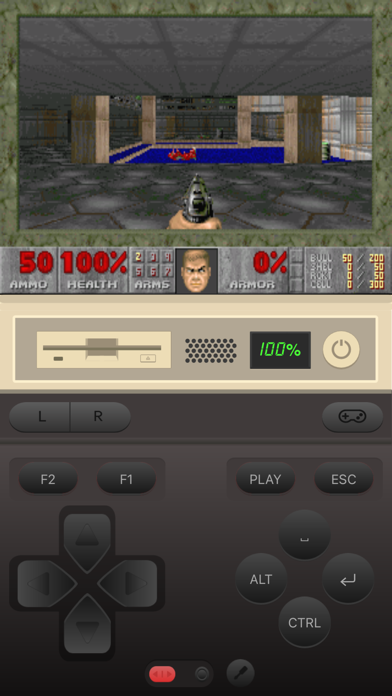
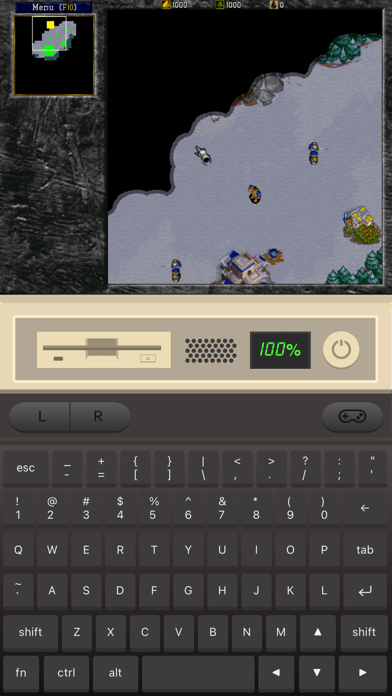
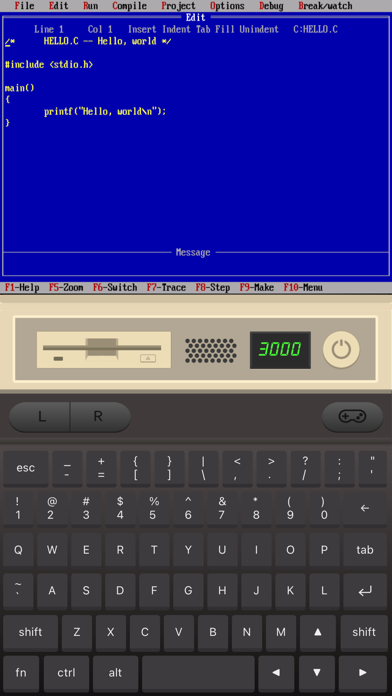
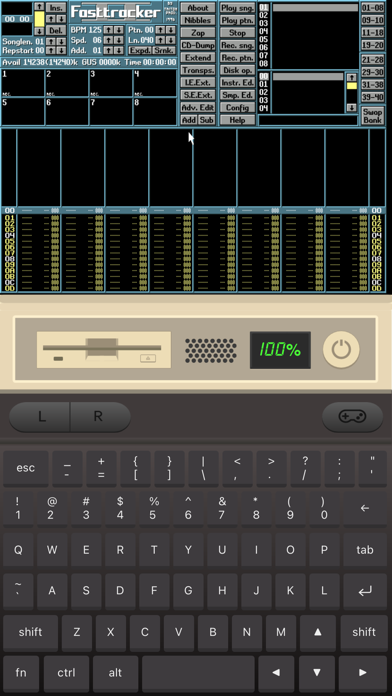
Play classic DOS games on your iPhone and iPad! iDOS turns your device right into a powerful DOS gaming PC, with modern game control to make your old favorites as playable as possible. You can also use iDOS for non-gaming purposes, such as word processing, casual programming. Apps in the DOS days are often simpler and surprisingly productive. KEYBOARD iDOS provides a PC compatible on-screen keyboard with carefully designed layouts for different devices and orientations. The keyboard has a sliding control in landscape mode so that you can keep it from covering critical part of the screen. Bluetooth keyboard is fully supported on iOS 14+. GAMEPAD iDOS provides a virtual gamepad with key bindings that are fairly common in DOS games. You can customize the bindings. The DPAD works in 8-axis way. It can also be toggled into a joystick. External bluetooth game controllers are supported. Make sure your game controller is connected (System Settings->Bluetooth). To customize button bindings, go to iDOS in landscape mode, tap on bluetooth icon on the auto-hiding top bar. MOUSE The screen area serves as a trackpad for moving mouse pointer. Tap on the screen for left click. If direct touch is enabled, the mouse pointer will move to where you tap. Hold one finger on the screen, and tap with another finger for right click. On-screen mouse buttons are also provided for your convenience. Bluetooth mouse are fully supported on iOS 14+. AUDIO iDOS supports mt32 emulation, MIDI sound fonts, cuesheet based CDimage with compressed audio tracks (ogg/mp3/flac). SUPPORT - Visit https://litchie.com/dospad for more information - Send email to idos@litchie.com - Follow the developer on Twitter: https://twitter.com/litchiedev - iDOS is open source, report issue on https://github.com/litchie/dospad