Manual – RAW Camera
Screenshots
Estimates
low confidenceASO analysis
Good use of the title field.
Could go longer. The first 252 chars are above-the-fold; everything else still indexes.
Used by similar apps in your niche, but not in your title or description. Adding these (where genuinely relevant) can broaden your search reach.
Words you and your peers both use. Confirms positioning in this niche.
Keyword rankings
iTunes Search · top 200About
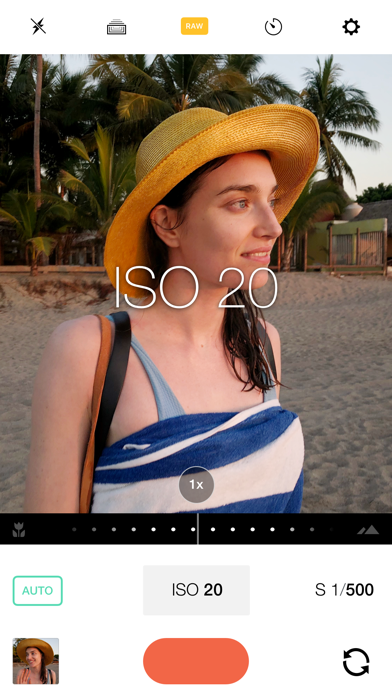
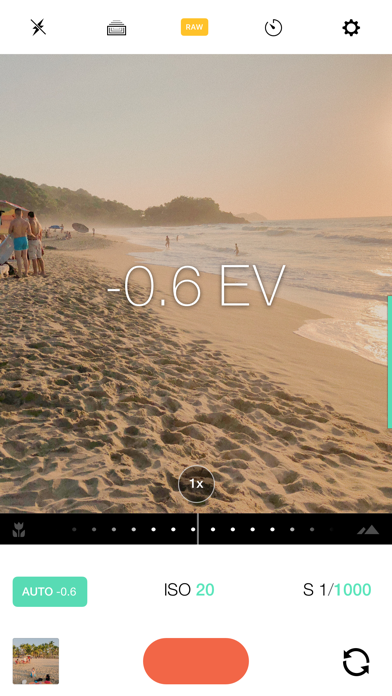
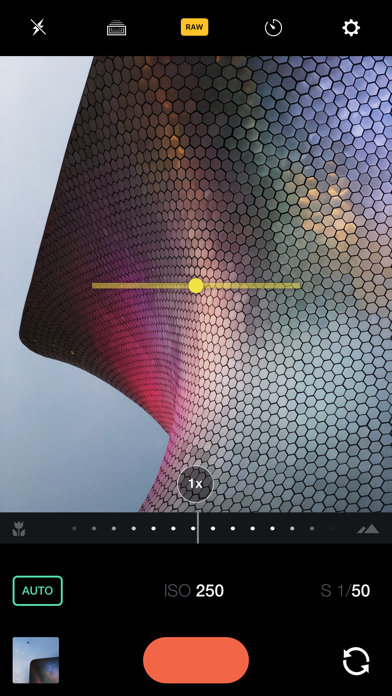
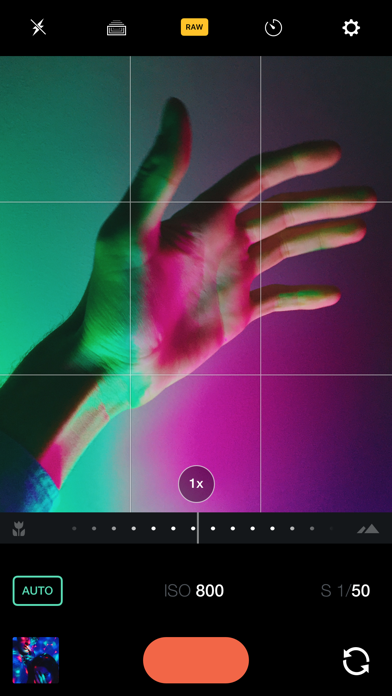
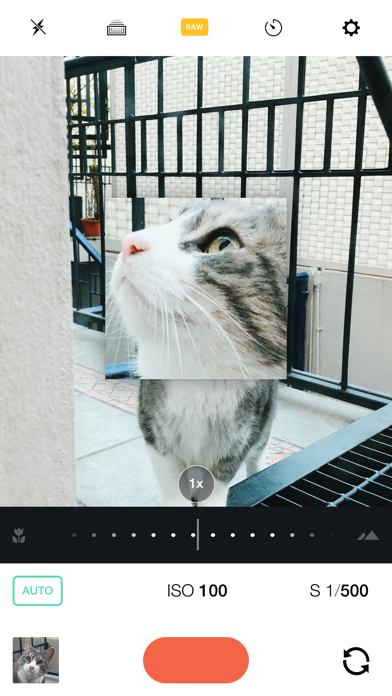
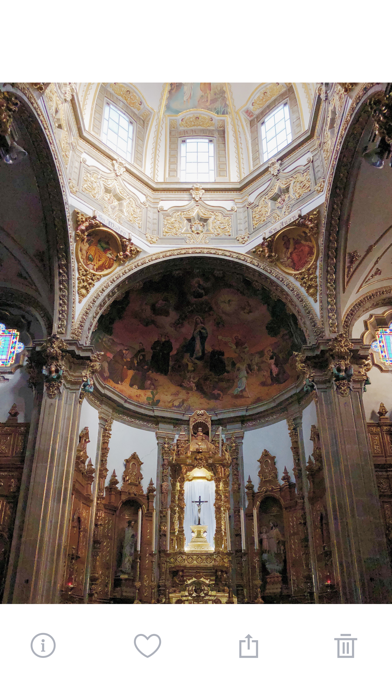
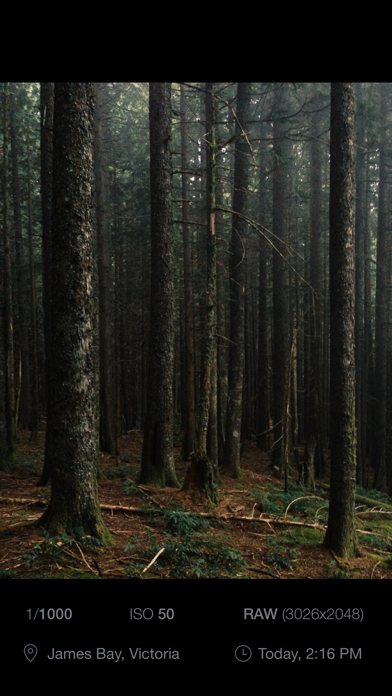
Custom exposure for your iPhone camera. A simple intuitive interface for powerful controls, saving images in the RAW DNG format to your camera roll. Featured in the NYTimes "If you like to manually adjust camera settings, you’ll love Manual". A powerful camera app with full control over your image. Quickly and simply adjust all parameters of your image. Every control a professional needs to take a photo is within reach. No more tapping and hoping automatic can understand what you want. Take control. Full independent control of • Shutter • ISO • Focus • Exposure Compensation Cool Things® • RAW DNG and/or HEIF format • Focus Zoom • Histogram • Level • Timer • Depth Capture • Fill Flash Mode (Flashlight) • Grid Overlays (Thirds, Square) • Light & Dark Themes • EXIF Viewer If you're a photographer tired of trying to tap your way to the exposure you want, then this is the app for you. Fighting to get the sweet spot between a blown out background and a silhouetted subject? Stop tapping and just set the ISO and shutter yourself – you know how, stop letting your silly pocket computer decide what looks good to you. Be better than automatic. Shoot Manual. — Requires iOS 11 or later. RAW capture available on iPhone SE, 6s and above. HEIF capture is available iPhone 7 and above. — Made by William Wilkinson & Deepak Mantena @shootmanual http://shootmanual.co