MarginNote 3
Screenshots
ASO analysis
Good use of the title field.
Solid length. Make sure the first 252 chars hook the reader.
Used by similar apps in your niche, but not in your title or description. Adding these (where genuinely relevant) can broaden your search reach.
Words you and your peers both use. Confirms positioning in this niche.
Keyword rankings
iTunes Search · top 200About
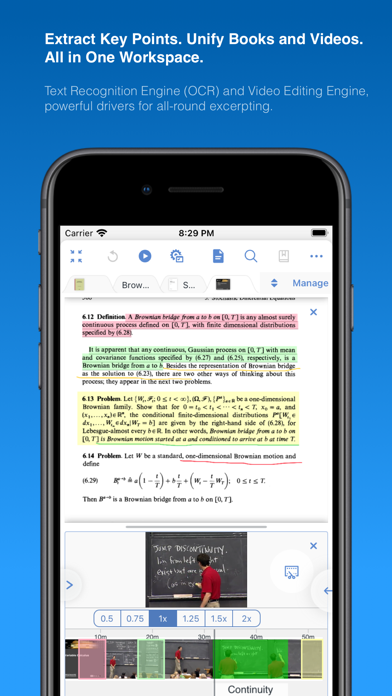
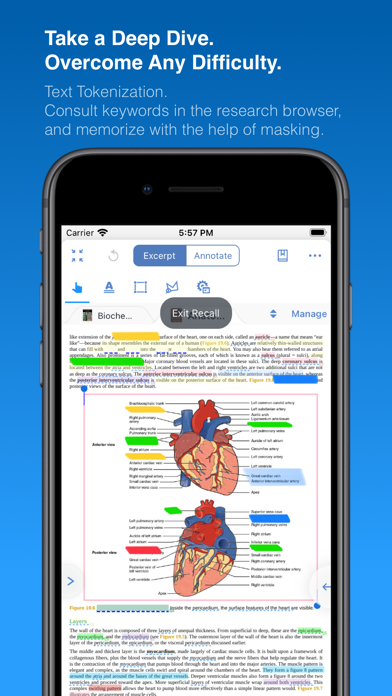
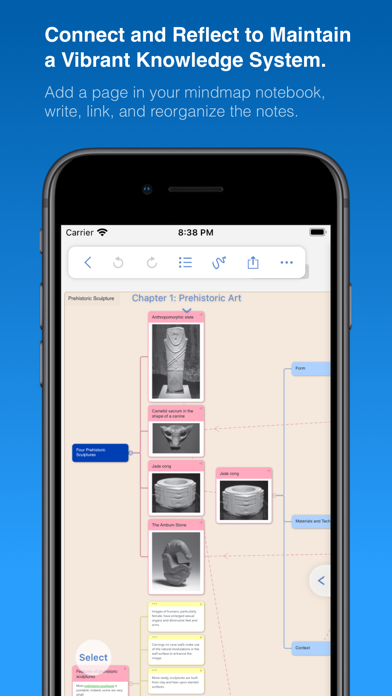
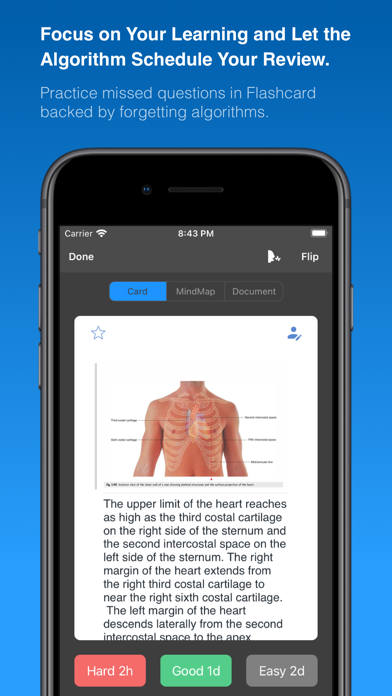
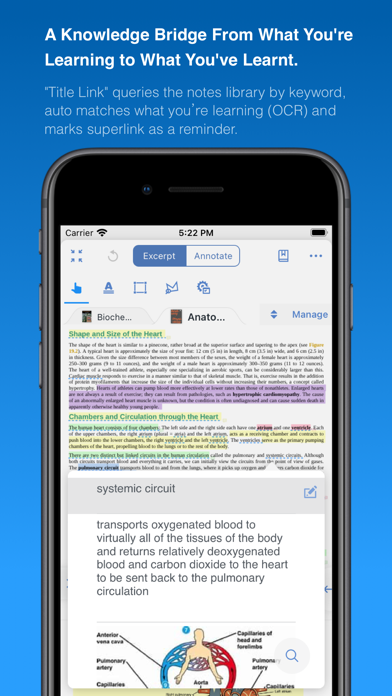
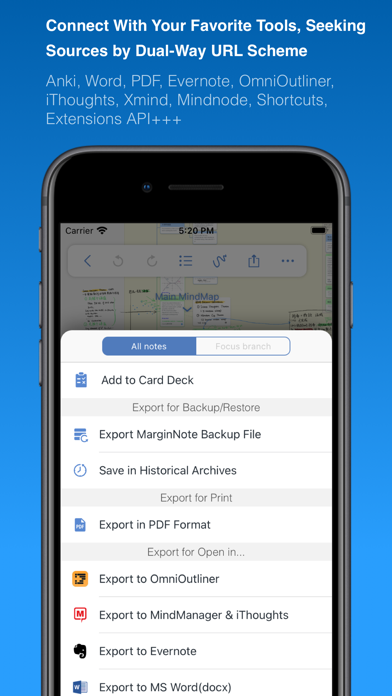
MarginNote 3, all brand new e-reader to better study and digest your books Integrating powerful tools for book annotation, mindmapping, flashcards and more, to build up your reading notes as never before. ============================================ Welcome to MarginNote. This is a highly powerful reading and study software and is applicable to Mac, iPad, and iPhone. By integrating the PDF/EPUB reader and multiple powerful study tools, MarginNote will enable learners to reorganize and connect knowledge from different aspects, then memorize and grasp it accordingly. Whatever your profession, such as student, educator, researcher, lawyer, or life-long learner, you may annotate and take notes through MarginNote, organize notes via Mindmap and Outline, connect knowledge horizontally via Hashtag and raise memory effect via the Flashcards. You will discover what MarginNote does is not to simply integrate these tools. Instead, it combines them deeply and skillfully, which makes it easier for users to toggle between different tools. What's New in MarginNote 3 * New and Clean UI Completely redesigned. * Improved performance and Running more smoothly * Support both Document Reading mode & Study Reading mode. * Excerpts & Note-taking * Enhanced Handwriting & apple-pencil support. * Support TextBox on PDF. * Support direct text-typing & sketching when editing note cards. * Support Auto OCR when excerpting on scanned PDFs. * Emphasis & Cloze * Support direct emphasis in powerful Emphasis mode both on PDF or Outline. * Support auto convert emphasis to Cloze in CardDeck. * Support creating Image-Occlusion flashcards. * Multi-Documents * Support both document tabs & split views to switch between documents. * MindMap * Auto grouping new excerpts by Document Table of Contents. * Support new brach display mode: Framework. * Swipe/Drag gestures to slide in/out Outline & Documents in Study mode. * Enhanced grouped cut/paste, drag to merge,.. etc. * Outline * Improved search and displaying keywords in results. * Improved styles. * CardDeck: * View Flashcards in MindMap mode and Document mode. * Enhanced Anki Export: Card styles, Image occlusions, Cloze * Enhanced Research web browser. * iCloud Sync * Fixed several design issue in previous versions. * More stable & improved performance. * Categories * Separate categories for Document, Study and Review. * Trash * Recover data from Trash and make data more safe. * Trial * 14-days free trial. MarginNote 2 features: Reading: - Support PDF and EPUB format; Annotating and NoteTaking: - Support text highlight and rectangular highlight; - Add notes directly at the page margin; the note editing area will not overlap with the book content at all; - Text, voice, picture, sketching and many other forms of comments in note; - Add hashtags to notes to facilitate the connection of notes; Outline and Mindmap: - Outline and Mindmap in one view; - Create Outline tree by swipe gestures; - Multi-selection editing such as group, merge, clone, etc; - Quick searching and filtering according to colors, hashtags, books. Flashcard: - Highlights and notes can be automatically turned into flashcards for review; - Spaced repetition adopting the Anki-based algorithm; - Switch to the linking book page at any time; iPad Pro & Apple pencil: - Split View of multiple tasks; - High-precision drawing by Apple pencil; - Fine tuned for Apple pencil; - Keyboard shortcuts; Import, Export and Sync: - Import webpages and notes from Evernote; - Export flashcards to Anki; - Export Outline to OmniOutliner; - Export Mindmap to iThoughts or MindManager; - Export to Evernote; - Export all the margin notes, MindManager, Outline and Pages to a printable PDF; - Sync books & notes with iCloud; Terms of Use: https://www.marginnote.com/press/marginnote-3-term-of-use Privacy Policy: https://www.iubenda.com/privacy-policy/92678020