

Mileage Logbook
Screenshots

ASO analysis
Good use of the title field.
Solid length. Make sure the first 252 chars hook the reader.
Used by similar apps in your niche, but not in your title or description. Adding these (where genuinely relevant) can broaden your search reach.
Words you and your peers both use. Confirms positioning in this niche.
Keyword rankings
iTunes Search · top 200About
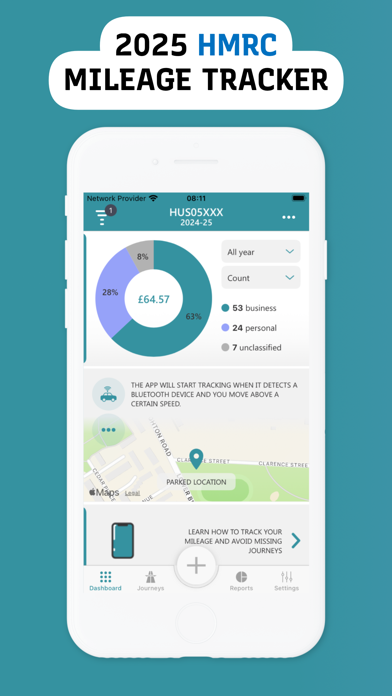
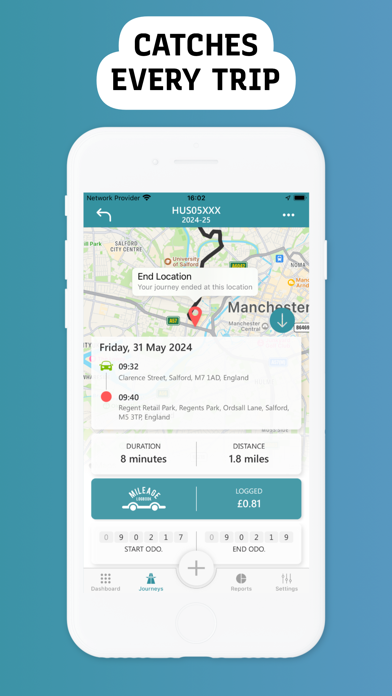
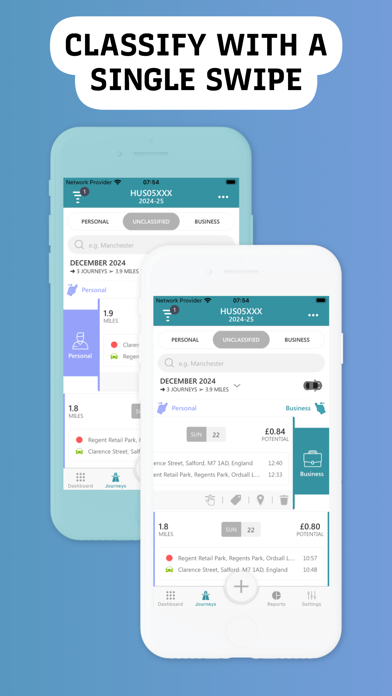
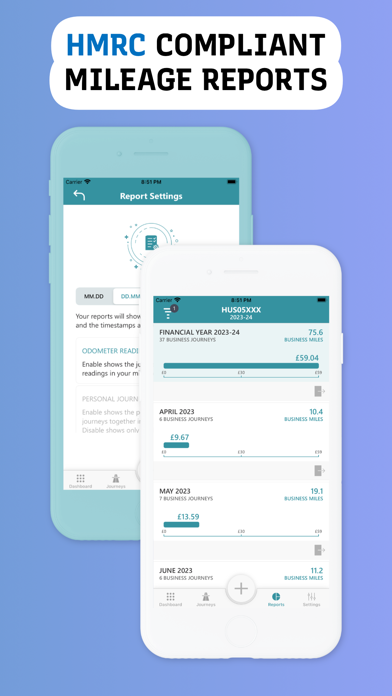
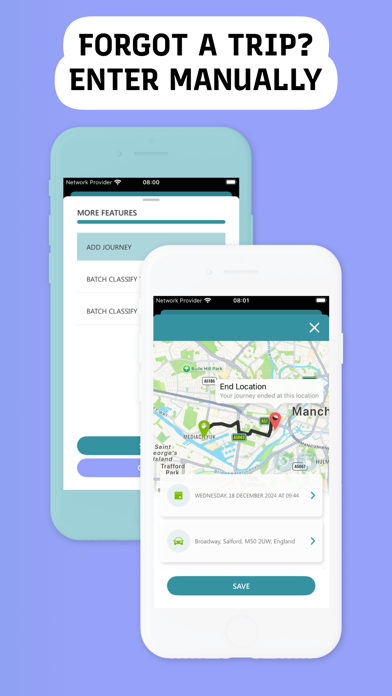
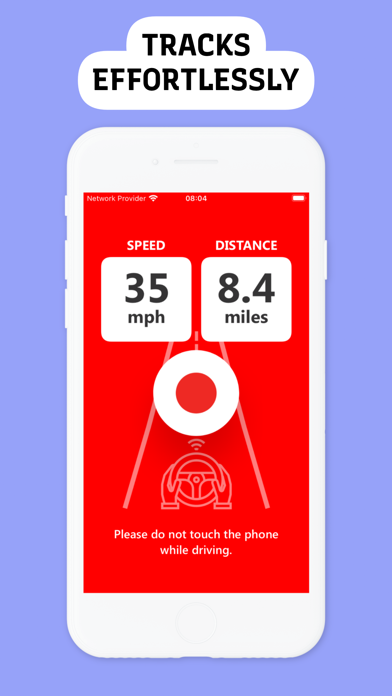
Mileage Logbook has been trusted by thousands of users to help them potentially claim back tax on their business mileage. With Mileage Logbook, you won't have to worry about manually logging your miles. Simply drive as you normally would and the app will automatically create a compliant mileage log for you. The app has a range of features to make logging your journeys even easier. Here are some of the key features: ▶ MULTIPLE TRACKING OPTIONS Mileage Logbook uses GPS signals to track your vehicle's movement from one location to another. The app automatically tracks journeys when you are driving, cycling, or using public transport, and stops tracking when you arrive at your destination. You can choose between three tracking options: Auto Tracking, Vehicle Bluetooth, and Manual Tracking. You can connect to your vehicle's Bluetooth to ensure the app only tracks journeys for a specific vehicle. If you prefer, you can disable the auto-tracking feature and manually record your journeys, or you can use both options at the same time. ▶ HIGH-SPEED SERVERS In Mileage Logbook, your journey history is synced with high-speed servers, so you won't lose your data if you delete the app. Every time you log in to the app, your journeys will be ready to download. ▶ TAX COMPLIANT MILEAGE REPORTS Mileage Logbook is compliant with the mileage reimbursement rules of several taxation offices worldwide, including Australia's Australian Taxation Office (ATO), the United Kingdom's HM Revenue and Customs (HMRC), the United States' Internal Revenue Service (IRS), Canada's Canada Revenue Agency (CRA), New Zealand's Inland Revenue Department (IRD), Holland's Netherlands Tax and Customs Administration (Belastingdienst), and Germany's Federal Ministry of Finance (BMF). ▶ PERIODIC REPORTS & MILEAGE RATES Mileage Logbook automatically updates your daily, monthly, and annual reports when you review a journey. The reports are customizable and can be generated in PDF or Excel format for your accountant. Your mileage rates will be set to the standard flat rates of the country you choose upon installation, but you can easily edit them at any time. ▶ LOW BATTERY CONSUMPTION Mileage Logbook is designed to be battery-friendly, accurately tracking journeys without draining your phone's battery. After you finish a journey, the app stops consuming your location data and creates a trip log. The app will consume your location data when you walk, but only if it receives a new GPS update. This process is less frequent than journey tracking. If you enable the Low Power Mode feature, the app will never consume your location data unless you are in a vehicle or cycling. Battery Use Disclaimer: Please note that continued use of GPS running in the background can dramatically decrease battery life. ▶ TRY NOW Are you ready to become a compliance pro? Unlock full mileage tracking features with a subscription, giving you access to all the tools you need to efficiently track your mileage and expenses. Let Mileage Logbook save you time by automatically logging your mileage and tax deduction calculations. If you have any feedback, please email us at info@mileagelogbook.com. And if you like the app, please rate us in the Apple Store and leave a review.


