

Money Manager (Remove Ads)
Screenshots
Estimates
low confidenceASO analysis
Good use of the title field.
Solid length. Make sure the first 252 chars hook the reader.
Keyword rankings
iTunes Search · top 200About
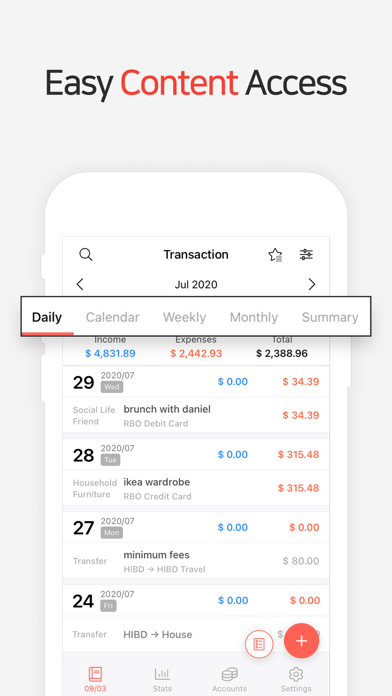
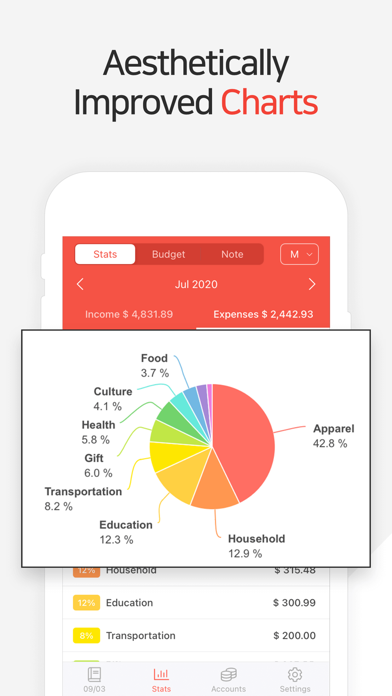
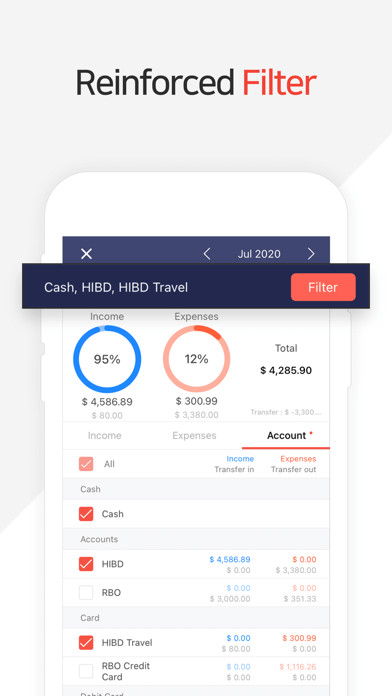
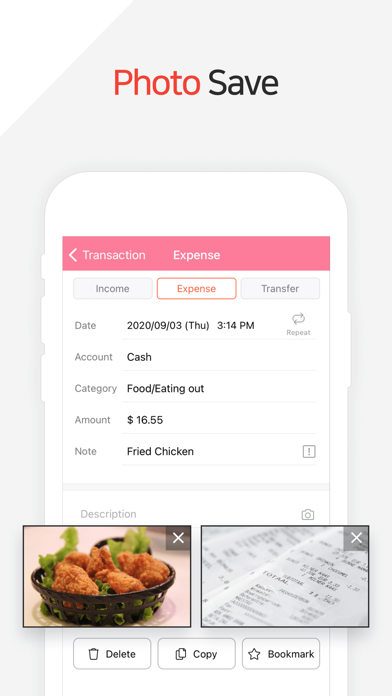
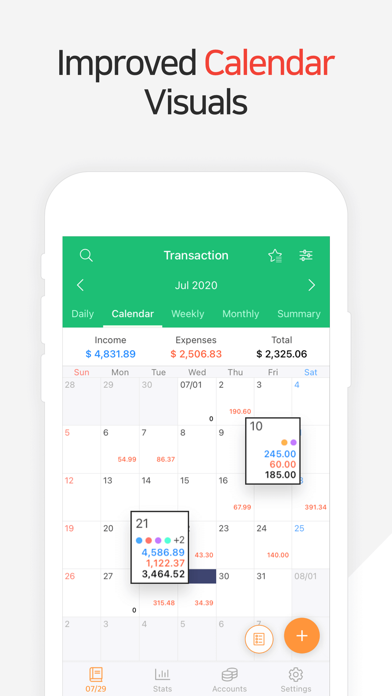
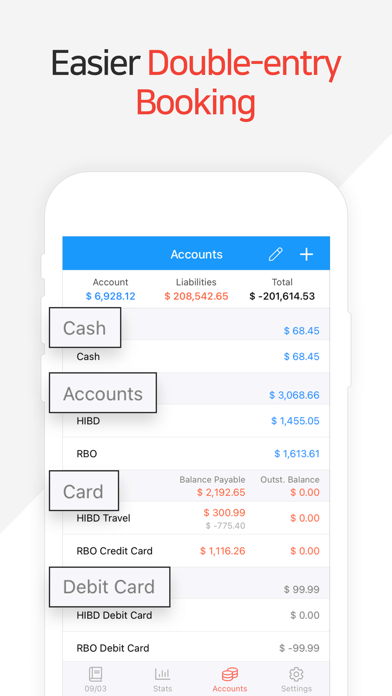
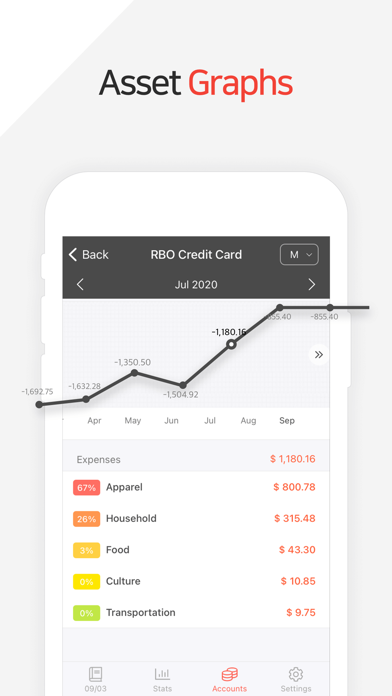
“Money Manager” is an optimized application for personal account management. Household account management is complicated. But we make it simple by simplifying the things that are complex. The default settings will get you started, and once you get used to it, you can alter the settings according to your needs with the highly flexible and customizable functions available. - Super easy and simple to enter data anytime, anywhere. - View your spending tendencies graphically. - View statistics by simply entering the data. - Search and calculator functions. - Set up sub-categories and main categories as necessary. - Manage all your accounts at once. - Use multiple currencies. - Check weekly, monthly, and annual statistics. - Use the calendar view. - Use budget planning features to plan weekly, monthly, and annual budgets. - Change the start date of the month. ※ Applying double entry bookkeeping It facilitates efficient account management. Automatically double entry bookkeeping. ※ PC manager function You can view ‘“Money Manager” application using Wi-Fi or 3G. You can edit and sort the data by date, category or account group on the screen of your PC. In addition, you can see fluctuations of your accounts indicated on graphs on your PC. ※ Budget management function You can manage your budget. It shows your budget and expenditures on a graph so you can compare the amount of your expenditures against your budget quickly. ※ Credit Card / Debit Card management function When entering a future payment date, you can see the payment amount and outstanding balance on the accounts page. You can connect your debit card to your accounts so that expenses are automatically recorded under a specific account. ※ Passcode You can specify the desired time lapse before the app requests a passcode. ※ Automatic money transfer and frequency functions You can set up automatic money transfers between your accounts and configure the frequency of those transfers. ※ Sort expenses by the recipient You can sort your expenses by the recipient and view this information graphically. ※ Payment Profiles You can easily enter frequent expenditures by creating payment profiles. ※ Backup / Restore You can backup and restore your data via email, iTunes and iCloud. ※ Multiple currency support – you can have individual entries in multiple currencies, and configure each account to calculate the total balance in your desired currency. Subscription pricing and terms: Money Manager offers auto-renewing monthly subscription at US$2.49/month and an auto-renewing yearly subscription at US$19.99/year to provide you with unlimited access to the Money Manager Data Sync Service while you maintain an active subscription. Payment will be charged to the credit card connected to your iTunes Account when you confirm the initial subscription purchase. Subscriptions automatically renew unless auto-renew is turned off at least 24-hours before the end of the current subscription period. Your account will be charged for renewal within 24-hours prior to the end of the current period, and the cost of the renewal will be identified. You may manage your subscription and auto-renewal may be turned off by going to your Account Settings after the purchase. Read more about our terms and conditions here: https://realbyteapps.com/policy/terms.html Privacy Policy: https://realbyteapps.com/policy/privacy.html


