Money Monitor: Expense Tracker
Screenshots

ASO analysis
Tight against the limit — verify it doesn't truncate on small screens.
Solid length. Make sure the first 252 chars hook the reader.
Used by similar apps in your niche, but not in your title or description. Adding these (where genuinely relevant) can broaden your search reach.
Words you and your peers both use. Confirms positioning in this niche.
Keyword rankings
iTunes Search · top 200About
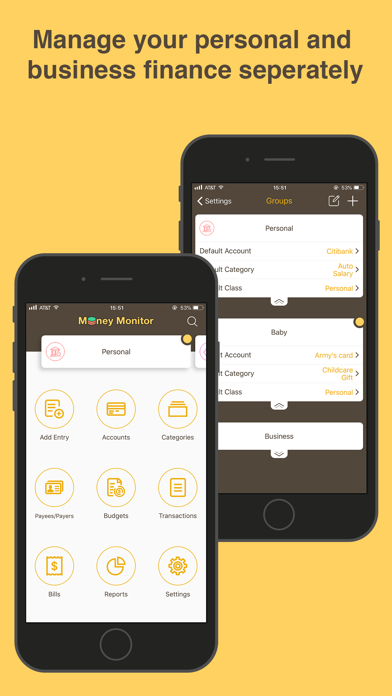
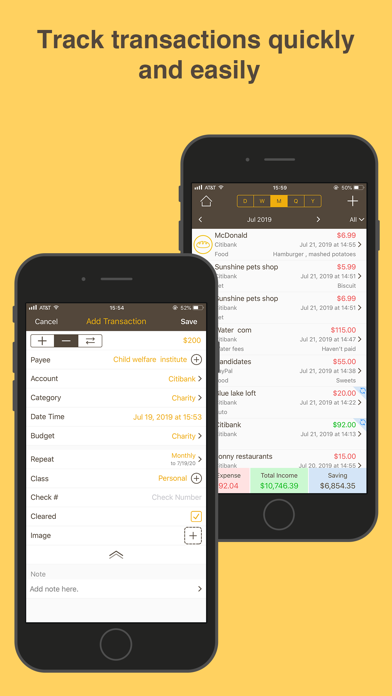
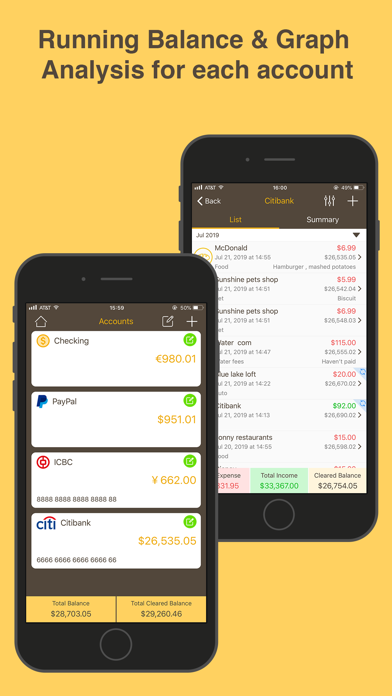
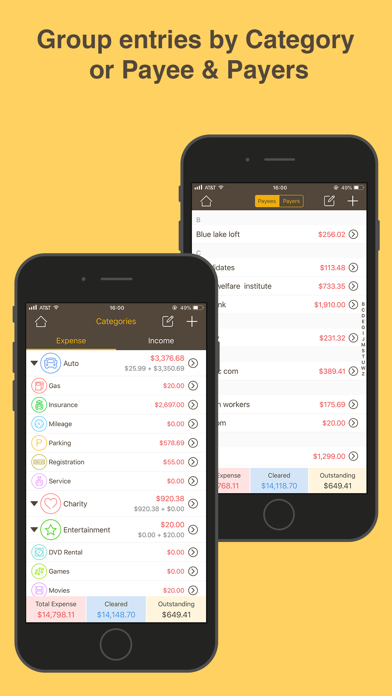
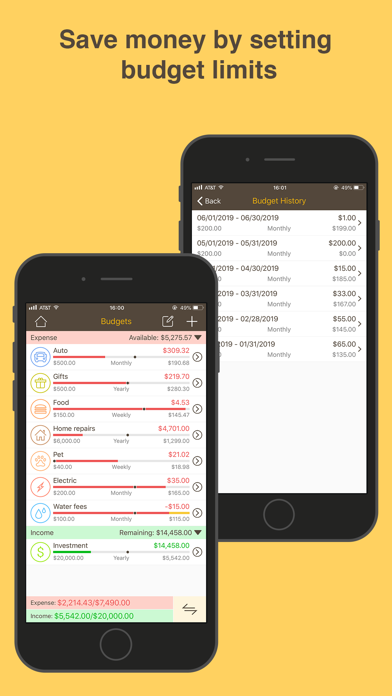
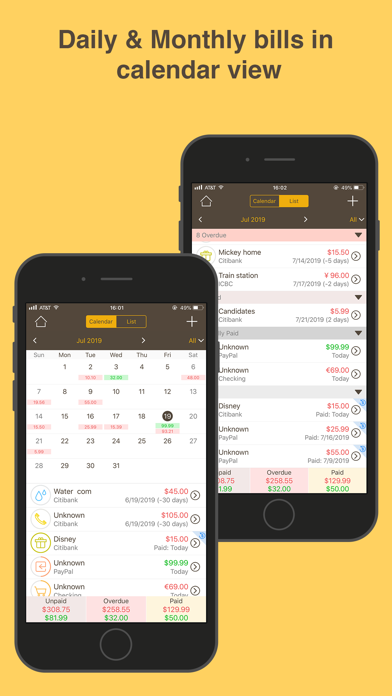
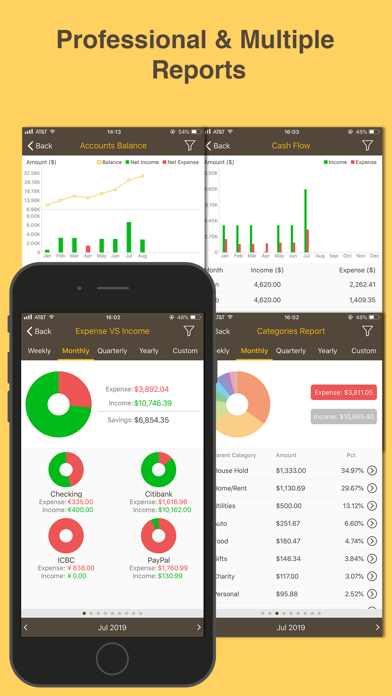
Get Money Monitor now, the most comprehensive personal finance management application! You can track and organize all your transactions, accounts, budgets, bills, cash flow and payees in Money Monitor by easy operation but with powerful functions. Money Monitor is your right choice if you want to track and control your expense and pay bills on time, it will keep all your finance at a glance, show you clearly that where the money comes from and goes. A must have app for personal budgets or business use. Features: Transactions ⁃ Quick add income, expense or transfer transactions with or without recurring. ⁃ Edit picture, account, budget, category and payee and note for each transaction. ⁃ Mark transaction as cleared or not. Accounts ⁃ Eight default types of account and your can custom your own. ⁃ Track transactions of each account. ⁃ Show expense, income and balance amount of all your accounts. ⁃ Show expense, income and balance amount of each account. ⁃ Transfer amount from one account to another. Categories ⁃ Customize Category and subcategory. ⁃ 10+ icons for categories and 40+ icons for subcategories. ⁃ Show total expense and income of all categories. ⁃ Show total expense and income of each category. Budgets ⁃ Create unlimited income or expense budgets with or without cycles. ⁃ Set budget name, amount, type, category, date range etc. ⁃ Rollover budget amount to next cycled budget. ⁃ Transfer available budget amount to another budget. ⁃ Track transactions of each budget. ⁃ Time marker to show the status of current date at each budget. ⁃ Show statistics info of total amount, already used and available amount of each budget. Bills ⁃ Track both income or expense bills both repeat and not. ⁃ Custom remind time, date and sound of each bill, and snooze bills reminder. ⁃ Calendar view of bills. ⁃ Add auto pay bills. ⁃ Mark payment to bills in full or in part. ⁃ Add note to each payment for the bills. Other Features ⁃ Supports WiFi backup & restore. ⁃ Supports Dropbox backup & restore. ⁃ Search transactions. ⁃ Migrate data to full version. ⁃ World-wide currency. ⁃ Set your own week start day. ⁃ Powerful reports by pie chart to show visually all parts of your finance. ⁃ Custom unlimited reminders with any content. ⁃ Badge to show number of overdue unpaid bills and the bills which remind date are due. ⁃ Export data by email in form of CSV, HTML or PDF. ⁃ Supports AirPrint. ⁃ Supports Apple Watch version. ⁃ Supports 3D Touch function. If you have any question or suggestion, please send email to userfeed@vip.tom.com.