No JS
Screenshots

ASO analysis
Short title. You're leaving keyword space on the table.
Could go longer. The first 252 chars are above-the-fold; everything else still indexes.
Used by similar apps in your niche, but not in your title or description. Adding these (where genuinely relevant) can broaden your search reach.
Words you and your peers both use. Confirms positioning in this niche.
Keyword rankings
iTunes Search · top 200About
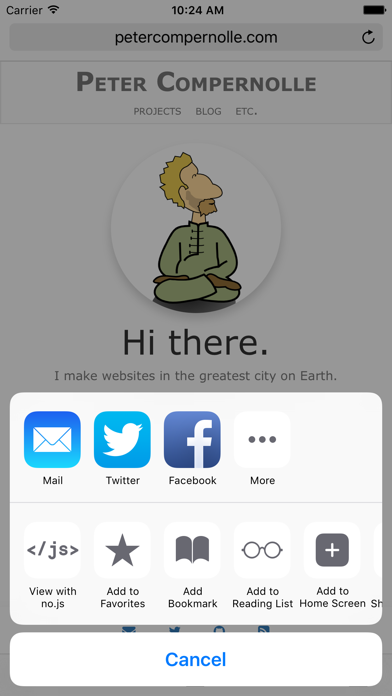
Ever find yourself viewing a webpage when something annoyingly pops up, like an ad, or paywall, or a prompt to sign up for a newsletter? Or maybe you notice that even after the content has loaded, something is still using your network connection? Enter no.js, a tool that helps you effortlessly, and temporarily, disable Javascript for the page you're viewing. Easily prevent popups, tracking or analytics services, ads, and some paywalls. No need to go into your Safari settings and disable Javascript, only to immediately return to enable to. No need to strengthen content blockers, only to loosen them up again. Just two taps from any Safari view. ** No.js is NOT a content blocker. It is an extension that works in all apps that allow sending URLs to other apps. This means almost any app that has a way to view webpages, but actual mileage may vary. Also, some pages may appear broken when viewing them without Javascript, but good websites won't :)