Off Remote Pro
Screenshots
Estimates
low confidenceASO analysis
Good use of the title field.
Solid length. Make sure the first 252 chars hook the reader.
Used by similar apps in your niche, but not in your title or description. Adding these (where genuinely relevant) can broaden your search reach.
Words you and your peers both use. Confirms positioning in this niche.
Keyword rankings
iTunes Search · top 200About
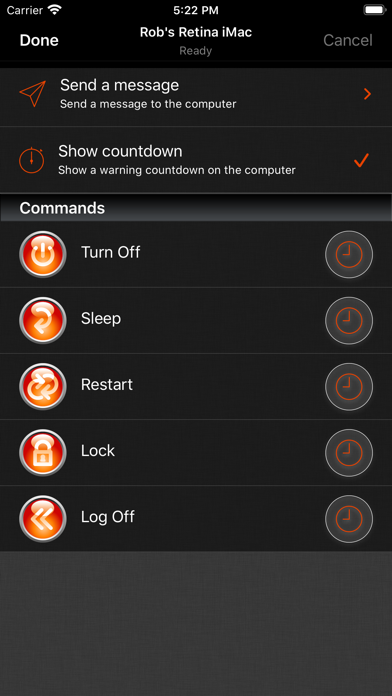
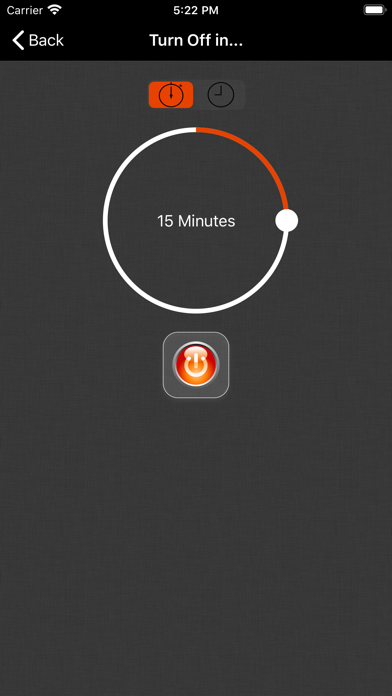
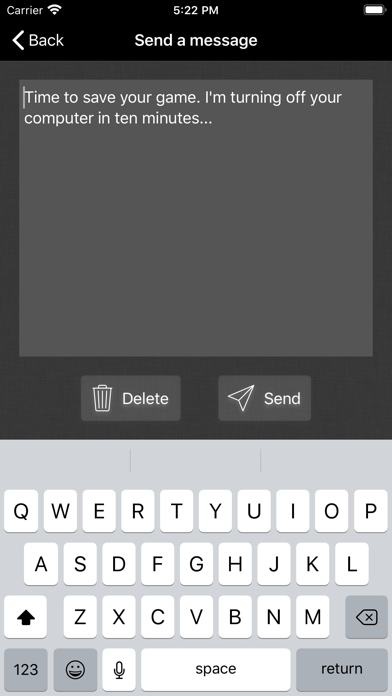
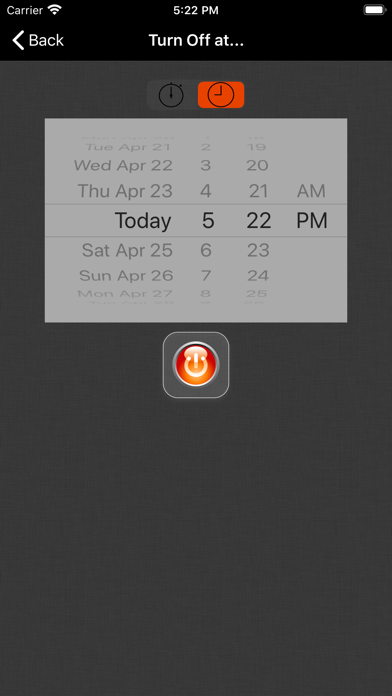
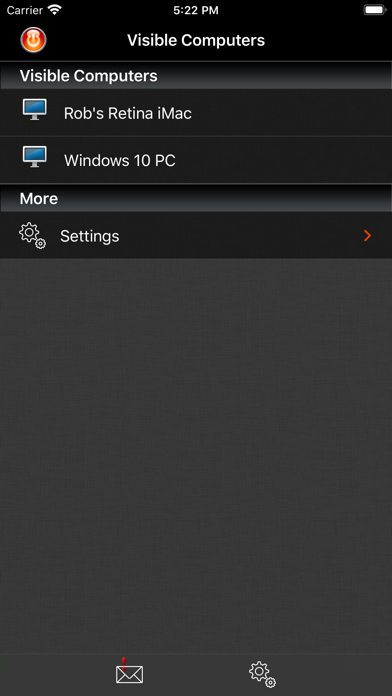
Off Remote lets you turn off, lock, sleep, log off and restart a PC or Mac directly from your iDevice. Forgot to turn off the office computer? No need to get up. Want to stop the kid's marathon computer sessions? Do it remotely. The timer function lets you set Off to trigger up to 24 hours in the future so you can set a computer to automatically turn off after a task such as completing a download or upload or to automatically lock at a certain time to limit a child's screen time. If you want to know whether the computers in your house are turned off - you can check from your iDevice. If you use a computer to stream videos or audio to your living room, then you can turn it off when you are finished without getting out of the sofa. If you forget to turn things off at night then you can turn them off from wherever you are in the house. It's simple to use. It's very handy. It saves you the effort of walking to your computer! • Features • - Turn Off, Lock, Restart, Log off, Sleep and Hibernate (not all computers can hibernate). - Easily turn off your computer from anywhere in your house. - Send a message before you turn the computer off 'Go to bed - it's past your bedtime!' - Control any number of computers on your home network. - Simple set up - Off Remote uses the same technology as the iTunes remote to connect over your local network to the helper on your computer. - Automatically discovers your computers in your local network. - Password protection makes sure that only you can turn off your computers! • Reviews • “Off is a brilliant yet simple app that allows me to easily control the power state of all the PCs in my house. It also lets me check to make sure that when my daughter assures me she turned her computer off, that she really did.” “Very simple and easy to setup. When I say simple I didn't have to set anything up. Just install the server and the app picked up my laptop straight away. All the buttons worked, it's amazing. No more having to get out if bed to turn the laptop off for the night.” '..it's the least you can do for the environment.' App Of My Eye. “such a simple program yet it's so handy at work and home I use It every day! and it's cool to be able to turn ur pc/mac off from your iPhone or iPod :D” “We often end up PC's being left on overnight and this app has helped us manage this ... We have several wireless music senders dotted around the house also which feed off the desktop PC in the dining room. I've added iTunes to the startup menu on that PC and can restart the PC using this app ... once restarted I can then switch to my iTunes remote and start listening to my music without having to tramp downstairs.” • System Requirements • - Supports Windows 7 to 10 - Supports Mac OS 10.7 and above • Response to feedback • -If you do have any problems using Off, then please just check the help instructions in the app. Feel free to drop me an email (my personal mail is in the app) if you need help. Enjoy! • Languages • Off Remote is currently translated to 8 languages. If you are willing to translate it to your language, or would like to improve the translations, please head over to hobbyistsoftware.com and follow the links