PDF Converter - Word to PDF
Screenshots
Estimates
medium confidenceASO analysis
Good use of the title field.
Solid length. Make sure the first 252 chars hook the reader.
Used by similar apps in your niche, but not in your title or description. Adding these (where genuinely relevant) can broaden your search reach.
Words you and your peers both use. Confirms positioning in this niche.
Keyword rankings
iTunes Search · top 200- pdf converter3 data points#1
- word to pdf3 data points#2
About
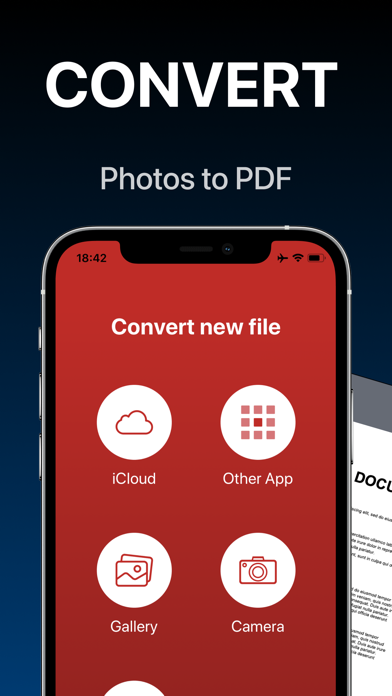
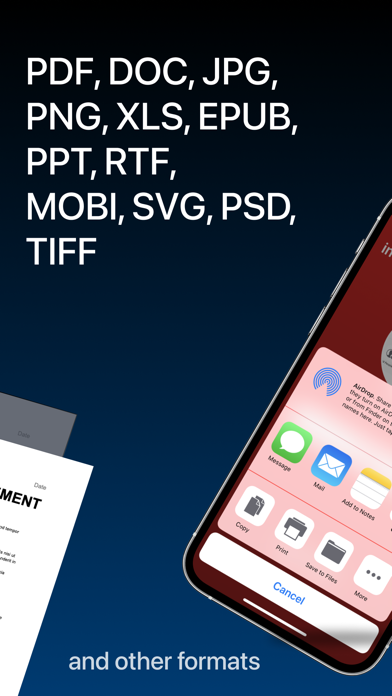
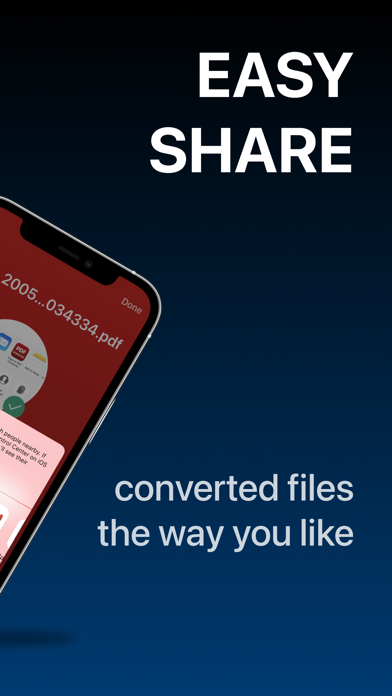
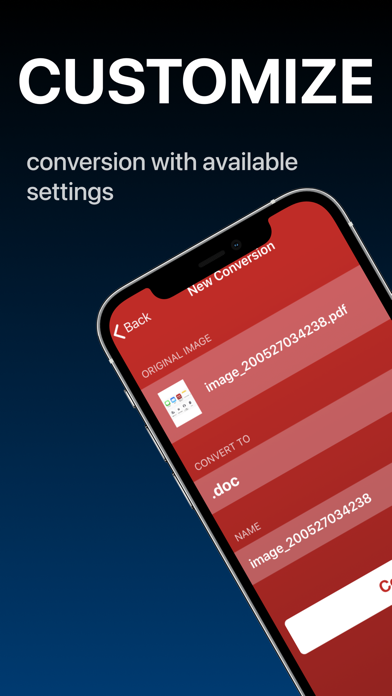
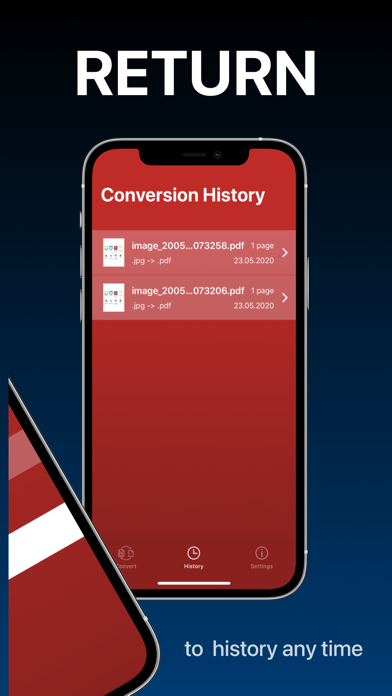
Convert your documents from and to PDF in a 3 steps! 1. Select your input file 2. Choose output format from available ones 3. Convert! It will take only a few seconds It's just as easy as it sounds! No need for overcomplicated apps with dozens of nonsense features. With PDF Converter app you can convert your documents to pdf or create pdf files from images in a matter of seconds. -- ADD -- You may chose between different sources like iCloud, gallery or just capture a new photo. You may also share file from other apps. -- SHARE -- Share all your converted files right from the app. Send via iMessage, Open in other apps, Print or save it to Files app on iPhone. -- RETURN -- Access your conversion history - there is a related tab in the app. There you may also repeat sharing of converted files or delete those you don't need anymore. -- FORMATS -- Supported file formats: pdf, jpg, png, doc, docx, txt, rtf, svg, xls, xlsm, xlsx, xps, epub, fb2 csv, djvu, docm, eml, eps, msg, odp, ods, odt, pps, ppsx, ppt, pptm, pptx, ps, heic, ai, cdr, emf, odg, pcx, psd, tga, wbmp, webp, wmf, bmp, gif, tiff, pub, wpd, wps, lit, mobi and more to come! (not all variations for initial and target file formats are available) Some conversions are done on a secure cloud server so you must have an internet connection to use this app. You should be aware that by using this app, you agree that your files will be sent over the internet from the app to the cloud server for conversion. Note: price may vary depending on location. Information about the auto-renewal of subscription: - Payment will be charged to iTunes Account at confirmation of purchase; – Subscriptions are billed weekly, monthly, quarterly, or annually at the rate based on the subscription plan - Subscription automatically renews unless auto-renew is turned off at least 24-hours before the end of the current period; - The account will be charged for renewal within 24-hours before the end of the current period. The cost depends on the selected plan; - Subscriptions may be managed by the user and auto-renewal may be turned off by going to the user’s Account Settings after purchase; Privacy Policy: https://minimodev.com/pdf/privacy Terms of Use: https://minimodev.com/pdf/terms For any questions or inquiries, please get in touch: pdf.converter.info@gmail.com