

QRCode Scanner · CodeGenerator
Screenshots

Estimates
low confidenceASO analysis
Tight against the limit — verify it doesn't truncate on small screens.
Solid length. Make sure the first 252 chars hook the reader.
Used by similar apps in your niche, but not in your title or description. Adding these (where genuinely relevant) can broaden your search reach.
Words you and your peers both use. Confirms positioning in this niche.
Keyword rankings
iTunes Search · top 200About
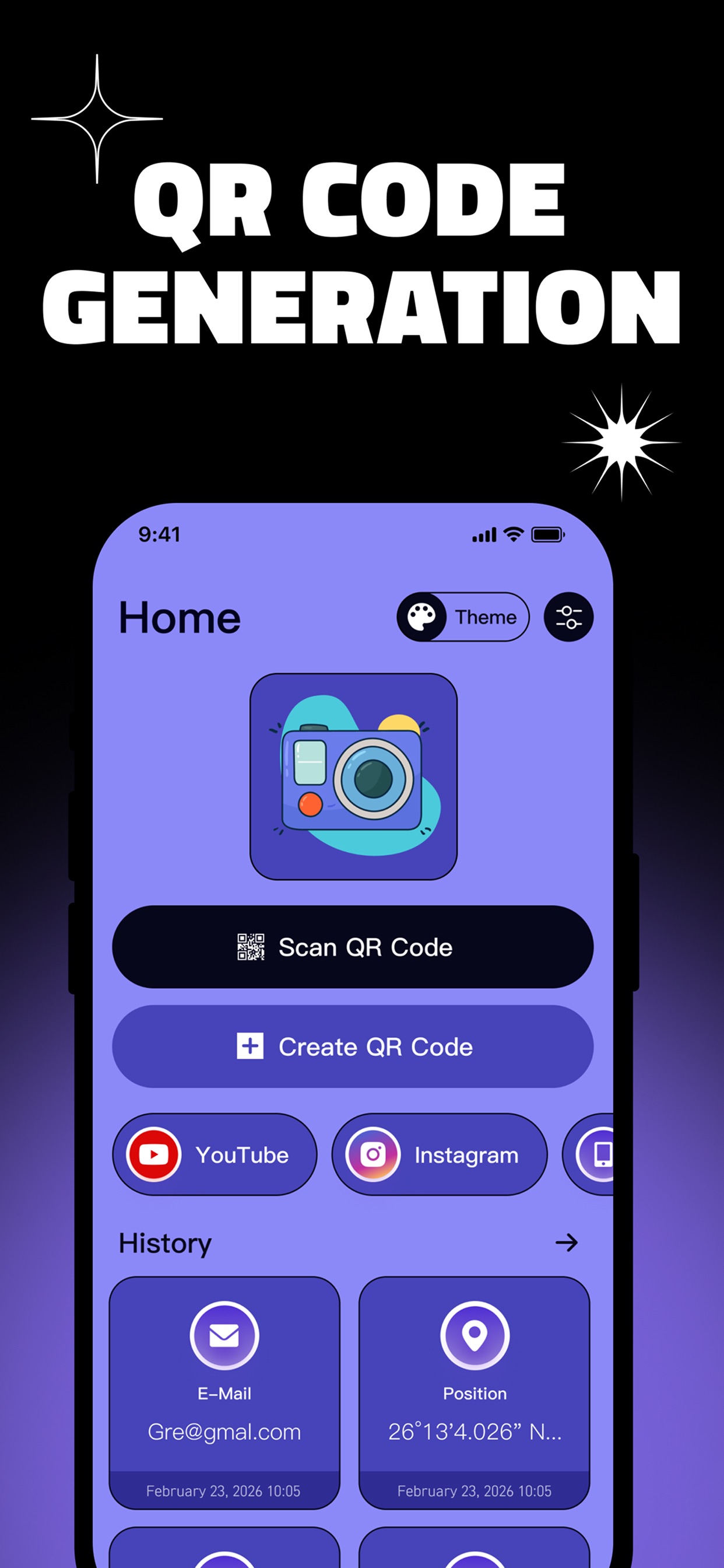
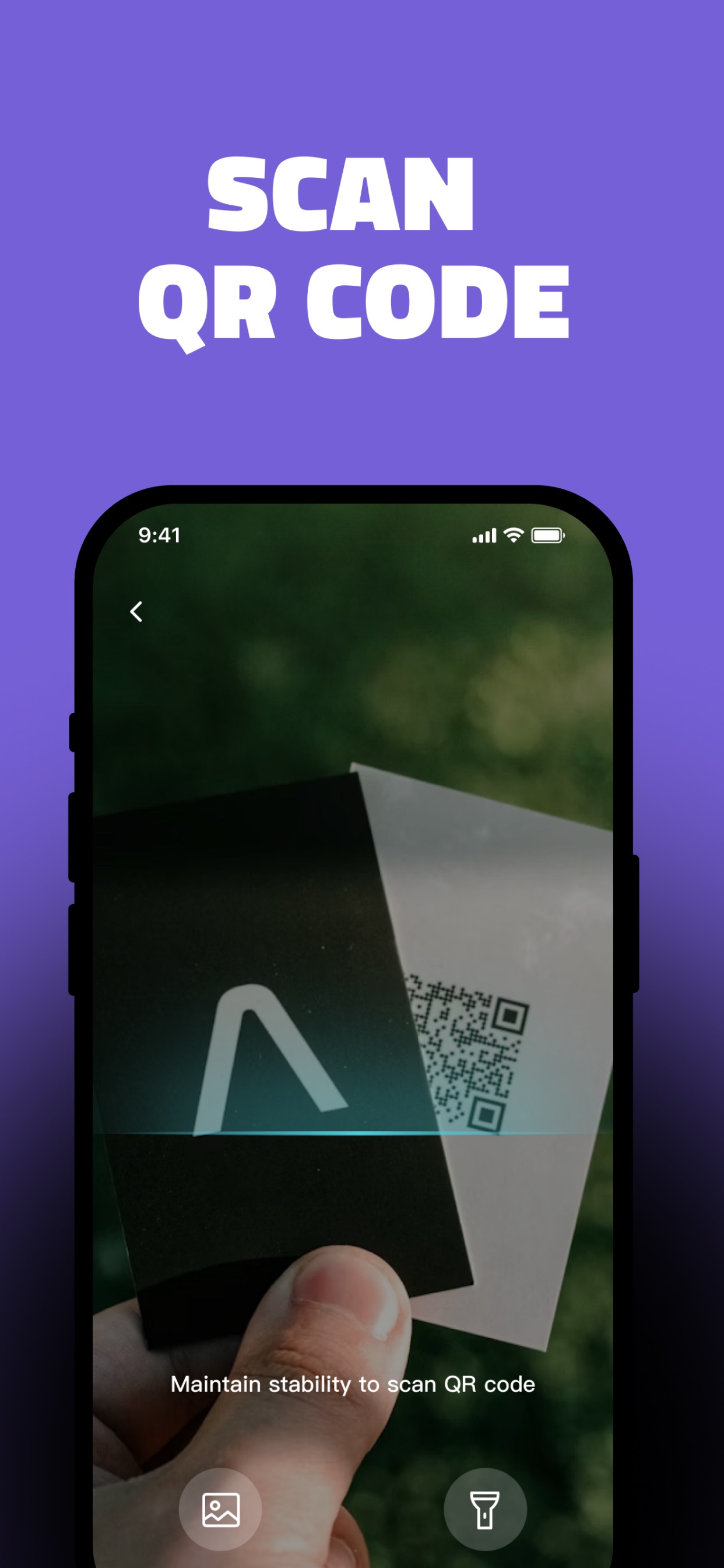
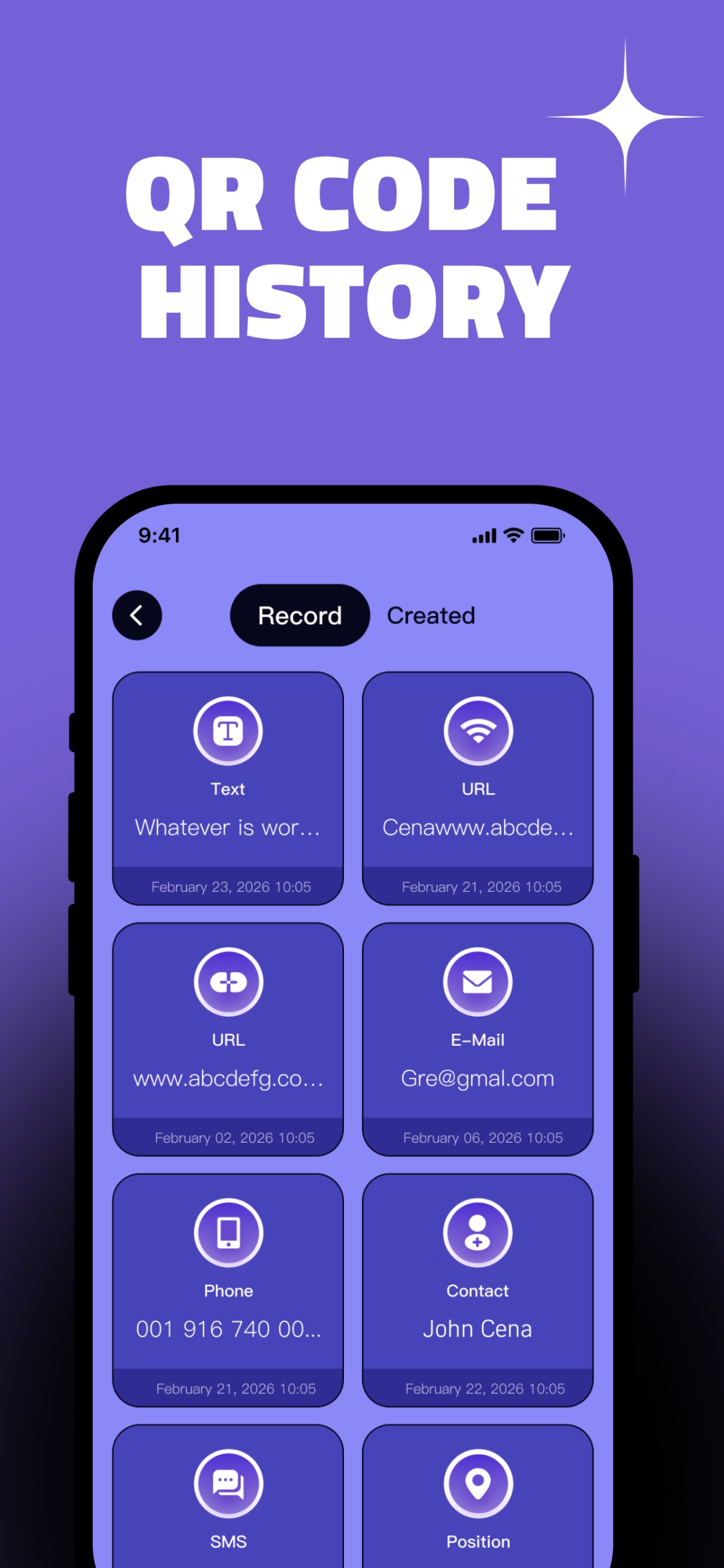
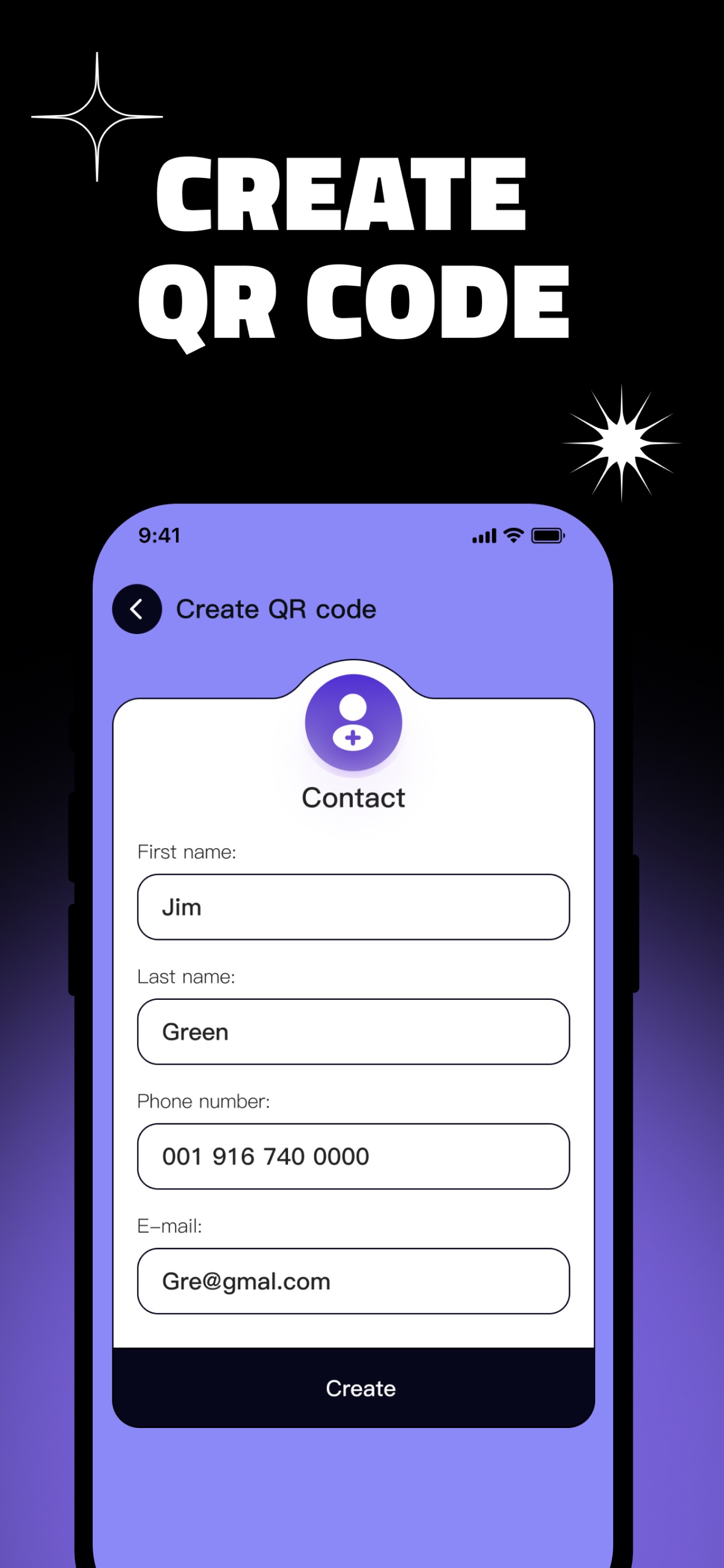
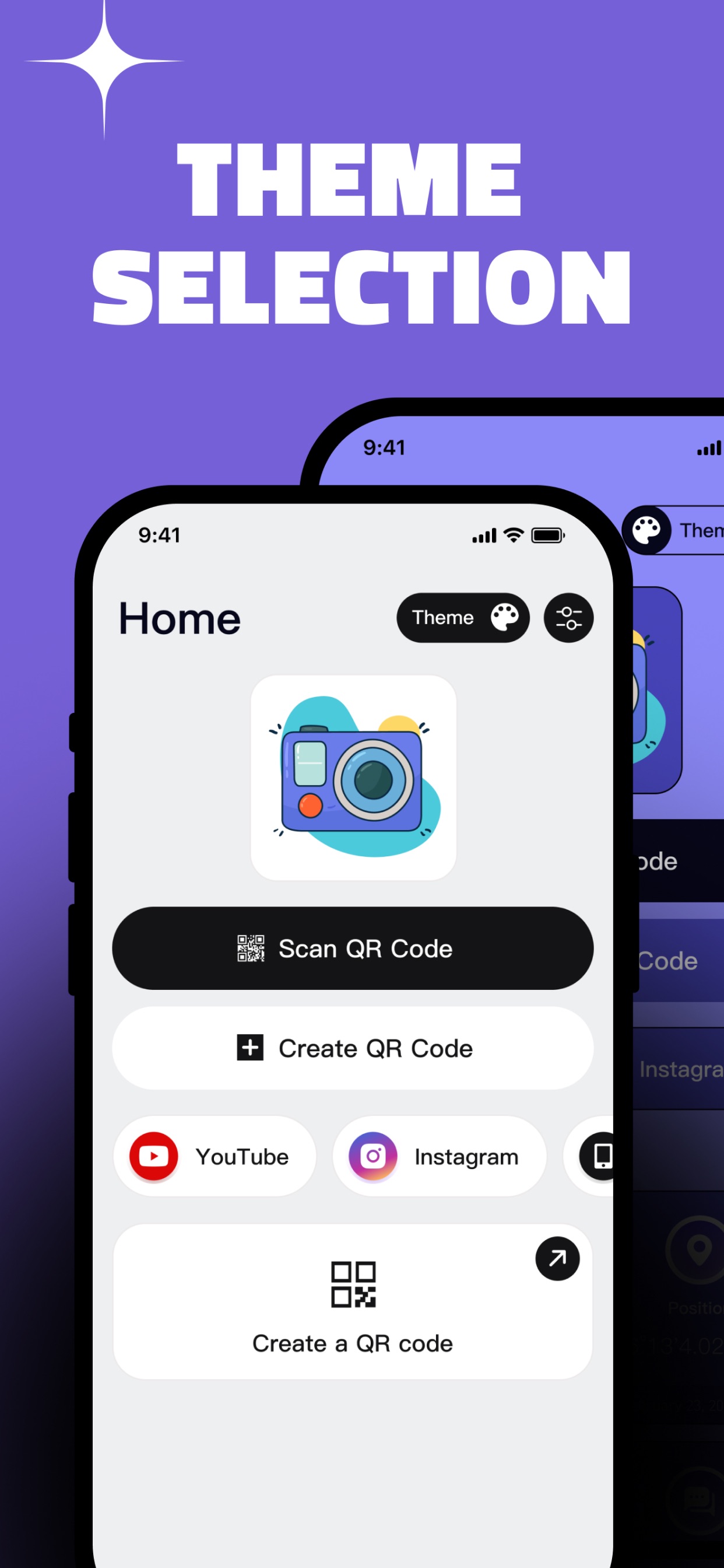
In the digital age, QR codes have become a bridge connecting information. Whether you want to access product details or add a friend, a simple scan brings it all to you. With our QR code app, you can generate text-based QR codes and scan QR codes, meeting all your QR code scanning needs. Whether you need to parse complex QR code content or perform QR code scanning, we provide a smooth, efficient, all-in-one service. Detailed Features: Text – Add text descriptions below the generated QR code to make information delivery more intuitive. Scan – Point your camera at a QR code to instantly retrieve the information it contains. No extra steps are needed to parse the content. History – Every scan you make is saved on your device, allowing you to easily review past records and access previously obtained information at any time. Image – Import photos from your album to scan QR codes. Simply select an image, and the app will recognize and extract the QR code information. Social – Effortlessly create a QR code that consolidates your social media links. Scan it to visit your Twitter, Instagram, WhatsApp, and other profiles—an ideal tool for making friends. WiFi Connection – Say goodbye to remembering complicated WiFi passwords. Support for scanning to connect to wireless networks directly. Product Advantages: - Efficient and portable, safe and reliable - Easy to use, multi-functional scanning QRCode Scanner – Not just scanning, but a great assistant for your QR code experience. Subscription Notes: • Upon purchase confirmation, payment will be immediately deducted from your iTunes account. • Subscriptions automatically renew by default. To cancel, please manually cancel at least 24 hours before the current period expires; otherwise, the next period's fee will be automatically charged. • The system will automatically deduct the renewal fee for the next period within 24 hours before the expiry date of each period. • Subscription management (including canceling automatic renewal) can be done at any time after purchase in the "Subscriptions" section of your Apple ID account settings. • Please note: Cancellation is not supported during the current billing cycle, and existing subscriptions cannot be terminated early or refunded. Links: Privacy Policy: https://qrcodescannerguide.com/privacy.html Terms of Service: https://qrcodescannerguide.com/terms.html Subscription Terms: https://qrcodescannerguide.com/subscription_terms.html


