

Quilt Wizard
Screenshots
ASO analysis
Good use of the title field.
Could go longer. The first 252 chars are above-the-fold; everything else still indexes.
Used by similar apps in your niche, but not in your title or description. Adding these (where genuinely relevant) can broaden your search reach.
Words you and your peers both use. Confirms positioning in this niche.
Keyword rankings
iTunes Search · top 200About
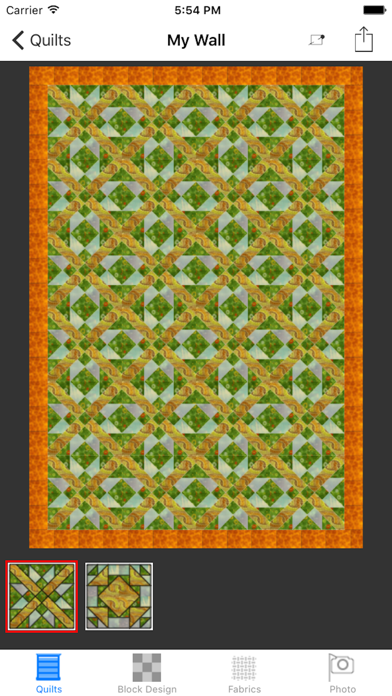
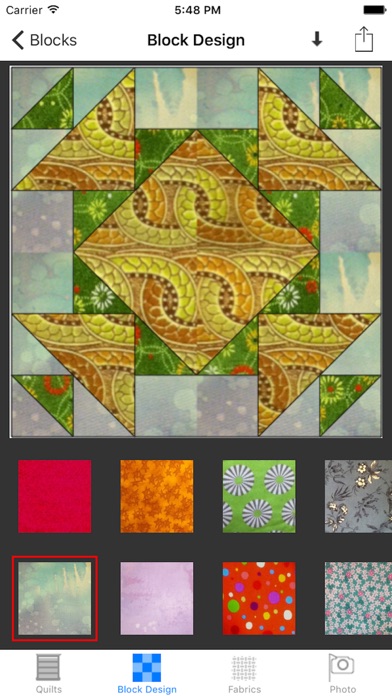
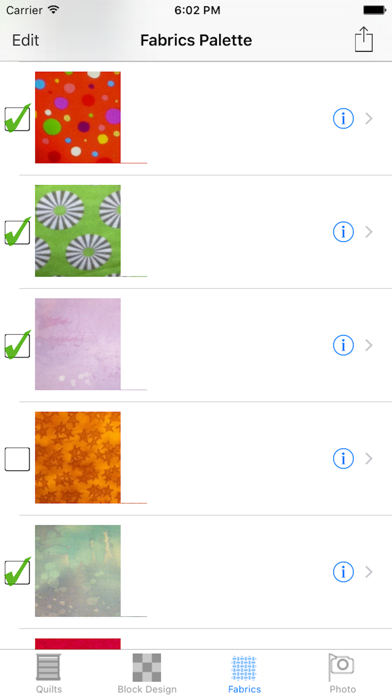
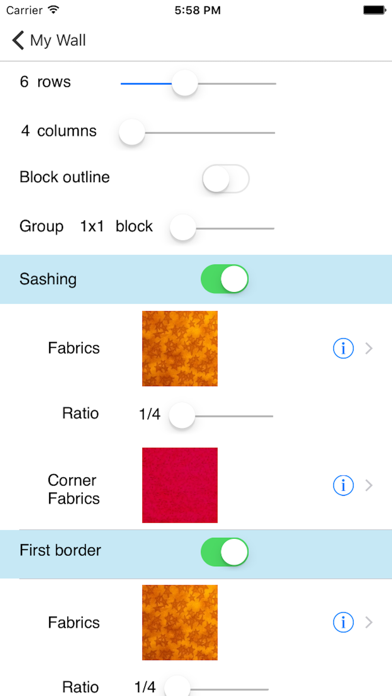
Which fabrics for this project ? Isn't it too bright ? Too dull ? I wish I could see it in the block ! Gain confidence in your quilt fabrics shopping with Quilt Wizard ! Take pictures of fabrics right on the spot, and immediately try them in your quilt project on screen. No need to carry snippets of fabrics with you when shopping, you can see straight away on your device how your choice of fabrics will perform on your quilt. Here is how it works : (1) Take pictures of your fabrics at home and keep them available into your photo library. From the application, select fabrics from the photo library or take a new picture with the camera. (2) Choose fabrics and blocks to compose your quilt on the screen. Create a block, fill it with selected fabrics. Create as many blocks as necessary. Rotate, flip, duplicate blocks, to suite your design. (3) Assemble the quilt with the blocks you have designed. (4) Take photos of fabrics at the shop or quilt show. Leave a note so you can remember where you have seen this fabrics. Incorporate it into your existing block design, and immediately see the result on screen. Not looking good ? Try another fabrics ! Designing a quilt will only take few minutes !! Features : - Build your fabrics stash from the Photo Library or built-in camera - Choose from a list of most popular quilting blocks (100+). - Sashing and border options. - Incorporate your already sawn blocks into your project - Block rotation, flipping and duplication. - Choose from two quilt layouts : straight, or on point blocks layout. - Zoom in and out your quilt and block design while editing. - Configurable quilt size. - Design multiple quilts at the same time. See the user guide at http://blog.wattlebird.com.au


