

Receipts Scanner
Screenshots
ASO analysis
Good use of the title field.
Could go longer. The first 252 chars are above-the-fold; everything else still indexes.
Keyword rankings
iTunes Search · top 200About
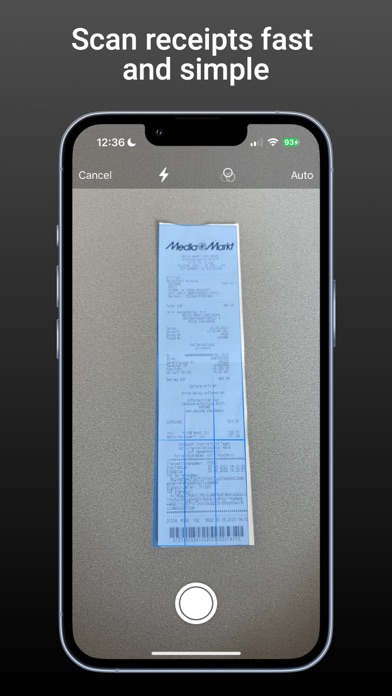
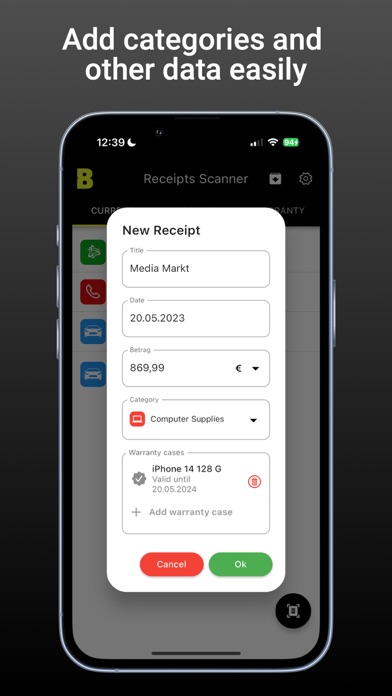
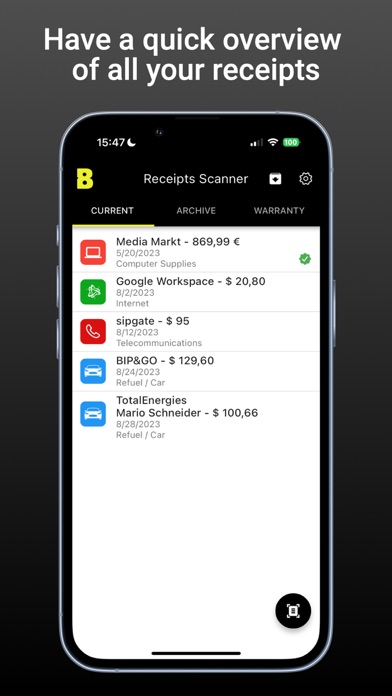
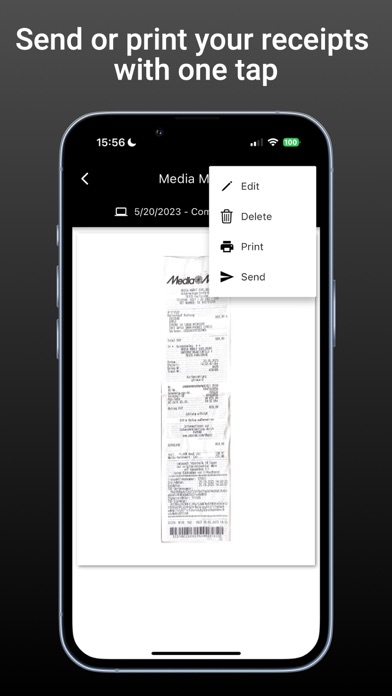
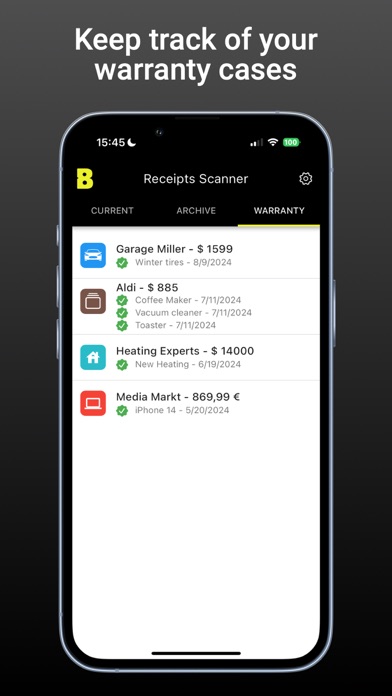
Receipts Scanner app manages receipts of all types for accounting. It scans, reads, receives, categorizes, archives and sends receipts. The app facilitates the accounting workflow, increases data quality and reduces personnel expenses. Especially tax advisors and people in administrative fields of activity use Receipts Scanner as a valuable tool for their clients and employees. The app excels especially in practical use. The intuitive operation helps every app user to manage their receipts clearly and send them in a targeted manner. Purchase receipts, which are also warranty certificates, can be marked with an expiration date. This allows warranty claims to be verified quickly without a long search. When using the share function from another app, Receipts Scanner can be selected as the recipient. This allows all receipts to be managed centrally in a single app. Self-employed people, field service employees, freelancers, sales representatives and new work professionals use Receipts Scanner for their expense reports. Using modern OCR technology, Receipts Scanner tries to recognize the date and the name of the merchant. If a receipt has already been categorized once, the category is automatically assigned when scanning another receipt from the same merchant. All receipts or data are stored only in the app locally on the cell phone. No copies or backups of the data are created outside the app. Tips: - Fold long receipts and make two scans. - QR code licenses can be requested from tax advisors. - If a bug is discovered in the Receipts Scanner App and reported to us, that person will receive a free annual license as a thank you. Via email receipts.scanner@batze.ch, requests for feature enhancements will be gladly accepted. End User License Agreement (EULA): https://www.apple.com/legal/internet-services/itunes/dev/stdeula/


