Safe + Password Manager
Screenshots
Estimates
low confidenceASO analysis
Good use of the title field.
Solid length. Make sure the first 252 chars hook the reader.
Used by similar apps in your niche, but not in your title or description. Adding these (where genuinely relevant) can broaden your search reach.
Words you and your peers both use. Confirms positioning in this niche.
Keyword rankings
iTunes Search · top 200About
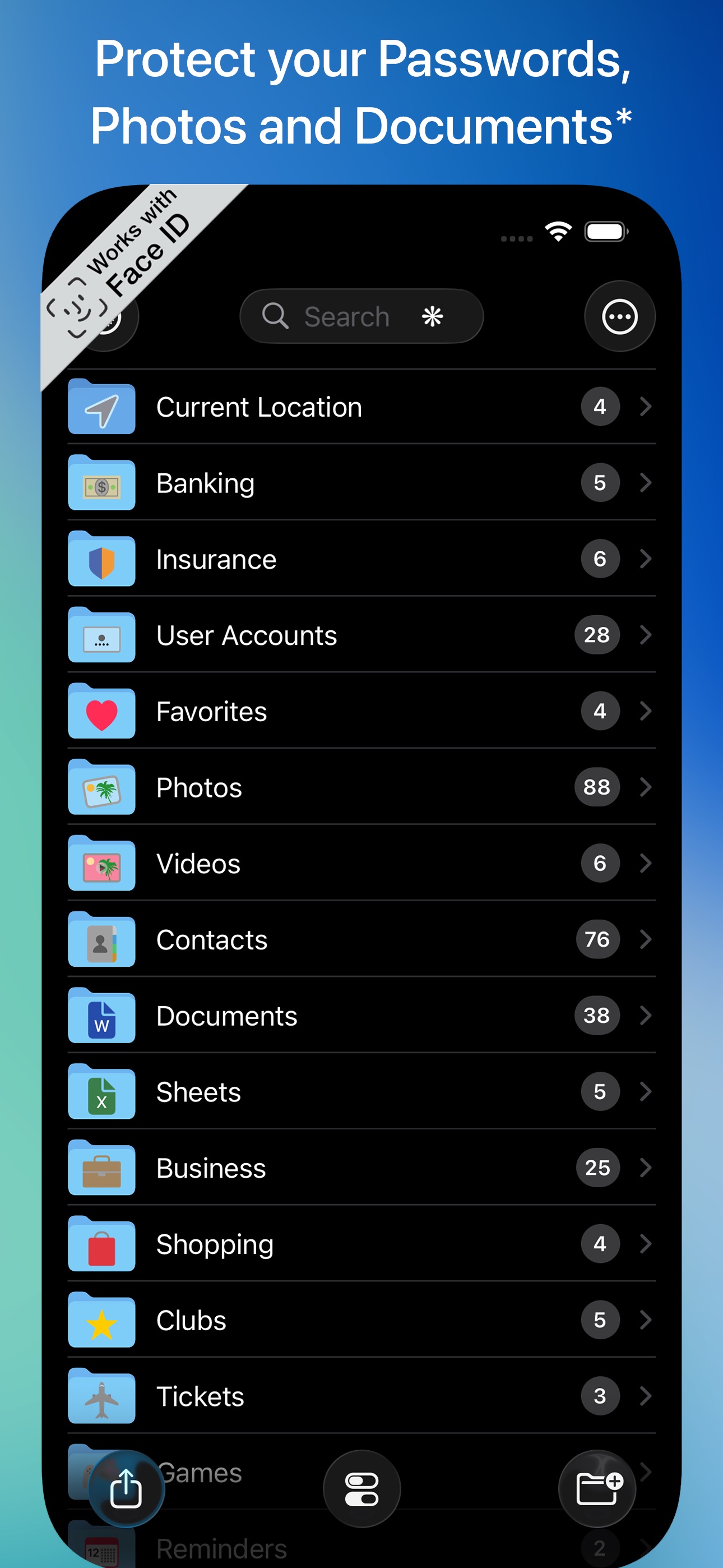
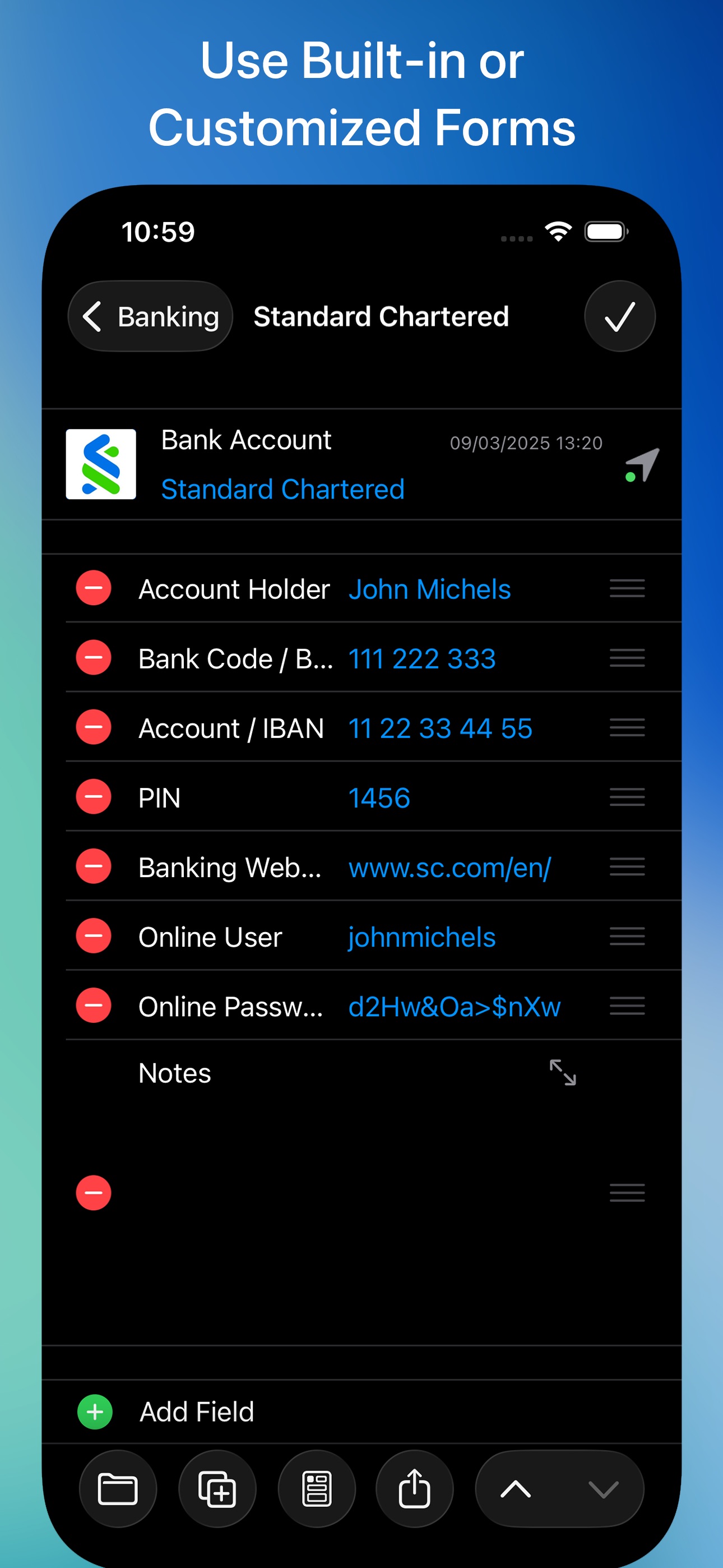
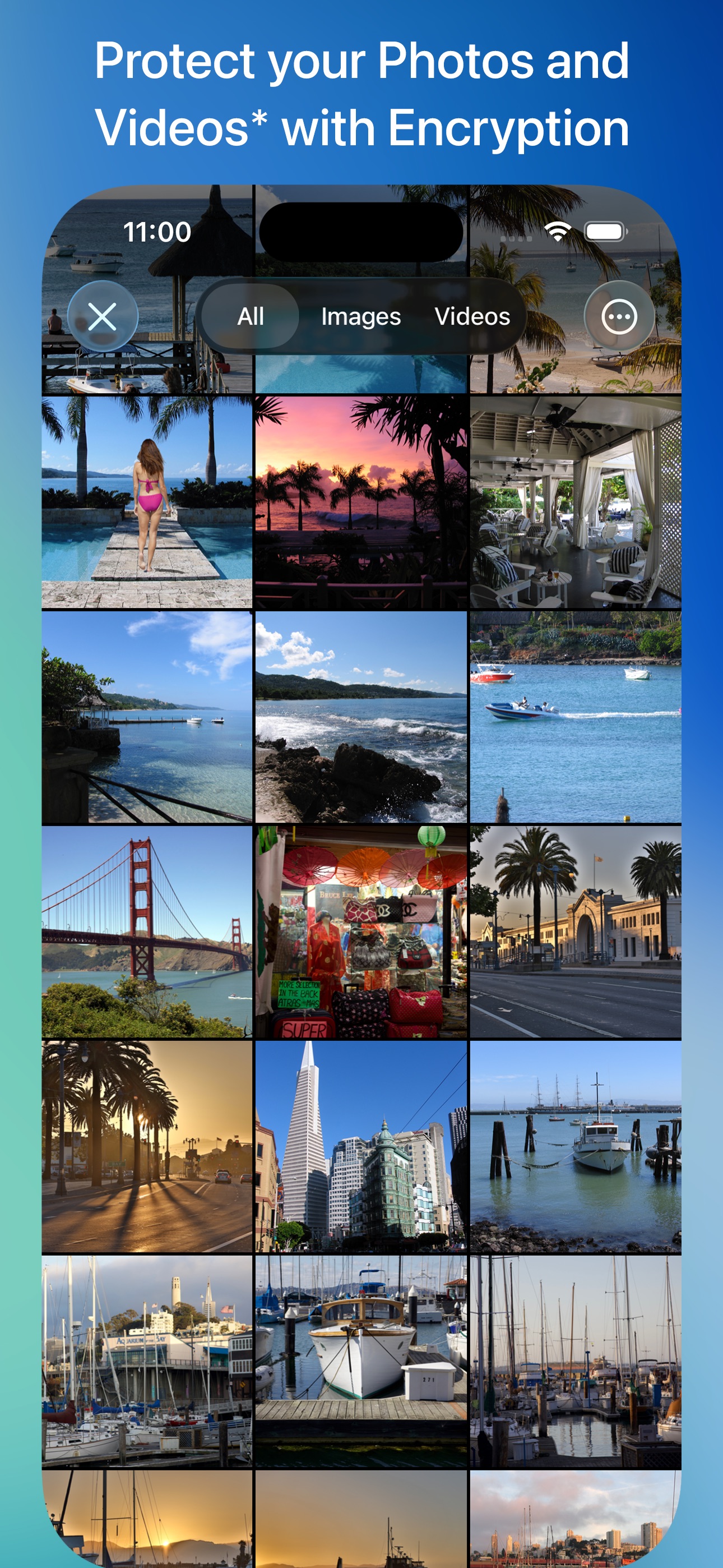
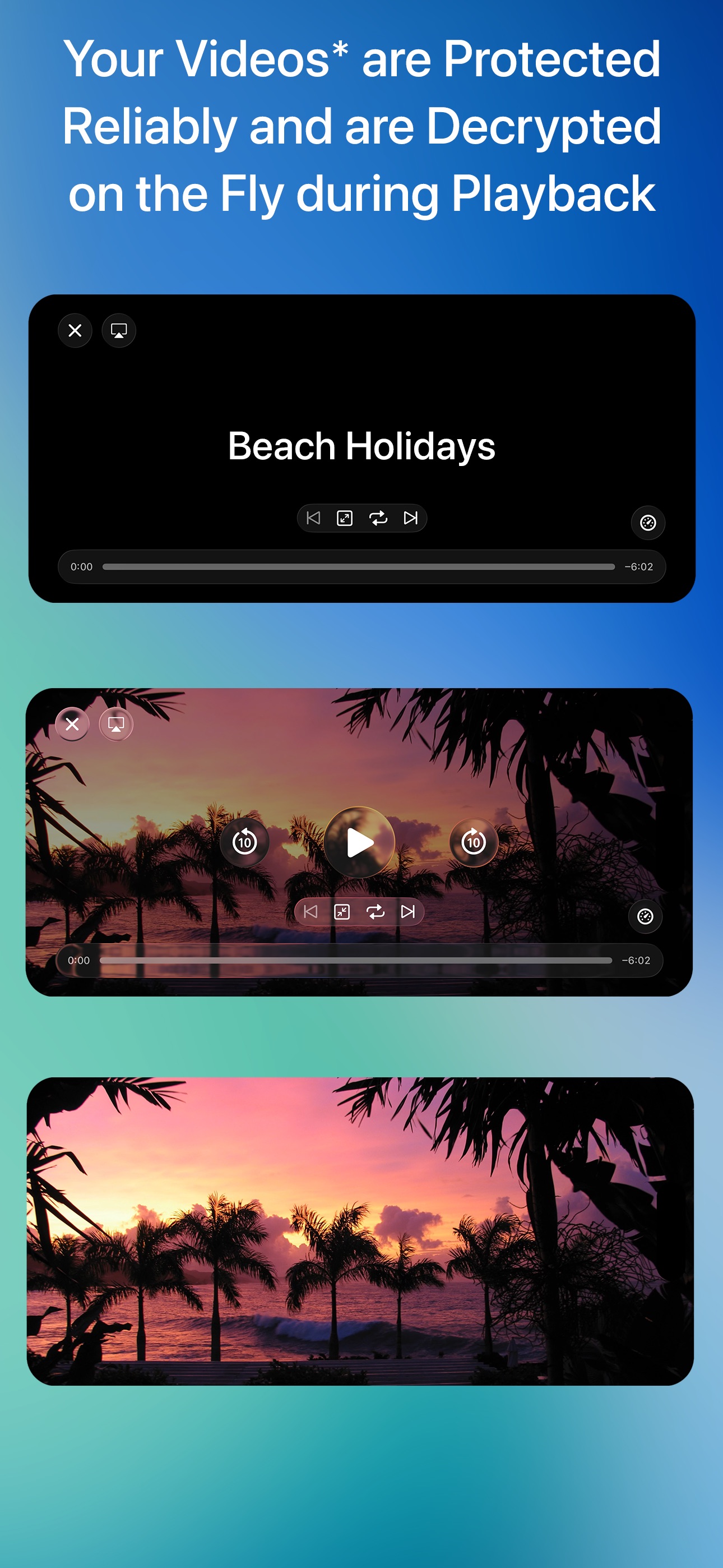
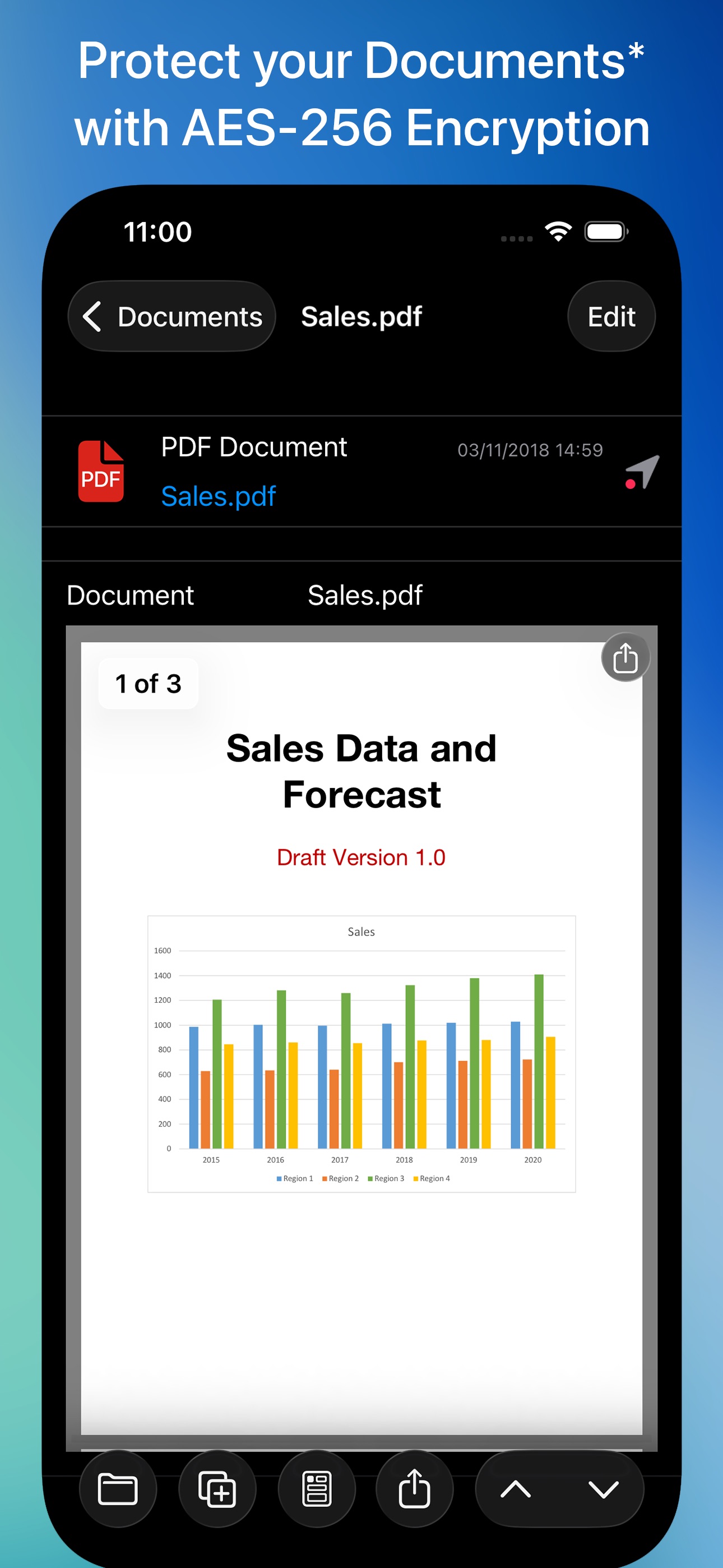
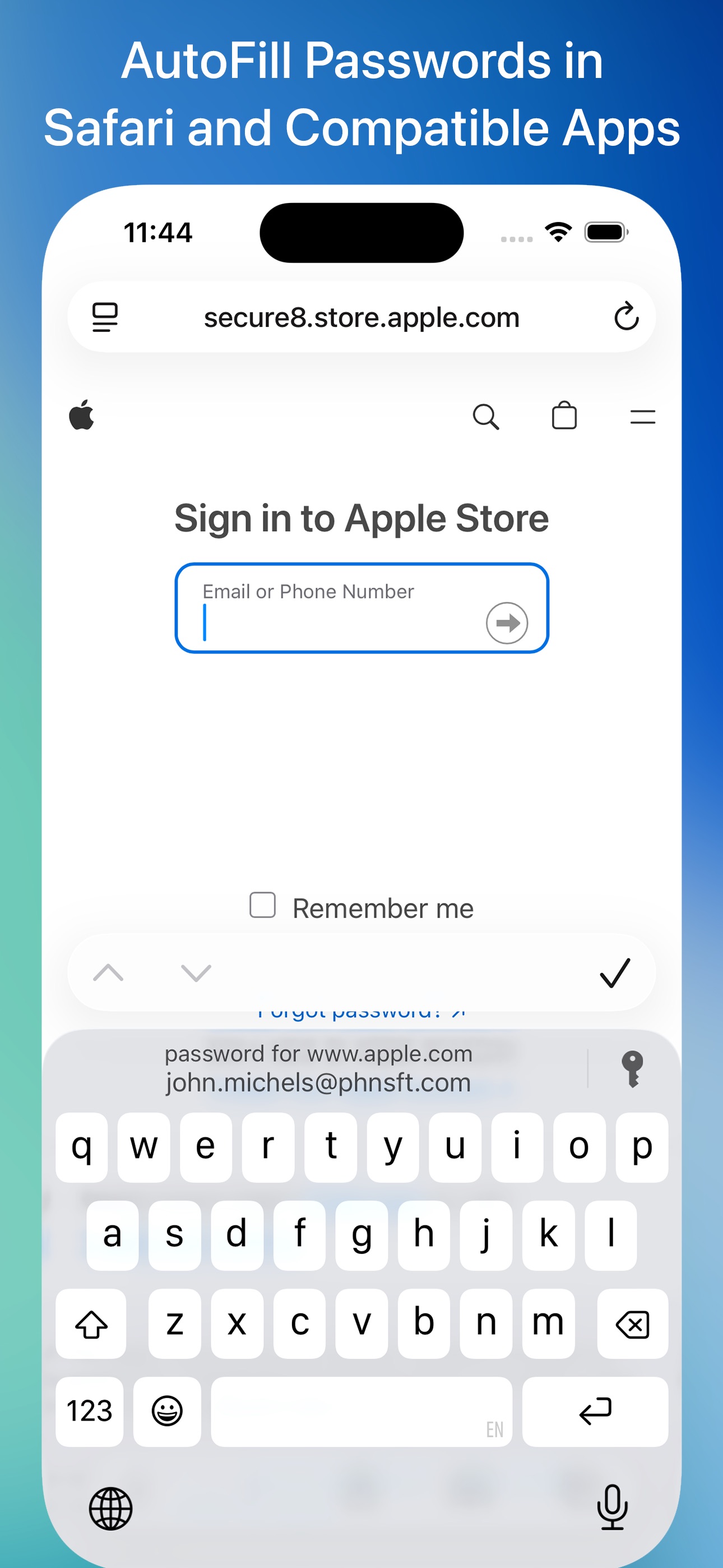
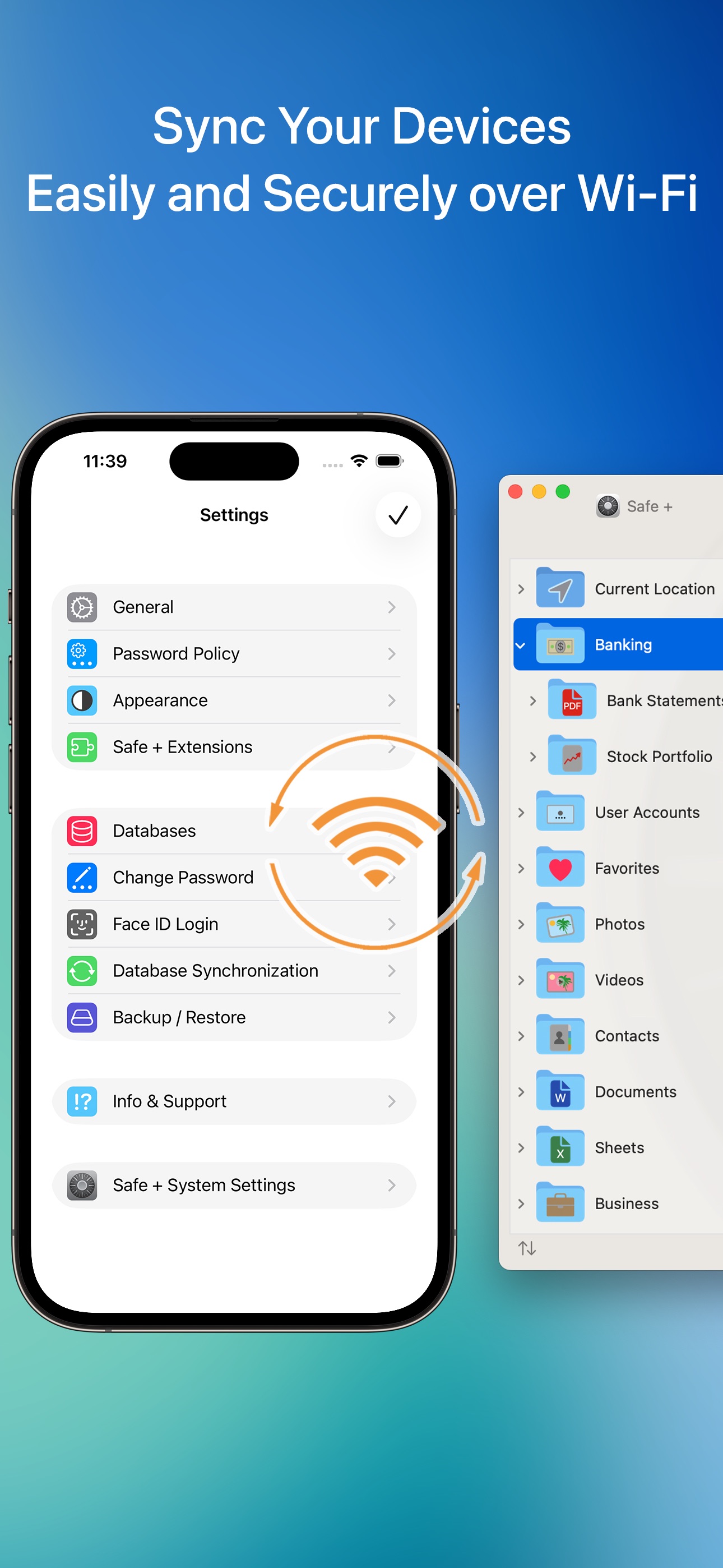
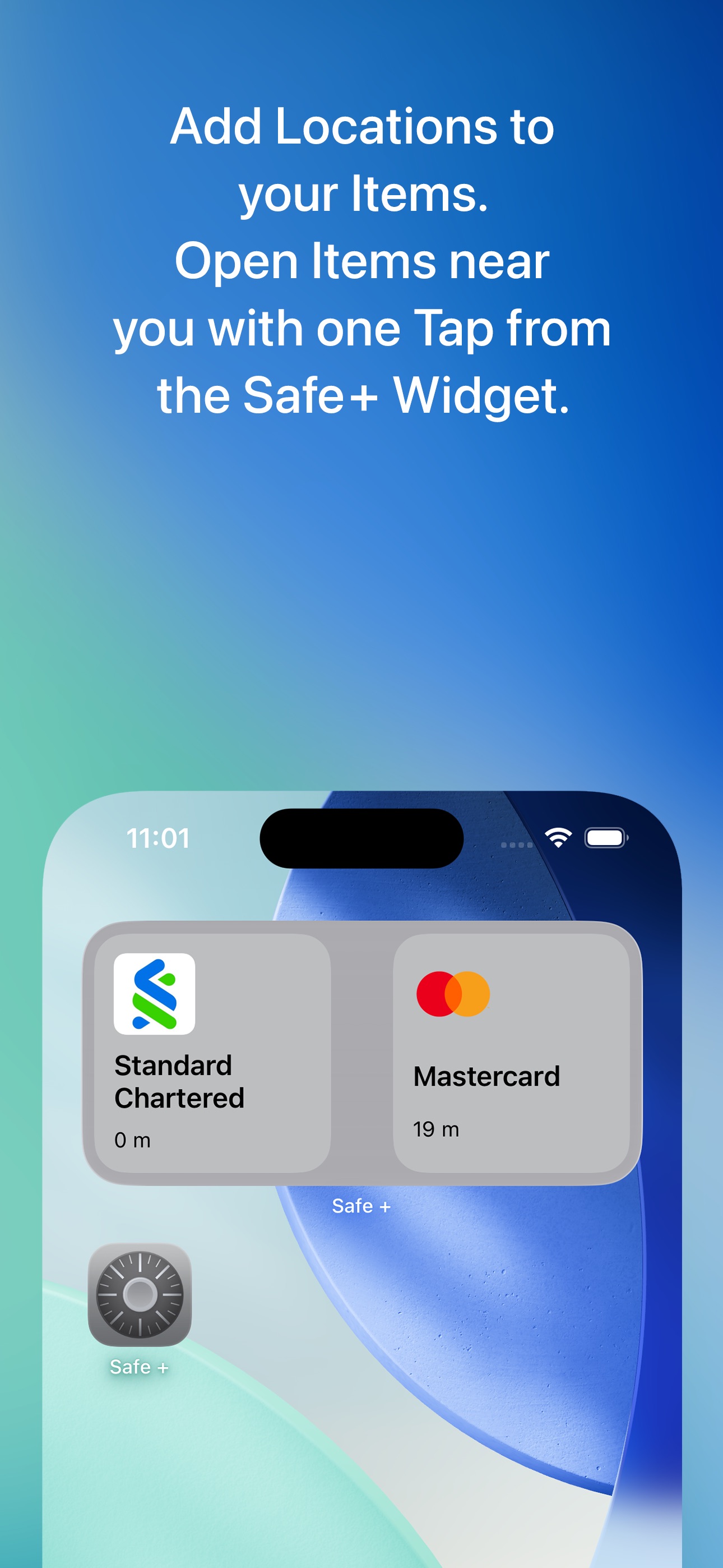
• Manage your Passwords and Passkeys • AutoFill Passwords in Safari and Apps • Protect your Photos and Contacts • Safeguard your Videos* • Protect PDF, iWork and Office Documents* • Securely Sync your Data via WiFi • Login with Touch ID or Face ID • Two-Factor Authentication (2FA / TOTP) • Generate Strong Passwords • Encrypt Stored Data with AES-256 • Add Geofences to Items • Access Items Nearby from the Widget • Import Data from other Apps and Password Managers in CSV Format Nowadays we all need passwords, PINs and TANs for almost everything we do: online banking and shopping, social networking and logging in to your computer, mobile devices, Wi-Fi routers and e-mail accounts. Safe + helps you manage and organize your passwords and provides a mobile and secure place to keep them – at home, at work and on the move. When you’re traveling, Safe + stores your health insurance data, screenshots of travel documents and boarding passes, and images of your passport, ID and credit cards. Safe + is also a secure wallet for membership, debit and loyalty cards, even QR codes - all securely stored as images in one safe place. With the sophisticated features of Safe + all passwords, photos, videos*, documents* and contacts can be quickly and easily added and protected. All data is encrypted with 256-bit AES, so secure that even the NSA has certified this standard to secure the US government’s top-secret information. You couldn’t be safer than with Safe +. Your data is always protected - even if your iPhone or iPad is lost or stolen and the complexity of the algorithm used in Safe + ensures sophisticated protection against any attack. For easier data management and backup, try the separate but integrated Mac version of Safe + from the Mac App Store! Safe + was designed specifically for iPhone and iPad, making full use of the elegant iOS user interface. Easy access to your data is guaranteed anywhere and anytime – but only for you with a complex password or Touch / Face ID. Safe + allows you to perform a comprehensive range of tasks: ∙ Protect your sensitive data with your password and strong encryption ∙ Organize your data in as many folders as you want ∙ Use our handy templates for Credit cards Bank accounts User accounts Plain-text Images (from camera or photo library) Videos* Documents* Contacts or easily create your own custom forms ∙ Add comments to any item ∙ Change, move and sort folders and items in a simple way ∙ Launch Safari directly from web addresses stored in Safe + ∙ Make telephone calls on your iPhone directly from numbers stored in Safe + ∙ Create encrypted backups for data security and to transfer or sync across devices ∙ Restore encrypted backups to a new or replacement device * In-app purchase available for various document types. (Video, PDF, RTF, TXT, Pages, Numbers, Keynote, Word, Excel, PowerPoint)