Scale and Print
Screenshots


Estimates
low confidenceASO analysis
Good use of the title field.
Could go longer. The first 252 chars are above-the-fold; everything else still indexes.
Used by similar apps in your niche, but not in your title or description. Adding these (where genuinely relevant) can broaden your search reach.
Words you and your peers both use. Confirms positioning in this niche.
Keyword rankings
iTunes Search · top 200About
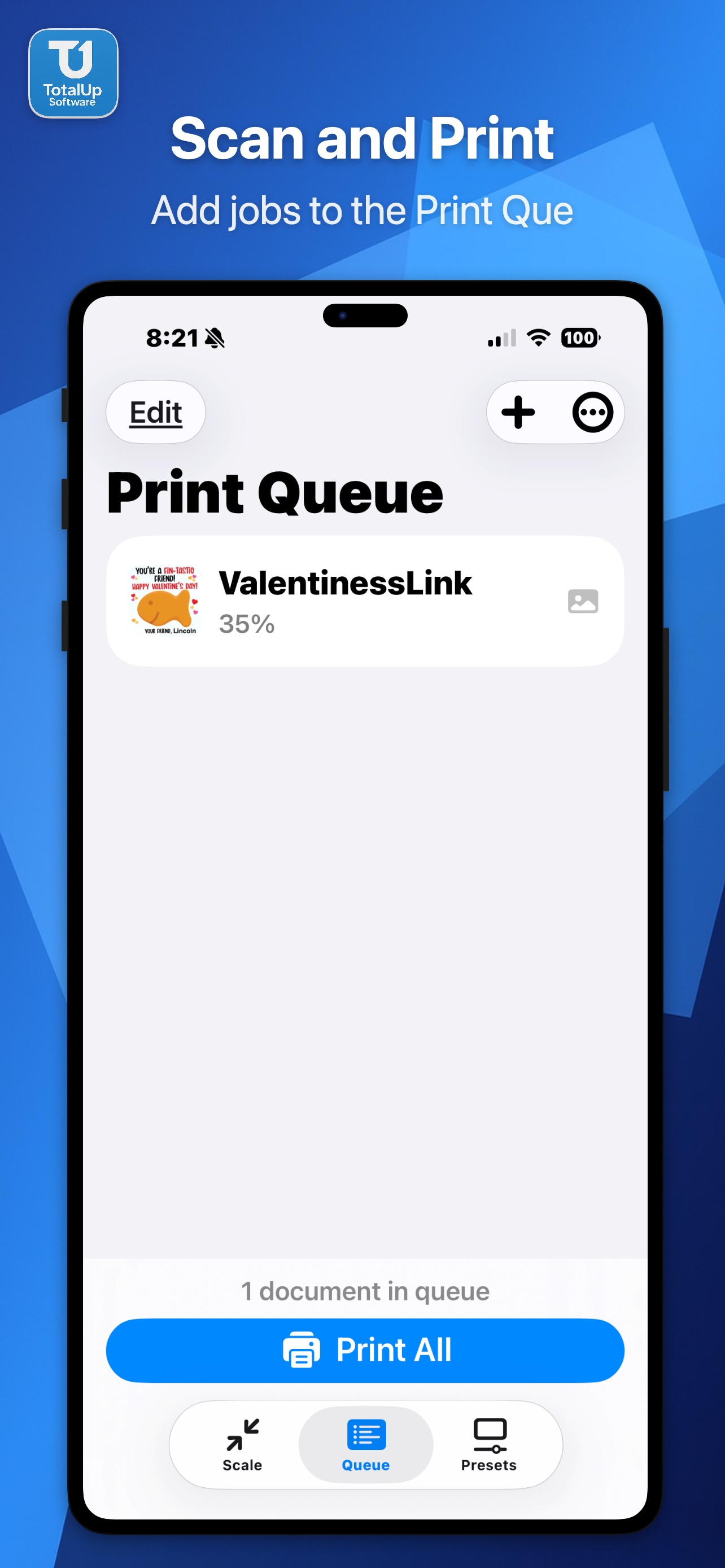
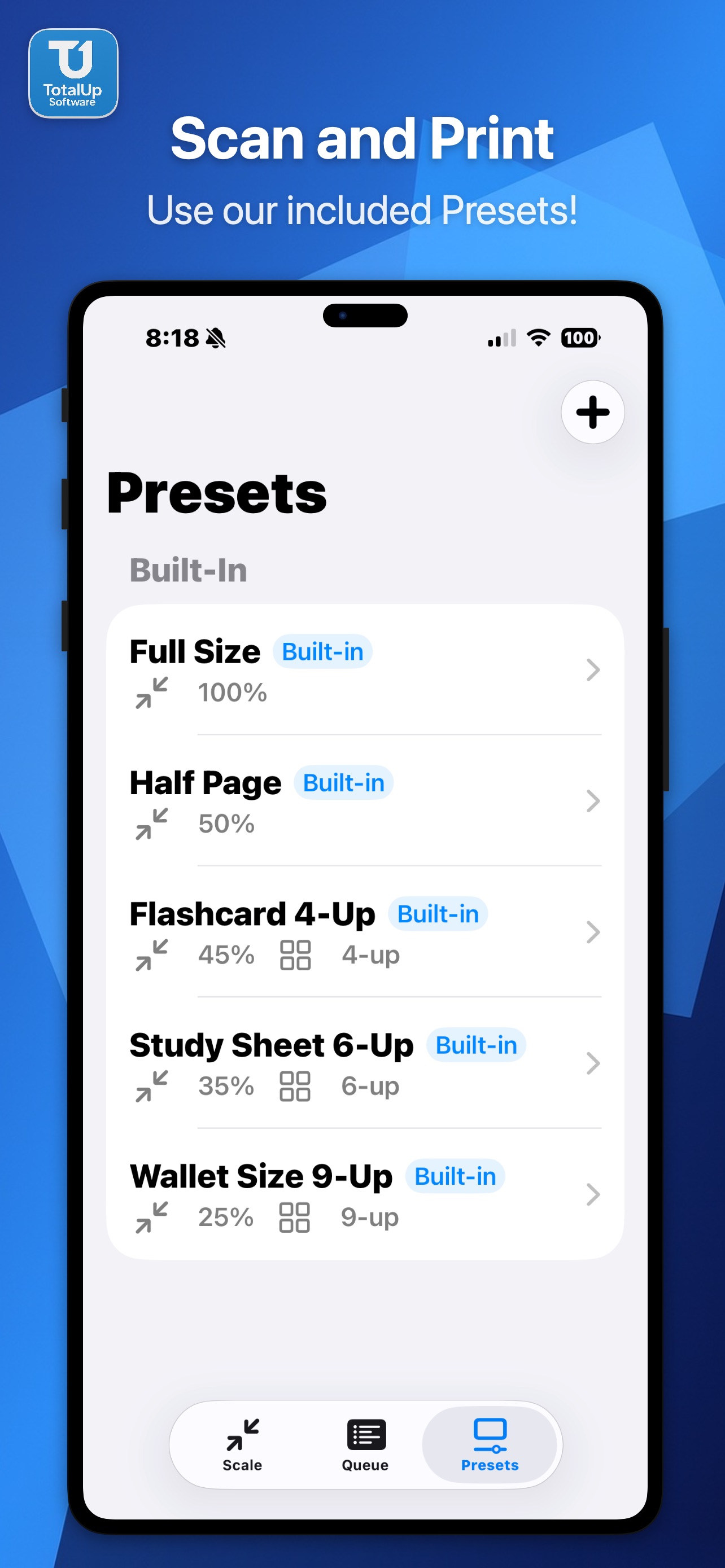
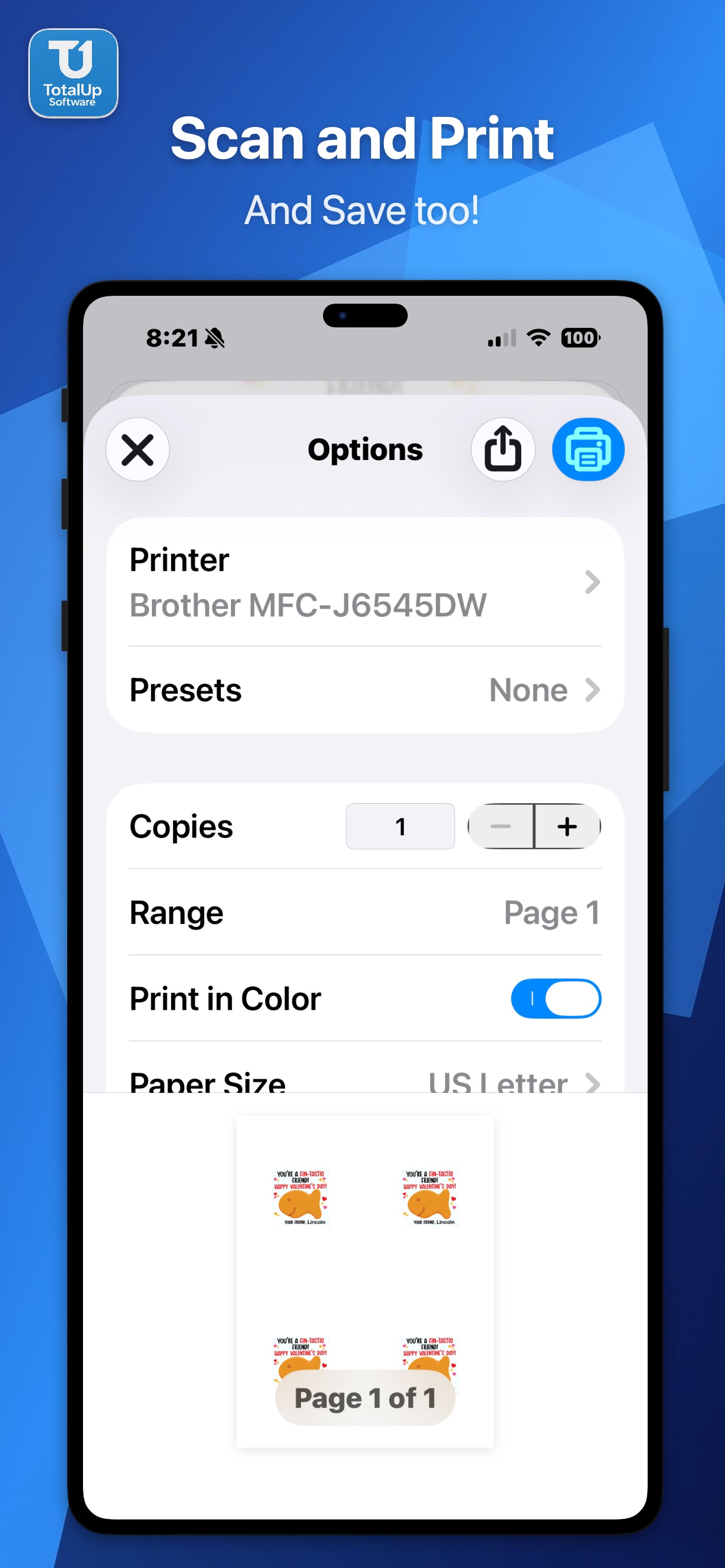
Scale & Print is a powerful document scaling and printing tool for iPhone and iPad. Import images, PDFs, and Word documents, then scale them to any size from 10% to 200% and print with precision. Document Scanner Scan physical documents directly with your camera. The built-in scanner auto-detects edges, corrects perspective, and produces high-quality images ready to scale and print. Print Queue Batch multiple documents into a single print job. Add photos, files, and scans to your queue, configure each item individually, then print everything at once. Drag to reorder, swipe to remove. Saved Presets Save your favorite print configurations and reapply them instantly. Start with five built-in presets — Full Size, Half Page, Flashcard 4-Up, Study Sheet 6-Up, and Wallet Size 9-Up — or create your own custom presets. Tiling & N-Up Printing Fit multiple copies on a single sheet. Choose from 1, 2, 4, 6, or 9 per page — perfect for flashcards, labels, wallet photos, and study materials. Multi-Page PDF Support Navigate through multi-page PDFs with page controls. All pages are printed at your chosen scale with optional text bolding for improved readability. Export & Share Save scaled output to Photos, share via AirDrop, Messages, or Mail, or export as a new scaled PDF. Your documents, your way. Key Features: • Scale documents from 10% to 200% • Built-in document scanner with edge detection • Batch print queue with per-item settings • Saved and custom print presets • Tile 1, 2, 4, 6, or 9 copies per sheet • Multi-page PDF navigation and printing • Save to Photos, Share Sheet, and PDF export • Text enhancement for PDFs and Word documents • Real-time preview with DPI quality indicators • All processing happens on-device — your documents stay private