

Split Pic Collage Maker Layout
Screenshots
ASO analysis
Tight against the limit — verify it doesn't truncate on small screens.
Solid length. Make sure the first 252 chars hook the reader.
Used by similar apps in your niche, but not in your title or description. Adding these (where genuinely relevant) can broaden your search reach.
Words you and your peers both use. Confirms positioning in this niche.
Keyword rankings
iTunes Search · top 200About
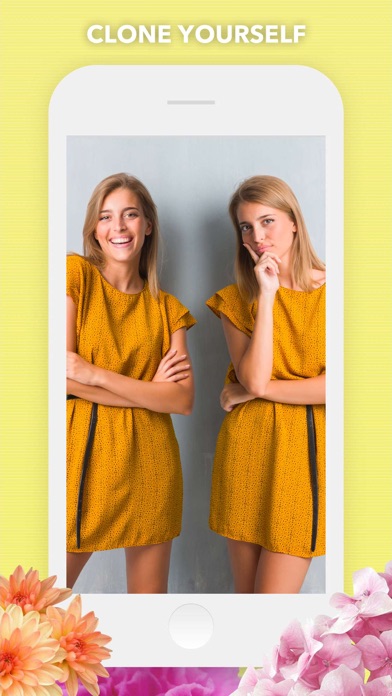
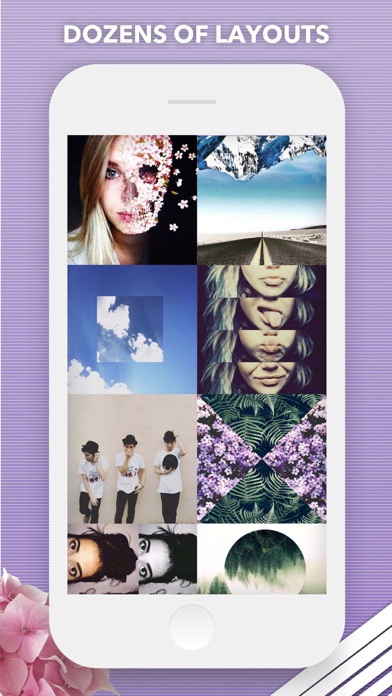
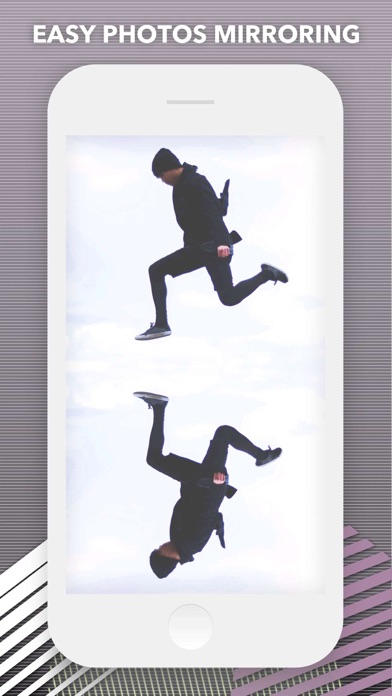
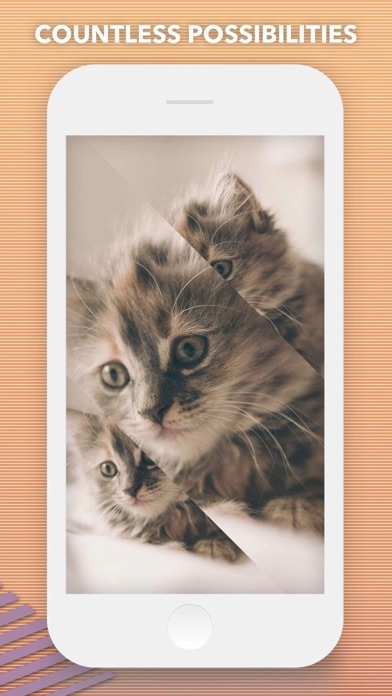
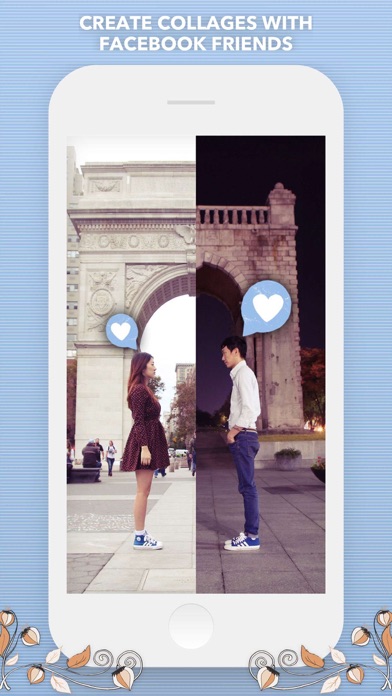
The (new and improved) Original Collage & Cloning App with over 50 MILLION satisfied users! Split Pic divides your camera into several sections with several free layouts to choose from. You can choose to blend these images together creating a flawless looking special effect or make a sharp contrast between the photos to collage multiple images. The possibilities are limitless! HOW IT WORKS: • Select a layout • Take photos or import images from your Camera Roll. You can now choose the order you take your images and if you’re not feeling the layout no problem just press the random button to check out more layout options! • To blend or not to blend, it’s up to you! You can blend the images together to look like one photo and fool all your friends or keep the sharp contrast and show off your artistic side. The blend bar is now available immediately so you can test it before moving on to the editing process! • Adjust your images. Zoom-in or out, move the split bars, move your images around, and choose from various photo editing options like crop, rotate, color adjustments, etc! • Choose from 14 custom photo filters to get your Split Pic looking fly. You can filter each section separately to switch it up or make the each frame the same filter! • Save it to your Camera Roll or share it with friends! With our integrated social media posting to Instagram, Facebook, Twitter, Flickr, Tumblr, Email, or SMS is just a click away. FEATURES: • COLLABORATE with friends anywhere in the world (heck even Mars if they have wifi)! Just take part of a Split Pic and select which of your Facebook friends you want to complete it. Way better than a postcard! •Beautiful, Exclusive Artwork and Stickers to apply over your edits. • Any unfinished Split Pics get automatically saved to your in-app LIBRARY! You can save your projects to easily come back and work on it over time or make several combinations and choose your favorite. • Need some Split Pic-spiration? Check out the HALL OF FAME section to see what amazing images users are creating all around the world...your photo can be featured too just post your creations to Instagram with the hashtag #splitpic to enter your photo! • Having trouble or want to give us feedback? Go to SETTINGS to send us feedback, ask for help, or to just say Hi! SUBSCRIPTION INFO: Subscribe to take advantage of the features described above. • Subscription length: weekly • Your payment will be charged to your iTunes Account as soon as you confirm your purchase. • You can manage your subscriptions and turn off auto-renewal from your Account Settings after the purchase. • Your subscription will renew automatically, unless you turn off auto-renew at least 24 hours before the end of the current period. • The cost of renewal will be charged to your account in the 24 hours prior to the end of the current period. • When canceling a subscription, your subscription will stay active until the end of the period. Auto-renewal will be disabled, but the current subscription will not be refunded. • Any unused portion of a free trial period, if offered, will be forfeited when purchasing a subscription. Terms of service: https://support.bendingspoons.com/tos?app=570748340 Privacy policy: https://bendingspoons.com/privacy.html?app=570748340 Have a feature request you would like to see in a future version of the app? Do not hesitate to contact us at splitpic@bendingspoons.com


