AppScoutAppScout.gallery
Total Refresh for Safari icon
Utilities

Total Refresh for Safari

by William Walker
Rating0.0(0)
Price$2.99
Updated5mo ago
Released4y ago
Latest rank
#25
Top Paid · Utilities
Rank change
↓ 16
vs last refresh
Rank history
Charting in:GB·Top Paid#25↓16CA·Top Paid#49US·Top Paid#96↓29

Screenshots

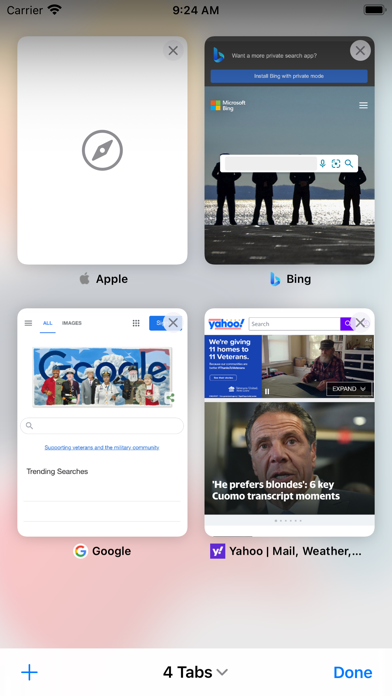
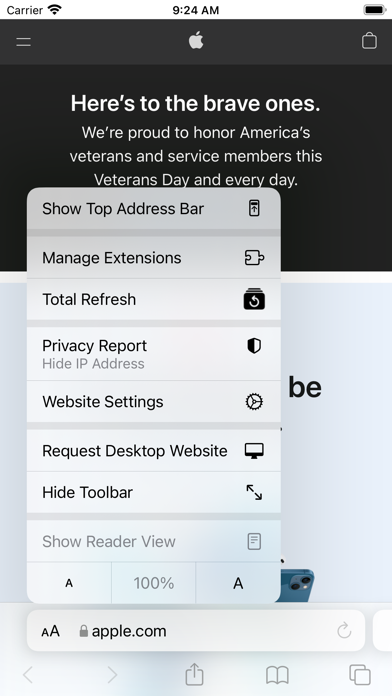
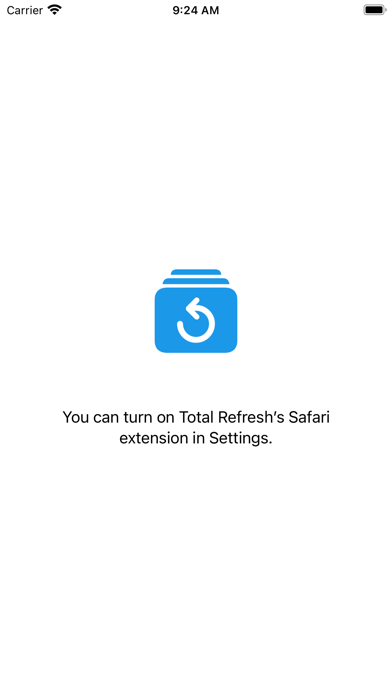
Total Refresh for Safari screenshot 1Total Refresh for Safari screenshot 2Total Refresh for Safari screenshot 3

Estimates

low confidence
Downloads / month
91K–609K
Chart-rank signal only
Revenue / month
$191K–$1.3M
After Apple's 30% cut

ASO analysis

Title24 / 30
Total Refresh for Safari

Good use of the title field.

Description557 / 4,000
3 paragraphs · 14% of limit used

Could go longer. The first 252 chars are above-the-fold; everything else still indexes.

Top keywords in your description
extension×3macos×3refresh×3ios×2safari×2step×2tab×2tabs×2active×1browser×1choose×1content×1
Keyword opportunities

Used by similar apps in your niche, but not in your title or description. Adding these (where genuinely relevant) can broaden your search reach.

settings8 peersweb7 peersautomatically6 peersdata6 peerswebsite6 peersfeatures5 peerspage5 peersprivacy5 peerstime5 peerswebsites5 peers
Shared niche keywords

Words you and your peers both use. Confirms positioning in this niche.

extension9 peerssafari9 peersios5 peersenable4 peersmacos4 peersopen4 peersbrowser3 peerscontent3 peerscurrent3 peerssimple3 peers

Keyword rankings

iTunes Search · top 200
Keyword tracking starts automatically for apps on the top charts — ranks appear after the next data refresh. Manual tracking for search-only and niche apps coming soon.

About

Total Refresh is a Safari extension for iOS and macOS that reloads all browser tabs at once. Tap the toolbar icon to refresh every open tab and pull the latest content. On macOS, choose your refresh scope from the extension menu: all tabs in all windows, just the current window, or only the active tab. You can also trigger it from the keyboard shortcut (default MacCtrl+Shift+R). Getting started is simple: install the app, enable the extension in Safari, and grant the required permissions. The app includes step‑by‑step instructions for iOS and macOS.

01
Simple Refresh for Safari icon
Simple Refresh for Safari
William Walker
3.6
02
Enable Right Click for Safari icon
Enable Right Click for Safari
Alfredo Grassau
0.0
03
Refreshinator - Auto Refresh icon
Refreshinator - Auto Refresh
BatLabs LTD
4.0
04
Noir - Dark Mode for Safari icon
Noir - Dark Mode for Safari
Jeffrey Kuiken
4.7
05
MapSwitch - Mapper for Safari icon
MapSwitch - Mapper for Safari
Ameen Mody
4.4
06
Vidimote for Safari icon
Vidimote for Safari
IOSPIRIT GmbH
4.1
07
BlockYT for Safari icon
BlockYT for Safari
Nikita Kukushkin
4.0
08
Mapper for Safari icon
Mapper for Safari
Alex Kitcoff
4.2
09
StopTheMadness Pro icon
StopTheMadness Pro
Jeff Johnson
5.0
10
Banish - Block 'Open in App' icon
Banish - Block 'Open in App'
Big Pineapple LLC
4.3