

Video Collage Maker & Editor
Screenshots
ASO analysis
Good use of the title field.
Solid length. Make sure the first 252 chars hook the reader.
Used by similar apps in your niche, but not in your title or description. Adding these (where genuinely relevant) can broaden your search reach.
Words you and your peers both use. Confirms positioning in this niche.
Keyword rankings
iTunes Search · top 200About
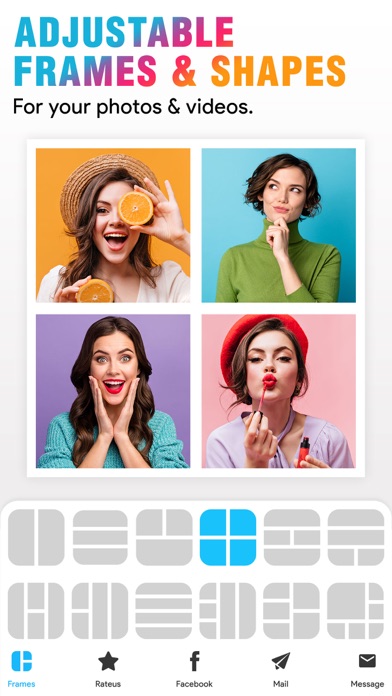
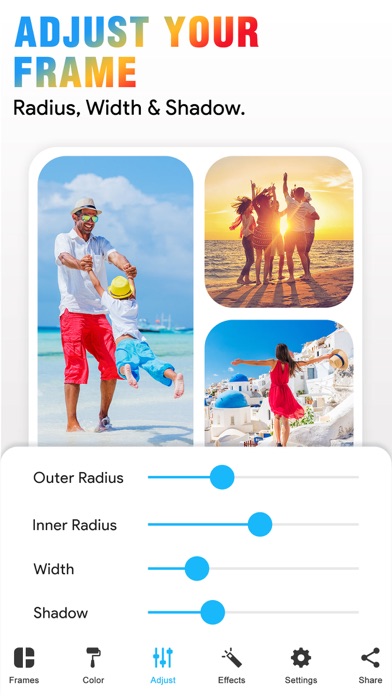
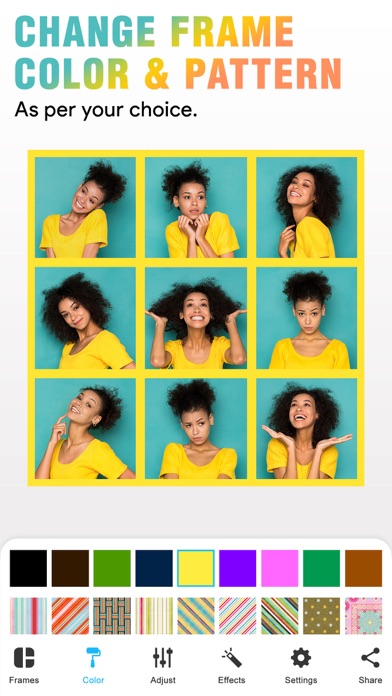
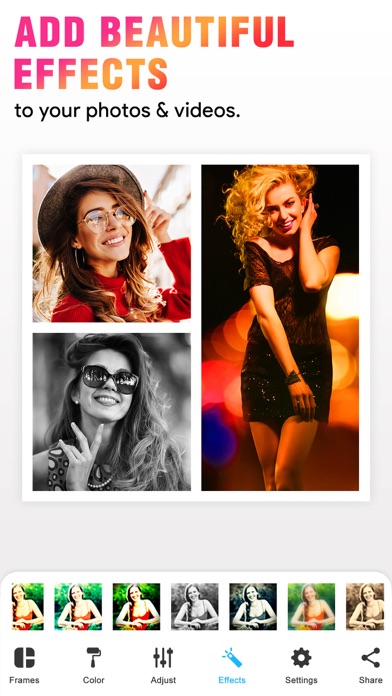
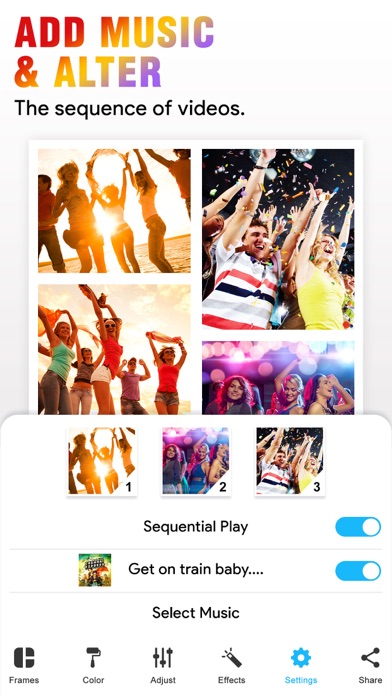
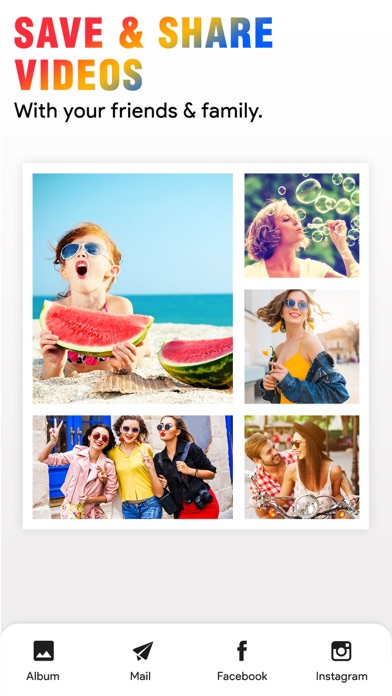
With our Video Collage App, you can easily create beautiful Photo and Video Collage in few minutes. All you need to do is, just choose the photo or video to create a collage, add extra effects to your Photos/videos, add music of your own choice and Save that Video. You can also easily share your photo collage or video collage to social networking sites like Facebook, Instagram or you can also share by using Email with our inbuilt option. Key Features of our Video Collage App 50 Collage Frames to create a beautiful Photo/video collage (in the Free version some frames are not available) * Easily adjustable frames * You can add your own Music to your Video collage or Photo collage * Enhance Video Collage Frame by adding patterned background * You can add color to frames * Add Effects to photos or videos * Easily share your video collage with our inbuilt social sharing option * Option to Save your Photo/video collage to Photo album Instruction To Use ******************* 1. Click on the frame button to select your frame. 2. Tap on the screen to add photo/video to Frame. 3. Click on the color button to change frame color and pattern. 4. Adjust your frame width, inner and outer radius by selecting a setting option. 5. Add music from your music library to video using the video settings option. 6. Once you are done with all editing can play video preview by clicking on the Preview button. 7. Finally it's time to share your masterpiece with your friends. So click on the Share button. 8. Download it and make your collage of Video and image with a simple touch. If you are looking for a free app to combine videos into one video, then our VideoCollage is one app you can try. You don’t need any video editing software to join multiple videos into one video. Our simple & free collage maker app will do this job for you. One of the best things about our video and picture collage app is, you can use our app as a photo collage maker or as a video collage app. In one app you will get 2 app features! So you don’t need any video/photo collage app anymore. Once you are done with your collage video you can easily share that collage with your friends by Email, Facebook, or on Instagram site. Subscription Terms - Subscribe to get unlimited video collage app access to all features. - Upon confirmation of purchase, the payment will be charged to the iTunes account. - Until you turn off the auto-renew at least 24 hours before the end of the current. period it will be automatically renewed. - If you decide to turn off auto-renewal, you can turn it off maybe by going to account settings after purchase. -The renewal amount will be charged from the account within 24 hours before the end of the current period. -As per the policy, cancellation of the current subscription is not allowed during the active subscription period. Once purchased, refunds will not be returned for any unused portion of the subscription period. Terms of use - https://www.outthinkingindia.com/terms-of-use/ Privacy policy - https://www.outthinkingindia.com/privacy-policy/ Download the video collage app now.


