xScan : Document Scanner App
Screenshots
ASO analysis
Good use of the title field.
Solid length. Make sure the first 252 chars hook the reader.
Used by similar apps in your niche, but not in your title or description. Adding these (where genuinely relevant) can broaden your search reach.
Words you and your peers both use. Confirms positioning in this niche.
Keyword rankings
iTunes Search · top 200About
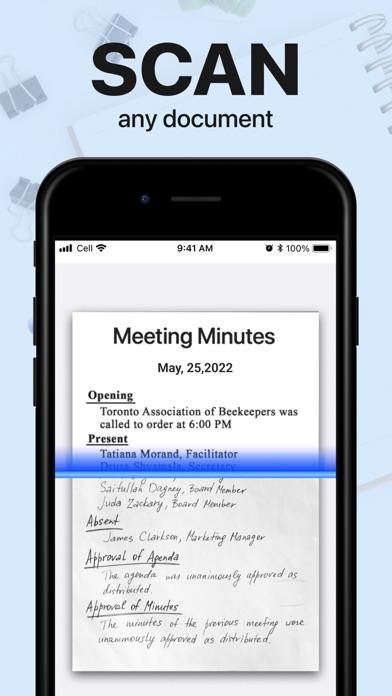
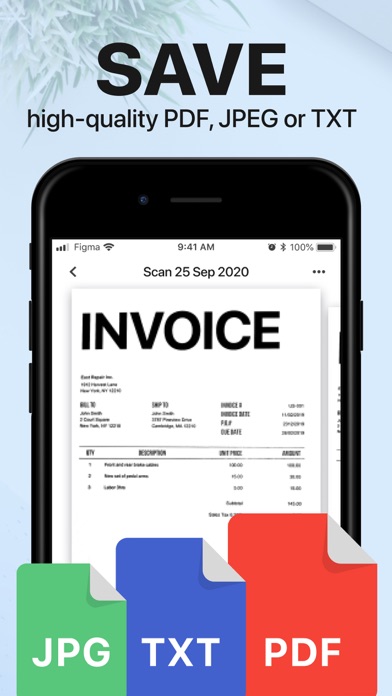
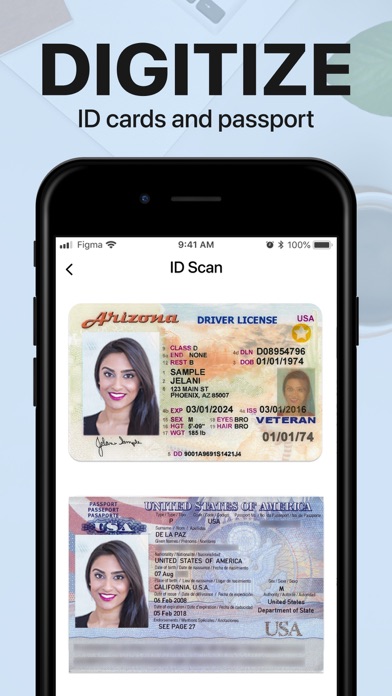
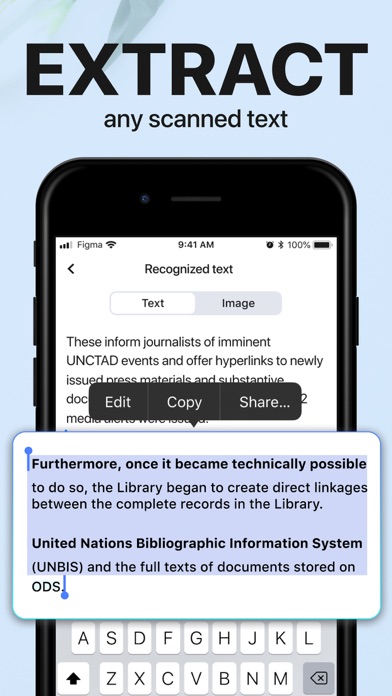
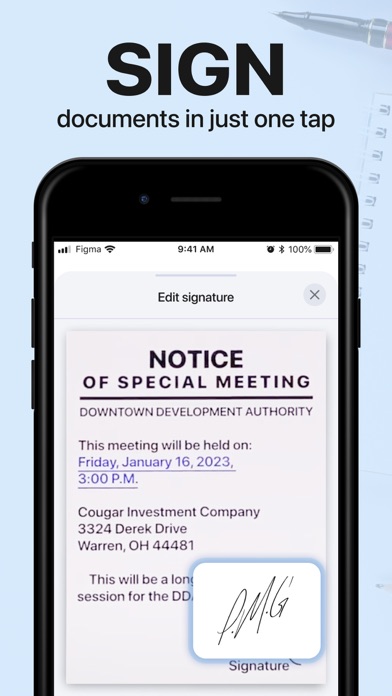
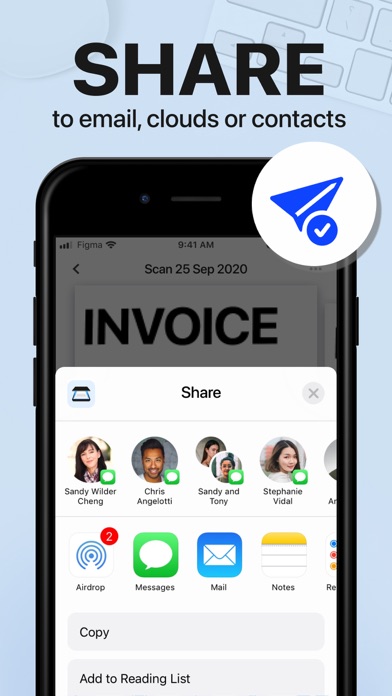
xScan is a mobile pdf scanner app that will turn your iPhone into a powerful mobile document scanner. Simple use, accurate and fast scans, easy editing and sharing. You can scan like a pro anything you need: contracts, books, to-do lists, paper notes, fax papers, receipts, ID cards and store your scans as high-quality PDF or JPEG files. All scanned documents are stored locally on your mobile device and inaccessible to us and to any third-party. APP SCANNER ! Using only your iPhone camera and xScan app scanner you can easily scan, save and print any document including: - Contracts, Invoices, Bills, Tax Rolls, Business Cards, Letters - To-do lists, Paper Notes, Whiteboards, Mindmaps, Receipts - Book Pages, Articles - ID cards, Credentials, Certificates - Texts and documents that don't offer a digital copy; TEXT EDITOR & CONVERTER. Easily turn an image to editable text format with the OCR function. Extract text from a scanned document and then edit it as you wish. You can also save those converted scanned documents from word to pdf and visa versa. Languages supported for text recognition: English, German, French, Spanish, Italian, Portuguese, Dutch, Swedish, Norwegian, Turkish, Russian, Ukrainian, Japanese, Chinese, Arabic, Hindi, Korean, Hebrew. SAVE. You can save scanned documents in high quality as PDF, JPEG or DOC. SIGN. E-sign any docs by simply adding your signature to electronic documents with just a few taps. SHARE. Easily share documents with others via social media, messengers or email attachment. Upload scans to cloud services like Dropbox or Google Drive or simply print it via any WI-FI printer. Information about the auto-renewal of unlimited access subscription: – You can subscribe for unlimited access to all features within the app - Subscription automatically renews unless auto-renewal is turned off at least 24-hours before the end of the current period. - Subscriptions may be managed by the user and auto-renewal may be turned off by going to the user’s Account Settings after purchase. - Please note: any unused portion of a free trial period will be forfeited when the user purchases a subscription. - Payment will be charged to iTunes Account at confirmation of purchase. - An account will be charged for renewal within 24 hours prior to the end of the current period. The cost depends on the selected plan. Terms of Services: https://mobapps.limited/scanner/terms-of-use.html Privacy Policy: https://mobapps.limited/scanner/privacy.html Terms of Subscription: https://mobapps.limited/scanner/terms-of-subscription.html Got questions or suggestions? We’d love to hear your feedback: info@mobapps.limited