

1tap receipts: Track Expenses
Screenshots


ASO analysis
Tight against the limit — verify it doesn't truncate on small screens.
Solid length. Make sure the first 252 chars hook the reader.
Used by similar apps in your niche, but not in your title or description. Adding these (where genuinely relevant) can broaden your search reach.
Words you and your peers both use. Confirms positioning in this niche.
Keyword rankings
iTunes Search · top 200About
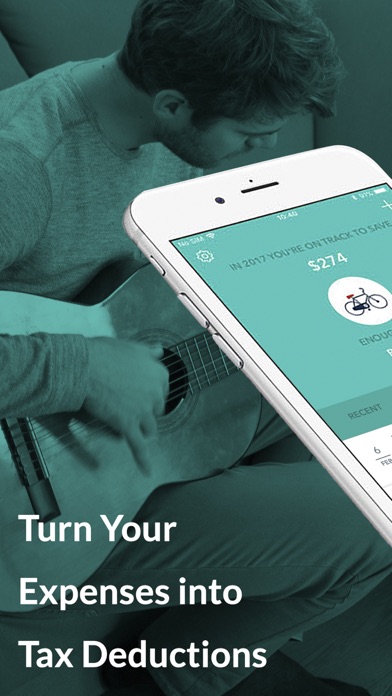
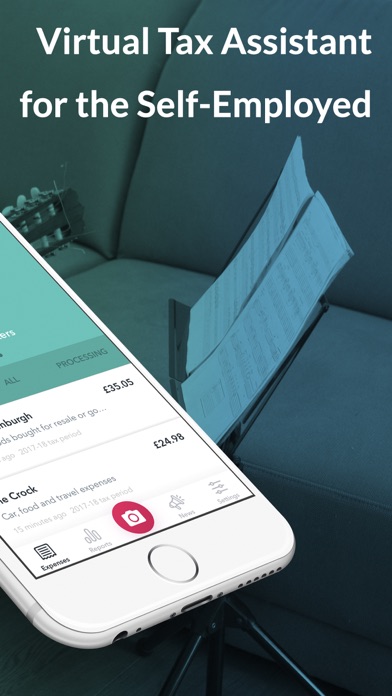
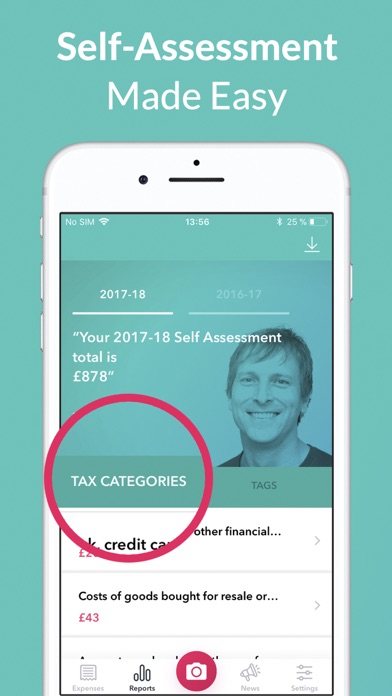
Self employed? With 1tap receipts, take the stress out of tracking and filing your taxes so you can concentrate on your freelance business! Scan receipts to automatically extract relevant data for your Self Assessment. No boxes of receipts or crumpled up invoices strewn about. 1tap receipts can get you organised and prepared! A new tax year begins 6 April. Get a head start on tracking your expenses and save your receipts in one secure place. Keep up with self employed tax tracking throughout the year to keep tax time stress free. 1tap receipts EXTRACTS the supplier, date, amount and self-assessment tax category from your receipts, bills and invoices with UNBELIEVABLE accuracy. Make accounting, invoicing and finance management a breeze! Scan your receipts as proof of your business expenses and have access to your Self Assessment documents for at least 7 years in the case of an audit. Remember a £100 receipt is £20 less to pay at tax time for many self-employed people in the UK. Use the receipt scanner to boost your income instead of working those long hours, and leave the accounting to us! How 1tap receipts Works ======================== 1. TAKE A PHOTO: Open 1tap receipts and use the scanner to snap your receipt or invoice. 2. AUTO EXTRACT: Data from the receipt or invoice will be automatically extracted and placed in the correct HMRC expense category. 3. VIEW YOUR HMRC FORM AT ANY TIME: Track your taxes and see how your HMRC Self Assessment return is shaping up at any time. 4. SAVE & SHARE RECEIPTS: Instantly save all of your receipts, invoices and expenses. Share them with your accountant or whoever else may need to see them. Stop chasing your accountant for missing receipts and invoices and keep all finances in one place with 1tap receipts! Start organising your finances by scanning your receipts, and we’ll take care of the rest. Download 1tap receipts today and join the ever-growing crowd of UK freelancers who are finding more tax deductions than ever before. Help and Support ======================== Any questions? Let’s chat at hello@1tap.io. Or visit our FAQ at https://1tap.zendesk.com/ Keep in mind that 1tap receipts does not offer financial accounting or tax advice. Subscription Details ======================== Payments for subscriptions will be charged to iTunes Account at confirmation of purchase. Payments will automatically renew and be charged for renewal within 24-hours prior to the end of the current period. Subscriptions are managed by the user and auto-renewal may be turned off by going to the user's Account Settings after purchase. Links ======================== Terms of Service: http://1tapreceipts.com/terms-conditions/ Privacy: http://1tapreceipts.com/privacy/


