2 Days
Screenshots
ASO analysis
Short title. You're leaving keyword space on the table.
Solid length. Make sure the first 252 chars hook the reader.
Keyword rankings
iTunes Search · top 200About
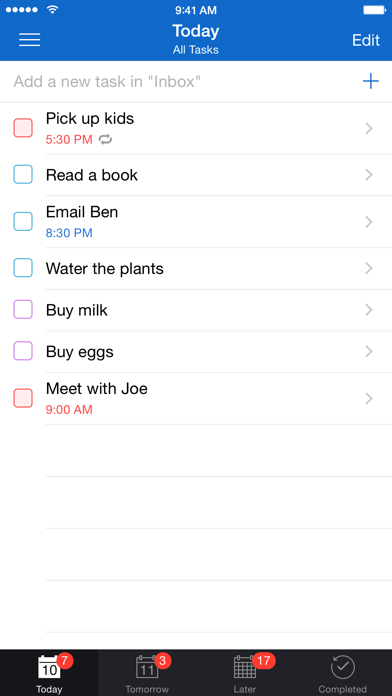
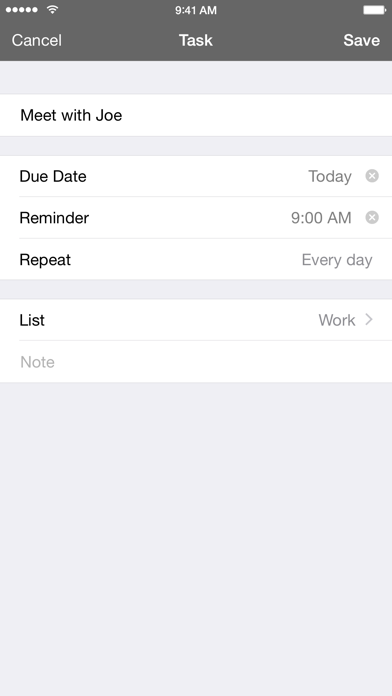
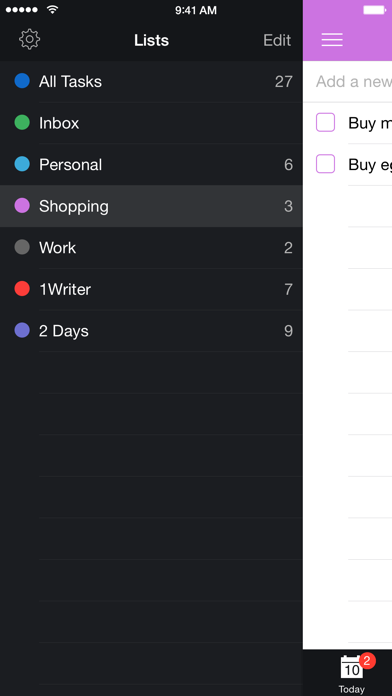
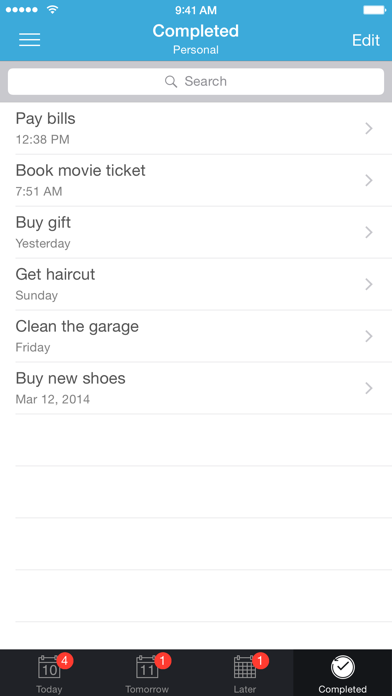
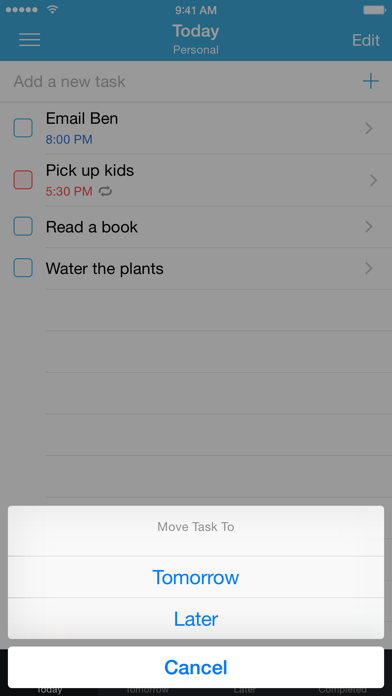
2 Days helps you focus on what needs to be done now without losing track of everything else. - - - - - - - - - - - - - - "2 Days provides an uncomplicated approach to dealing with life's complications." ~ AppSafari "2 Days is a very good to-do app that offers a dead simple, yet unique approach to task management." ~ appstorm.net - - - - - - - - - - - - - - - FOCUSED - The main view of 2 Days is a list of tasks due Today, to keep you focused on getting things done. All of your other tasks are under the Tomorrow and Later views so you can access them when you're planning ahead but not be distracted by them the rest of the time. If you need to get even more focused, you can use Lists to view a specific group of tasks separately. Again, these tasks are divided into Today, Tomorrow, and Later so you can focus on the items in each List that need to get done next. - FLEXIBLE - 2 Days makes it easy to adjust when your plans change. Swipe right on a task from the list view to change the due date with a single tap. Swipe left to move the task to a different List. Lists let you organize your tasks however you want, but no matter how many Lists you create, you can see everything due Today, Tomorrow, and Later from the All Tasks List. - EASY - 2 Days is easy to understand and easy to manage. The interface keeps things simple, so you won't get distracted by complicated menus. The app also keeps track of what day it is, and it automatically updates Today and Tomorrow to make sure you're always looking at a current list of what's due or overdue. - - - - - - - - - - - - - - TIP :: Add a phone number, email address, or URL to the task title or note. When you complete the task or swipe left, you'll be given the option to call or message a number, email an address, or open a URL. You can even include more than one, and 2 Days will let you choose which one you want to execute! TIP :: Start typing in the text box at the top of any list to add a new item to that list. You can then tap [Next] to add another task or [+] to edit the details. - - - - - - - - - - - - - - - OTHER GREAT FEATURES - - Repeatable :: browse and recycle your Completed tasks, or set a recurring reminder if you know you'll need to do that task again. - Syncable :: use iCloud or Dropbox to sync and backup your tasks. - Expandable :: add a note if you need more space to write and you can even see a preview of your note from the list view. - Customizable :: change how the icon badge functions, the default list for new tasks, and the sound used for reminders. - Colorful :: choose from 10 different colors for each of your Lists. - Shareable :: select a task or group of tasks to share via AirDrop, email, copy, or print options. - Sortable :: rearrange your tasks however you want, regardless of due date. - Actionable :: include a phone number you want to call, an email address you want to contact, or a website you want to visit, and 2 Days will initiate that action when you complete the task. - Powerful :: 2 Days has a full URL scheme, including x-callback-url support, so you can create new tasks directly from other great apps*. - Universal :: 2 Days has been optimized for iPad and iPhone. * Compatible third-party apps include: Launch Center Pro, Drafts, 1Writer, Dispatch, Pythonista, Editorial, TaskAgent, and others.