

A Nice Morphing Clock for Me
Screenshots
ASO analysis
Good use of the title field.
Solid length. Make sure the first 252 chars hook the reader.
Keyword rankings
iTunes Search · top 200About
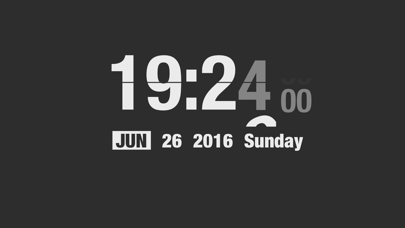
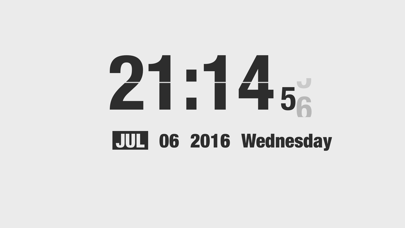
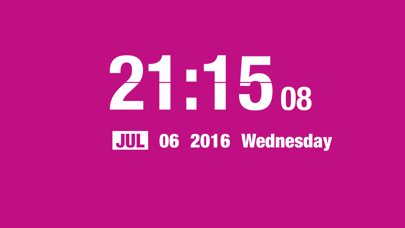
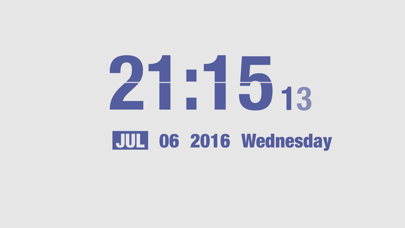
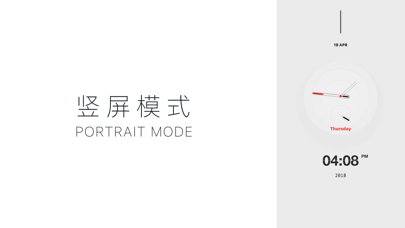
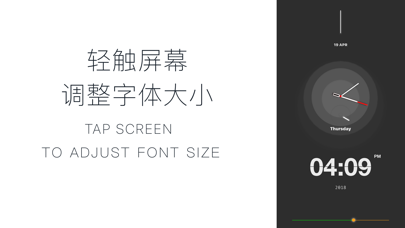
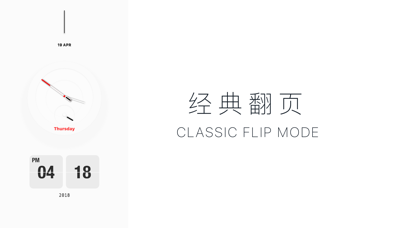
A Nice Morphing Clock for Me - Show Me Geek Cute Flip Clock & Task Alarm "A happy encounter is less than a long untiring stay. Being happy with first sight is less than with a long stay." Simplest Always Best... Morphing Clock designed to be awesome as bed or work desk partner. Morphing Clock add new style flip clock with Dark/Light/Boy/Girl, try to pan the left or right screen edge to switch them. If you are an beautiful girl, maybe the Girl mode is your best choice. Support Clock Effect Type: • Scale Effect • Evaporate Effect • Fall Effect • Sparkle Effect Now, you can customize color scheme or set the alarm clock in the App by accessing menu with long press gesture or three-finger tap gesture. Also you can remember the color scheme your last choice now by switching to color memory state. And if you would not like to lock screen after the lock screen time settings of your system, now support a ban on the lock screen. ※※※※※※ Someone installed my App on the old iPhone 5 and put it on the wall. It looks good. Maybe this is the life solution you are looking for. Watch the video here: https://weibo.com/tv/v/Hkk3wtlZP?fid=1034:4348435932086018 latest updates: 1. new feature: portrait mode support, try to set up it at menu "Other Params", you may find something different. 2. new feature: whether show 24 hours now you can switch it with your own heart. 3. new feature: classic flip mode support, the function can be unlocked after paying, both landscape mode and portrait mode support. 4. new feature: font size adjust support, tap screen to adjust it. however, in landscape mode, you can only do that after hide the Second also the Date & Weekend; portrait mode without this restriction. 5. optimization: when you hide the Second also the Date & Weekend, old version layout seems unfriendly, now it's ok. 6. optimization: more power saving. 7. new feature: double click the headset pause button to tell the current time. Sometimes, when you're running or driving, you would like to get current time without fetching your phone out. You can try to use this feature. You just have to double click the pause key of headset, the App will tell you the current time by headset. 8. option to hide second, however, it's not perfect now, I will optimize it in later version. 9. option to hide date & weekend, however, it's not perfect now, I will optimize it in later version. 10. iPhone X support. 11. optimize the user experience of dragging the left screen edge for the previous color scheme. 12. with tutorial for beginner. 13. support color scheme and memory function (the default), when you switch to color memory state, the next time you open the App will show the color scheme of your last choice, no longer have to drag each switch to their favorite color scheme; of course, if you do not want to use this feature, too you can switch to a non color memory state. 14. to support a ban on the lock screen (non default), when you switch to prohibit the lock screen, the App does not lock the screen after the lock screen time settings of your system, but has been lit, the App has made the consumption optimization and test of good power; if you do not love this pattern, you can not use. 15. for the user does not like the default color scheme, the App brings you the custom color matching function, the function can be unlocked after paying, unlock you can enjoy DIY belong to your own color scheme. 16. new task alarm clock function, you can now set the alarm clock in the App, of course, all this does not affect your original user experience, and quickly try it! (some task scenes need to be paid to unlock.)


