Angles - Video Goniometer
Screenshots
ASO analysis
Good use of the title field.
Could go longer. The first 252 chars are above-the-fold; everything else still indexes.
Used by similar apps in your niche, but not in your title or description. Adding these (where genuinely relevant) can broaden your search reach.
Words you and your peers both use. Confirms positioning in this niche.
Keyword rankings
iTunes Search · top 200About
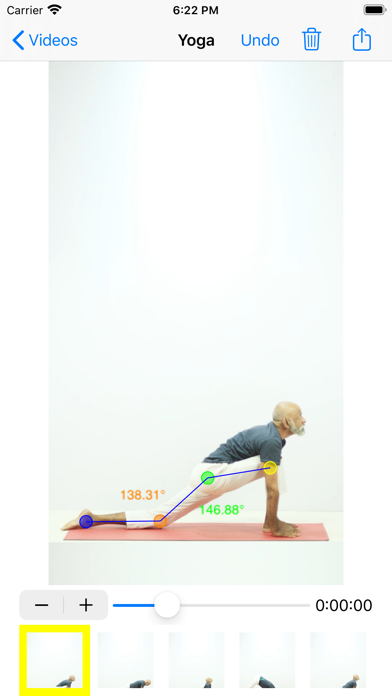
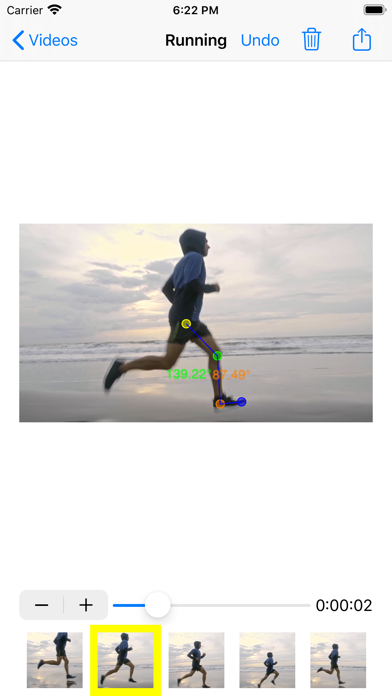
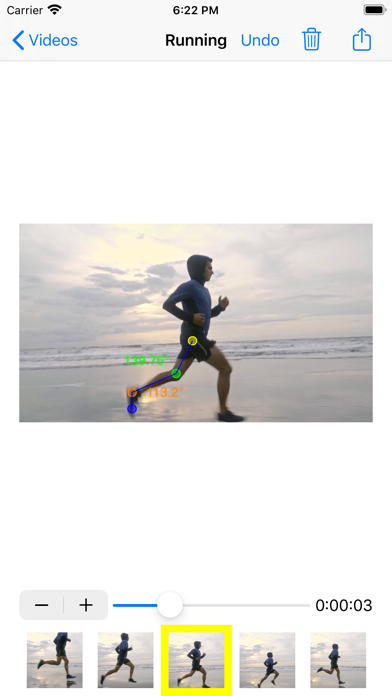
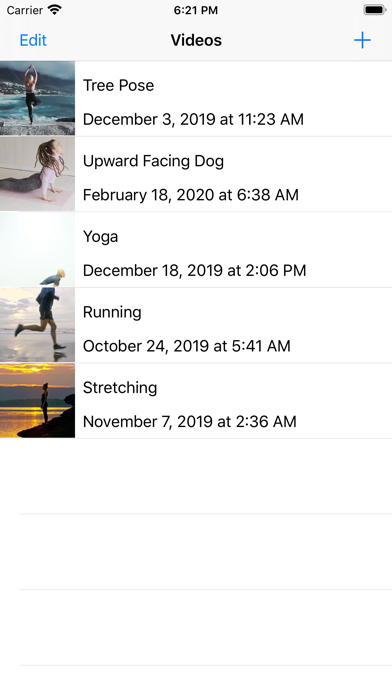
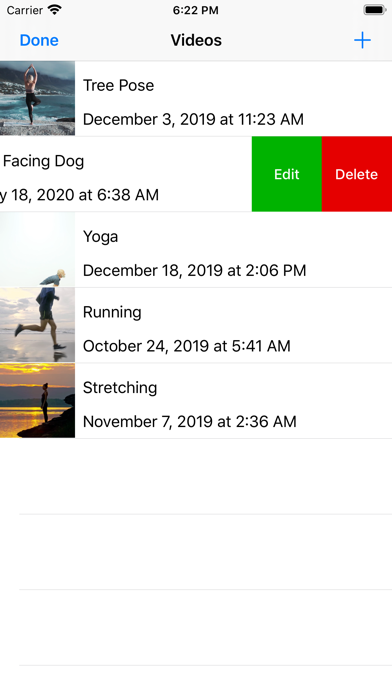
This goniometer tool can be used to measure angles at various times in a video. Designed for rehabilitation professionals. Features: • Capture new videos or import existing videos from your library • Step frame-by-frame through a video, or drag the slider to seek to a specific time • Select points and drag them into place • Lines and angle measurements automatically appear, connecting the points • Repeat with more frames, points, and angles • Export to spreadsheet (.xlsx format) for further calculations and analysis (note that there are multiple worksheets - one with raw point coordinates, and one with angle measurements) Make sure to capture your video directly perpendicular to your subject, with the camera level in all planes, and without panning the camera. The display of angle labels can be turned on/off in the app's preferences, found in the Settings app. App developer: Nathaniel J. Cochran, in collaboration with Regina Harbourne Supported by Duquesne University, Physical Therapy Dept. in the Rangos School of Health Sciences Developed in part to support a grant from the Institute of Education Sciences, US Dept. of Education