

AO Office Pro
Screenshots

ASO analysis
Good use of the title field.
Solid length. Make sure the first 252 chars hook the reader.
Used by similar apps in your niche, but not in your title or description. Adding these (where genuinely relevant) can broaden your search reach.
Words you and your peers both use. Confirms positioning in this niche.
Keyword rankings
iTunes Search · top 200About
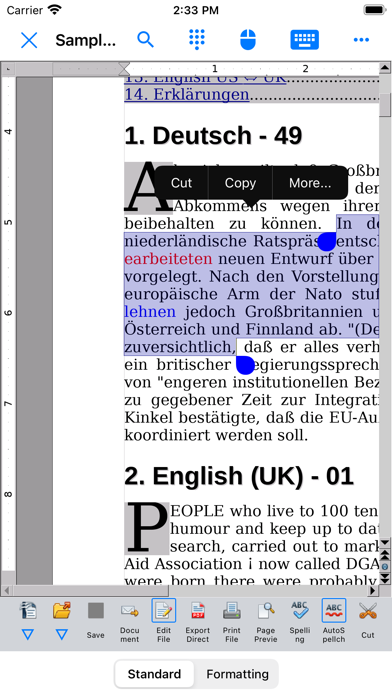
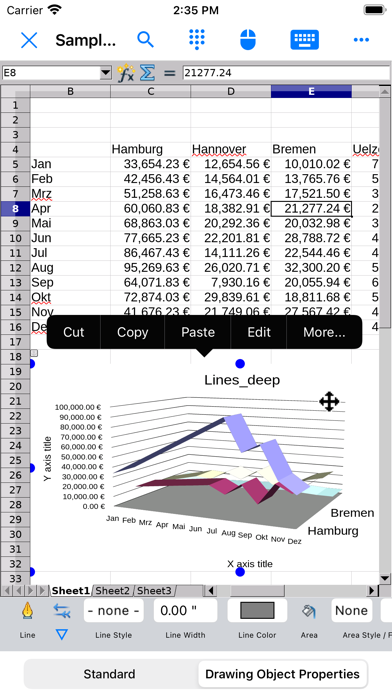
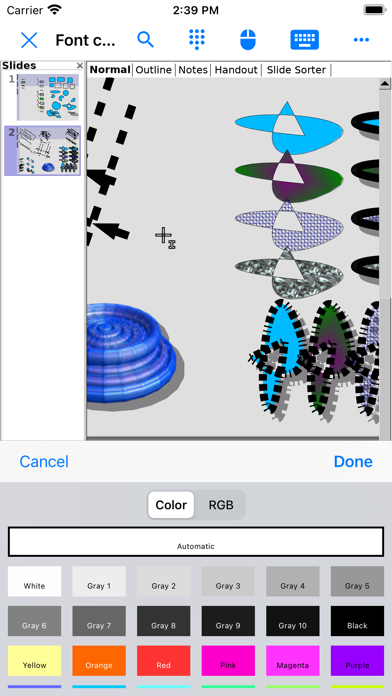
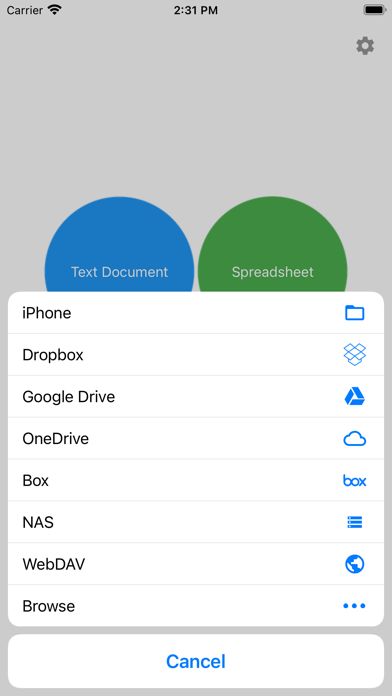
AO Office is the world's first porting of OpenOffice for iOS and it's a powerful and complete office suite for OpenOffice / LibreOffice documents. You can view, edit, import, and export PDF, Word, Excel & PowerPoint documents using full features of the OpenOffice in the PC version. AO Office has 5 components: Writer: a word processor you can use for anything from writing a quick letter to producing an entire book. Calc: a powerful spreadsheet with all the tools you need to calculate, analyze, and present your data in numerical reports or graphics. Impress: the fastest, most powerful way to create effective multimedia presentations. Draw: lets you produce everything from simple diagrams to dynamic 3D illustrations. Math: lets you create mathematical equations with a graphic user interface or by directly typing your formulas into the equation editor. * AO Office is a forked project from the Apache OpenOffice project. AO Office is not affiliated with the Apache OpenOffice and LibreOffice projects. ■ Features ■ - View / edit / import / export documents - High reproducibility for Open Document Format - Export and import documents as PDF - Formatting paragraphs - Create stylized text with special effects - Support for extensive file formats - Support for embedded object - Support for Dropbox / iCloud Drive / Google Drive / OneDrive / Box / NAS / WebDAV - Support for Audio and Video - Support for recovering the unsaved work - Support for modern encryption ■ Supported File Formats ■ AO Office can open and save to: - Microsoft Word (DOC / DOT / RTF) - Microsoft Word 2007 (DOCX / DOTX / DOCM) - Microsoft Excel (XLS / XLT) - Microsoft Excel 2007 (XLSX / XLTX / XLSM) - Microsoft PowerPoint (PPT / POT) - Microsoft PowerPoint 2007 (PPTX / POTX / PPTM) - OpenDocument (ODT / ODS / ODP / ODG / ODF) - Portable Document Format (PDF) - OpenOffice.org1.0 / StarOffice6.0 (SXW / SXC / SXD / SXI / SXG / SXM) - Text (TXT / CSV / XML) - HyperText Markup Language (HTML) - Adobe Photoshop (PSD) - Scalable Vector Graphics (SVG) - Windows Metafile (EMF / WMF) - Tagged Image File Format (TIFF) - Data Interchange Format (DIF) - SYLK (SLK) - Portable Anymap Format (PBM / PGM / PPM) - OS/2 Metafile (MET) - Sun Raster Image (RAS) - Mac Pict (PCT) - X PixMap (XPM) - StarView Metafile (SVM) AO Office can open: - WordPerfect Document (WPD) - AutoCAD (DXF) - T602 Document (602) - Computer Graphics Metafile (CGM) - Truevision Targa (TGA) - X Bitmap (XBM) - Zsoft Paintbrush (PCX) - Kodak Photo CD (PCD) AO Office can save to: - PlaceWare (PWP) - Macromedia Flash (SWF) - JPG / GIF / PNG / BMP ■ Gesture Assignments ■ - Hard Press or 2 Finger Tap = Context Menu - Pinch In & Out = Zoom In & Out - Drag = Scrolling - Drag with Hard Press or 2 Finger Tap = Drag & Drop ■ Limitations ■ - Not supported for macro ■ Contact Us ■ Email: support-ios@aooffice.app Twitter: @office700


