

Blackmagic BlueConnect
Screenshots


ASO analysis
Good use of the title field.
Solid length. Make sure the first 252 chars hook the reader.
Used by similar apps in your niche, but not in your title or description. Adding these (where genuinely relevant) can broaden your search reach.
Words you and your peers both use. Confirms positioning in this niche.
Keyword rankings
iTunes Search · top 200About
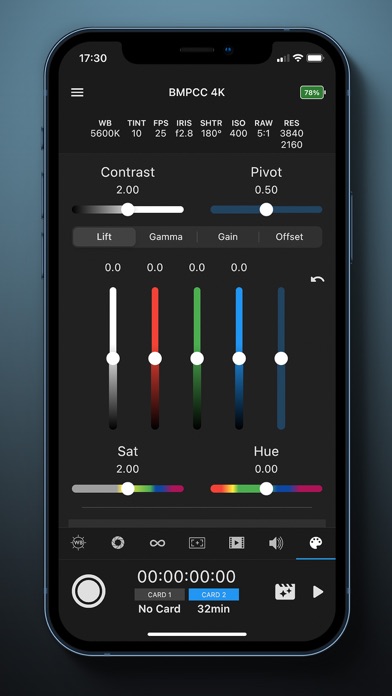
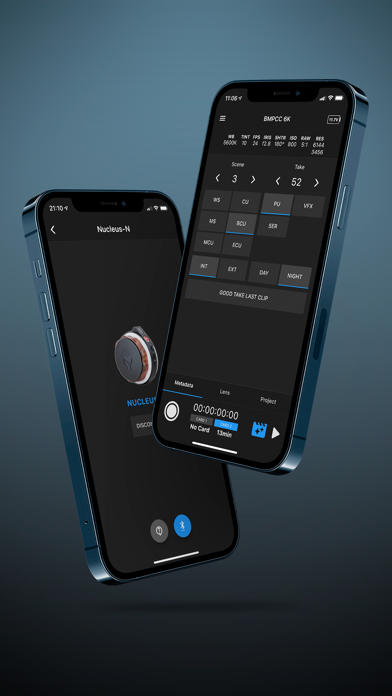
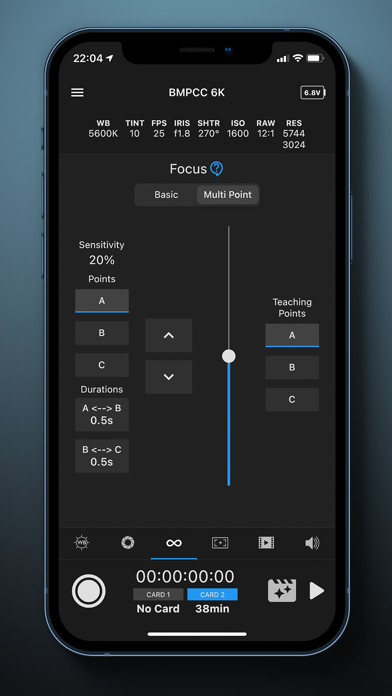
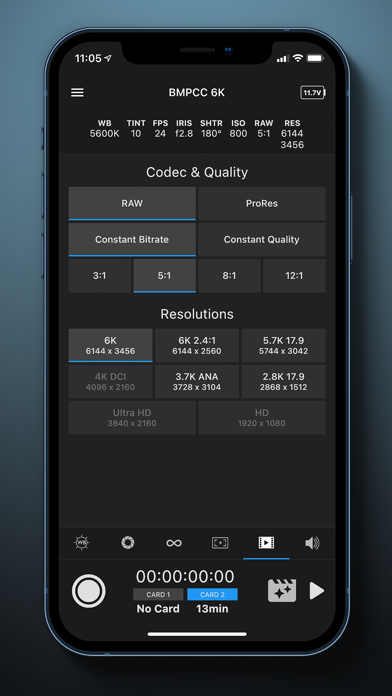
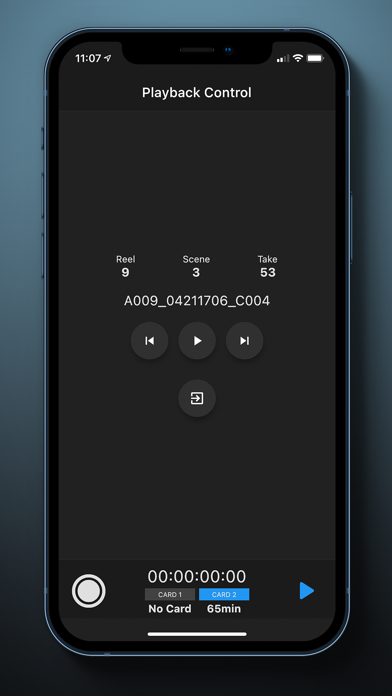
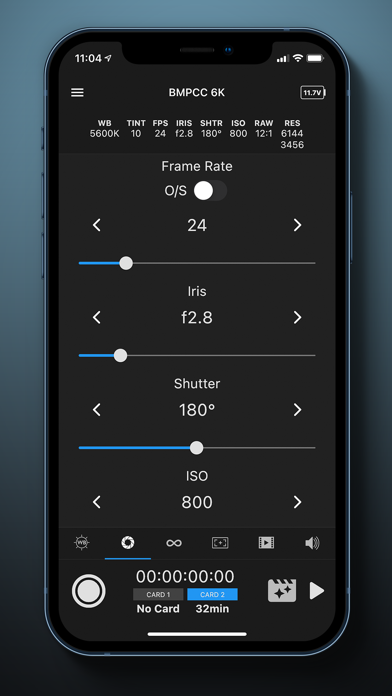
BlueConnect is simple yet powerful app to control Blackmagic Pocket Cinema Camera 4K, 6K or 6K Pro from iPhone or iPad. BlueConnect allows you to control all the features of camera that Blackmagic offers, including : - Colour Corrector : • Built-in colour correction tools that reflects in camera and HDMI Output • Davinci Resolve-like control • RGB Bars for Lift, Gamma, Gain and Offset • Pulling sliders for Contrast, Pivot, Saturation and Hue • Ability to reset to default camera colour correction settings • Similar settings that can be controlled from Atem Mini Pro switchers - Other devices support : • Control from Tilta Nucleus-N handwheel - Start / Stop recording • Control from Tilta Nucleus-M FIZ Unit - Start / Stop recording - General controls : • Trigger Start/Stop recording ( Ability to use Volume buttons ) • Trigger stills • Battery indicator • Active card indicator • Remaining recording time • Timecode • Settings indicators • Lock-while-recording mode - Playback control : • Switch from recording mode into playback and back ( displayed are only clips with same resolution ) • Play / Pause, navigate forward, navigate backward through clips - White Balance controls : • White Balance • Tint • WB Presets - Exposure and Frame rate controls : • Project frame rate • Frame rate • Off-speed frame rate toggle • Iris • Shutter speed / angle • ISO • Auto Exposure modes - Focus control • Slide-to-adjust control • Multiple focus points (Rack focus using focus sensitivity and duration) • Multiple focus points (Rack focus using focus-movement teaching) • Auto-focus toggle - Monitor overlays • Zebra Level • Frame guides • Safe Area • Grids • Exposure and focus tools (zebra, focus assist and false color toggles) - Codecs and Quality • Codec option • Bitrate option • Resolution - Audio controls • Channel 1 / 2 gain • Headphones volume • Speaker volume We continue to work on another exciting features to be released in the near future including but not limited to : - MultiCam mode with an option to trigger recording on multiple cameras - Control of TILTA products Requirements: - Minimum Camera Firmware version 6.2 - Bluetooth Enabled on your Camera - Bluetooth Enabled on your Phone - Location Enabled on your Phone Tested on: – BMPCC 4K – BMPCC 6K - BMPCC 6K Pro Getting started : https://bmblueconnect.com/getting-started Issues we know about : https://bmblueconnect.com/known-issues Troubleshooting : https://bmblueconnect.com/troubleshooting


