BookRemote
Screenshots




ASO analysis
Short title. You're leaving keyword space on the table.
Could go longer. The first 252 chars are above-the-fold; everything else still indexes.
Used by similar apps in your niche, but not in your title or description. Adding these (where genuinely relevant) can broaden your search reach.
Words you and your peers both use. Confirms positioning in this niche.
Keyword rankings
iTunes Search · top 200About
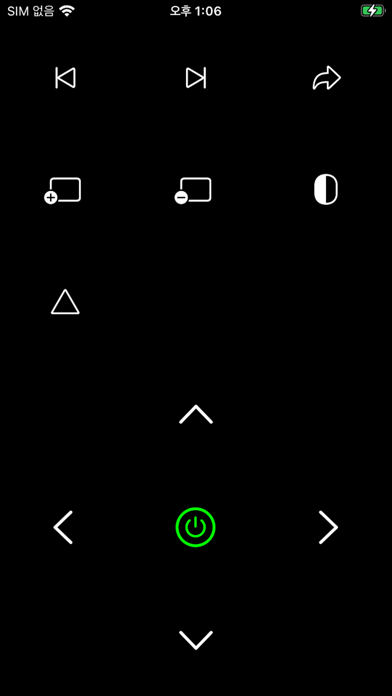
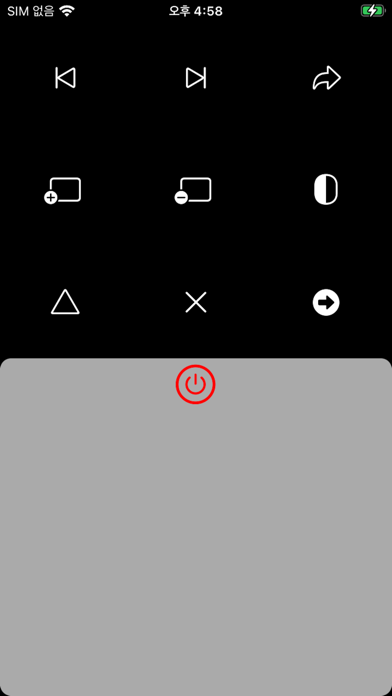
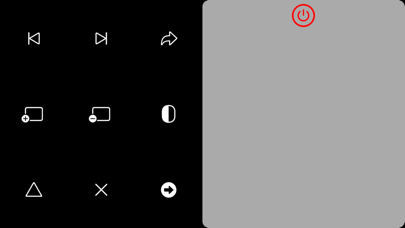
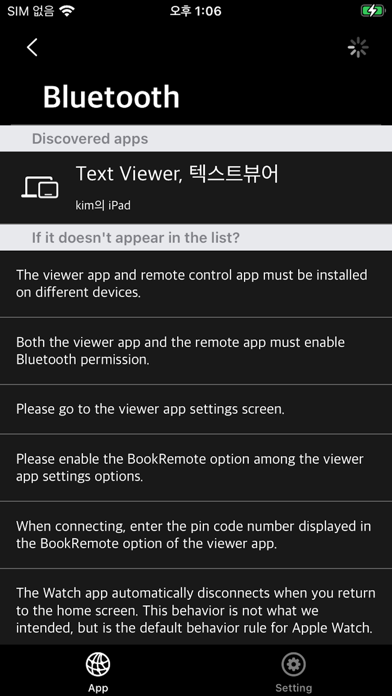
Remote control for Reader app only This is a remote control app that supports the page switching function remotely from the Reader app we sell. (For a list of supported apps, see the Supported Apps section below) Remote connection with Reader app via Bluetooth Supports both iPhone and Apple Watch ** characteristic ** - Can be installed and used on both iPhone and Apple Watch (supports Bluetooth) - Remote control that remotely sends commands to the connected Reader app - iPhone iOS 17+ - Apple Watch WatchOS 10+ **Transfer operation to Reader app** - Page transition: next page, previous page - Move to first page/last page - Open the next file - Increase/decrease screen brightness - Screen inversion (night mode) - Clear (image/PDF files only) - Trackpad: Switch pages by tapping and long-tapping the square-shaped pad, not a button. - Trackpad Drag: Drag the trackpad to scroll through the content of the webtoon mode or webtoon reader app. **Supported Apps** - Common features: iOS / iPadOS version 17 or higher - Text Viewer - Manga Viewer - Komi Reader - EBook Viewer - Book View - WebToon Reader