

Calculator# Hide Photos Videos
Screenshots





ASO analysis
Tight against the limit — verify it doesn't truncate on small screens.
Solid length. Make sure the first 252 chars hook the reader.
Keyword rankings
iTunes Search · top 200About
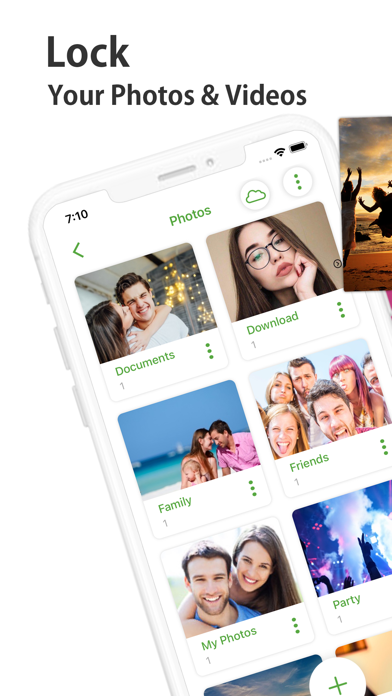
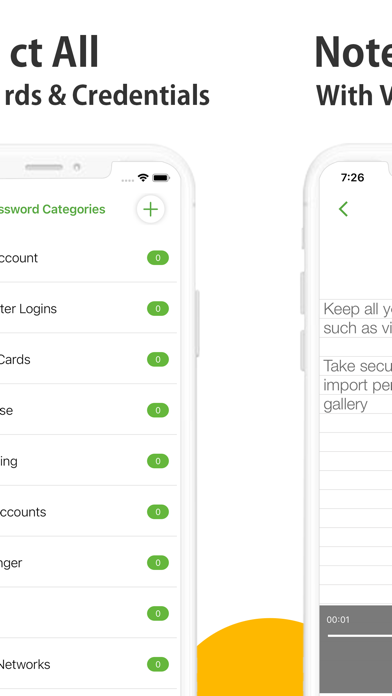
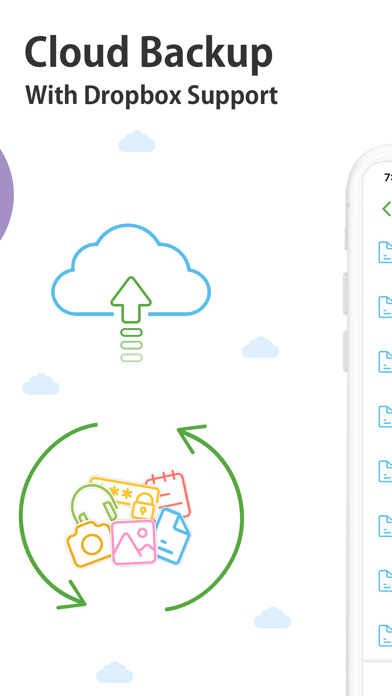
It looks like a Calculator but it secretly hides your confidential Photos, Videos, Documents, Passwords, Notes, Contacts and To Dos. It disguises itself as a Calculator to make it impossible for prying eyes and hackers from discovering it. It is the most feature-rich app in the market in Security Category. Features: - Hide Photos and Videos from Gallery. - Automatically Deletes them from Gallery (Optional). - Take Pictures and Videos from Camera. - Password-Protect Documents and other Files. - Lock Audios and take Secure Voice Notes. - WiFi Transfer from PC, Mac or other devices. - A built-in Web Browser to Download Files. - A built-in Password Manager and Wallet. - A built-in Secure Notes, To Dos & Reminders. - A built-in Contacts Manager and Importer. - Backup using Cloud Service like Dropbox. - Panic Switch, Disguise Mode & Hack Monitoring. - Calculator, Pin, Password, Pattern & Touch/Face ID. - Works on iPhone and iPad with GUI for both. Photos & Videos: No need to keep your family, private or secret photos & videos in iPhone gallery. The app even deletes these files from your Photos when you move them to the app when needed. Gallery: A built-in secret gallery allows you to organize, view and play all your hidden images and videos inside a protected and discreet interface. Audios: Lock private and confidential audio recordings and conversations and hide specific music files through the phone’s internal storage. Notes: Whether you want to create a list of secret things you keep in your documents or write down your private feelings; you can do so securely with the ‘Notes’ feature. Documents: Secure your confidential documents. You can transfer them even from your PC or Mac using WiFi transfer or from a built-in browser to your iPhone or iPad. Contacts: Now you can import your iPhone contacts or create secret contacts inside app to call secretly. To Dos: Every once in a while, we have some tasks we just don't want to be seen by anyone no matter what. This is why we have for you a secret to do list as well. Passwords: Create and lockdown sensitive credentials like your website logins, bank accounts, computer logins, credit cards, email accounts, social networks, e-banking, instant messenger etc. Cloud Backup: Conveniently backup your locked data into Dropbox. Prevent loss of sensitive data and restore your data in case of loss or theft of device. Lost Password Recovery: You don’t have to worry about forgetting your password. You can conveniently, retrieve your lost password through your registered email. Security Locks: You have the option to setup a Calculator, Touch/Face ID, PIN, Pattern or Password. You can even turn off everything completely. Panic Switch: Prevent shoulder surfers and snoopers from seeing your sensitive data, enable panic switch to quickly switch to another app. Disguise Mode: Confuse snoopers by enabling a fake error message box, it displays a fake crash notification to thwart further attempts on hacking your data. Hack Monitor: Tells you who has been trying invalid passwords to try to open your vault. Logs all such attempts and shows it to you. Calculator# is free with ads and limitations and you can purchase it to get a fully-functional and ad-free version for a year. Calculator# subscription plans: Annual: $4.99 Payments and Renewal: Payment will be charged to iTunes Account at confirmation of purchase. Subscription automatically renews unless auto-renew is turned off at least 24-hours before the end of the current period. Account will be charged for renewal within 24-hours prior to the end of the current period. You can manage or turn off auto-renew in your Account settings at any time after purchase. No cancellation of the current subscription is allowed during the active period. End User License Agreement: https://www.newsoftwares.net/ns-vault/license Terms of use: https://www.newsoftwares.net/legal/terms/ Privacy policy: https://www.newsoftwares.net/legal/privacy/


