

CanScan: PDF and Doc Scanner
Screenshots




ASO analysis
Good use of the title field.
Could go longer. The first 252 chars are above-the-fold; everything else still indexes.
Keyword rankings
iTunes Search · top 200About
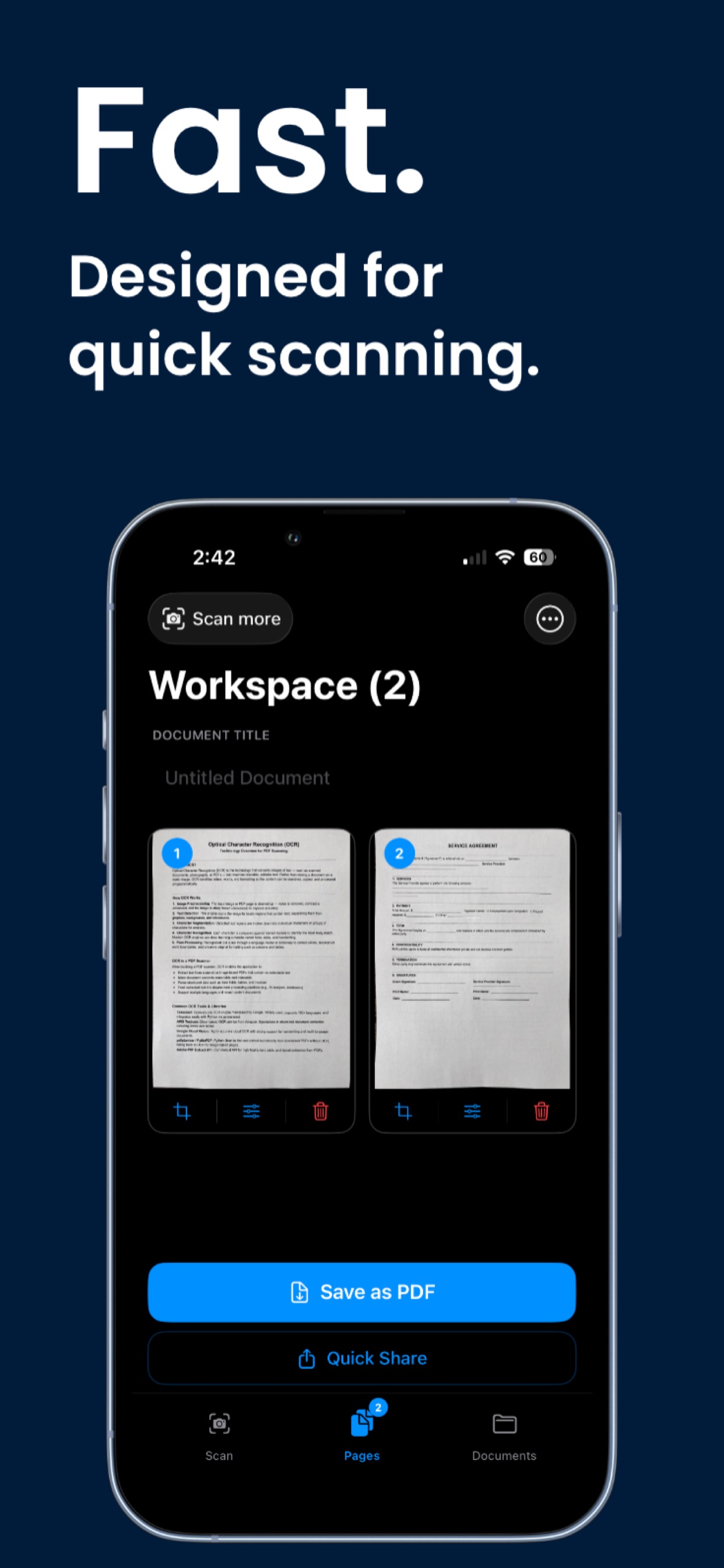
Buy once. Use forever. No subscriptions, no accounts, no nonsense. CanScan transforms any iPhone into a professional-grade scanner. Whether you're capturing receipts, contracts, notes, whiteboards, or book pages, CanScan delivers crisp, clean PDFs every single time. Scan anything Point. Tap. Done. CanScan automatically detects edges and corrects perspective so every scan looks perfect — no fussing, no cropping by hand. Build multi-page PDFs Scan one page or fifty. CanScan lets you combine multiple scans into a single polished PDF, ready to save or share in seconds. Extract text with OCR Need the words off the page? CanScan reads your documents and pulls out selectable, copyable text — fast and accurately. Smart filters for every document Receipt? Document? Whiteboard? Book? CanScan's intelligent contrast modes make every scan look its absolute best — sharp, clean, and clear every time. Perfect crops every time Auto edge detection finds your document instantly. Fine-tune with drag-and-drop corner controls for pixel-perfect results. Just scan, save, and share — CanScan is ready when you are.


