
Cardboard Cutout
Screenshots

ASO analysis
Good use of the title field.
Solid length. Make sure the first 252 chars hook the reader.
Keyword rankings
iTunes Search · top 200About
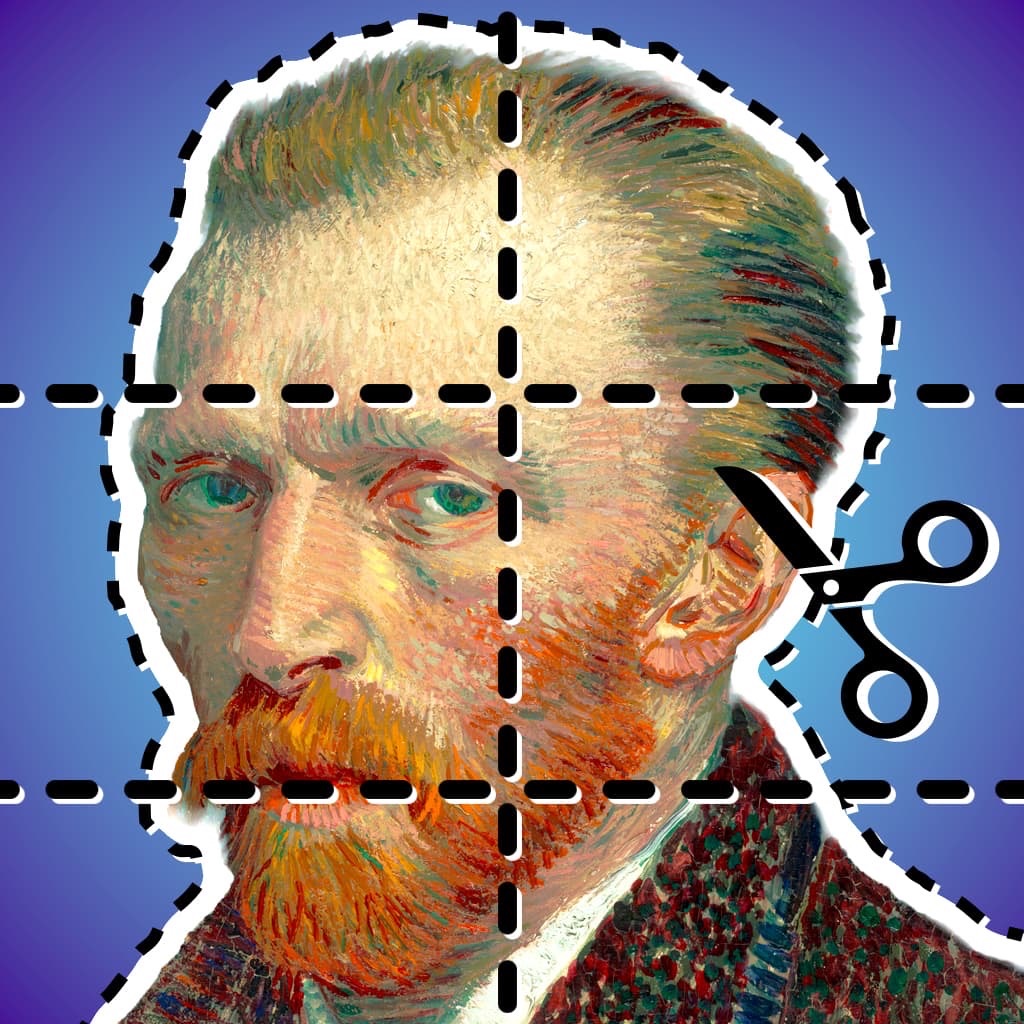
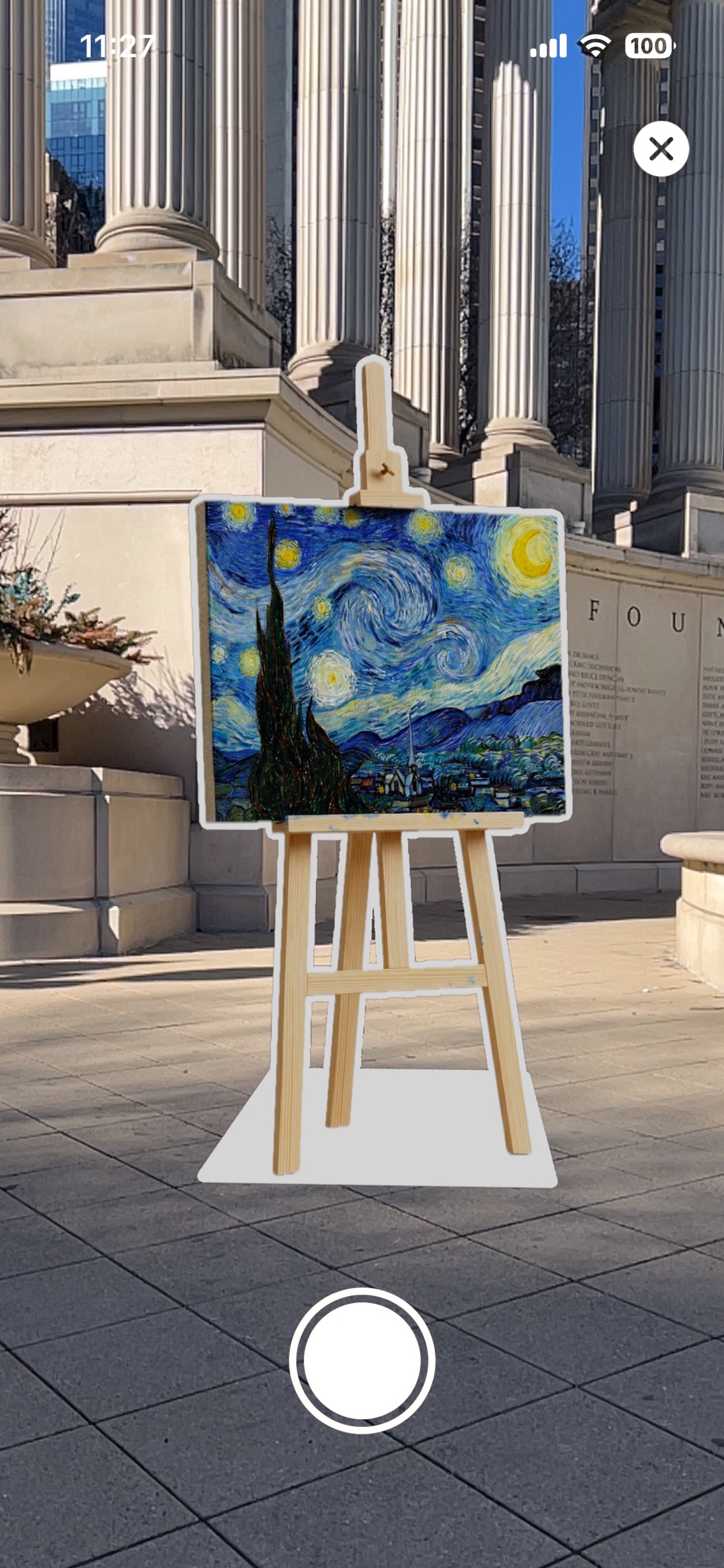
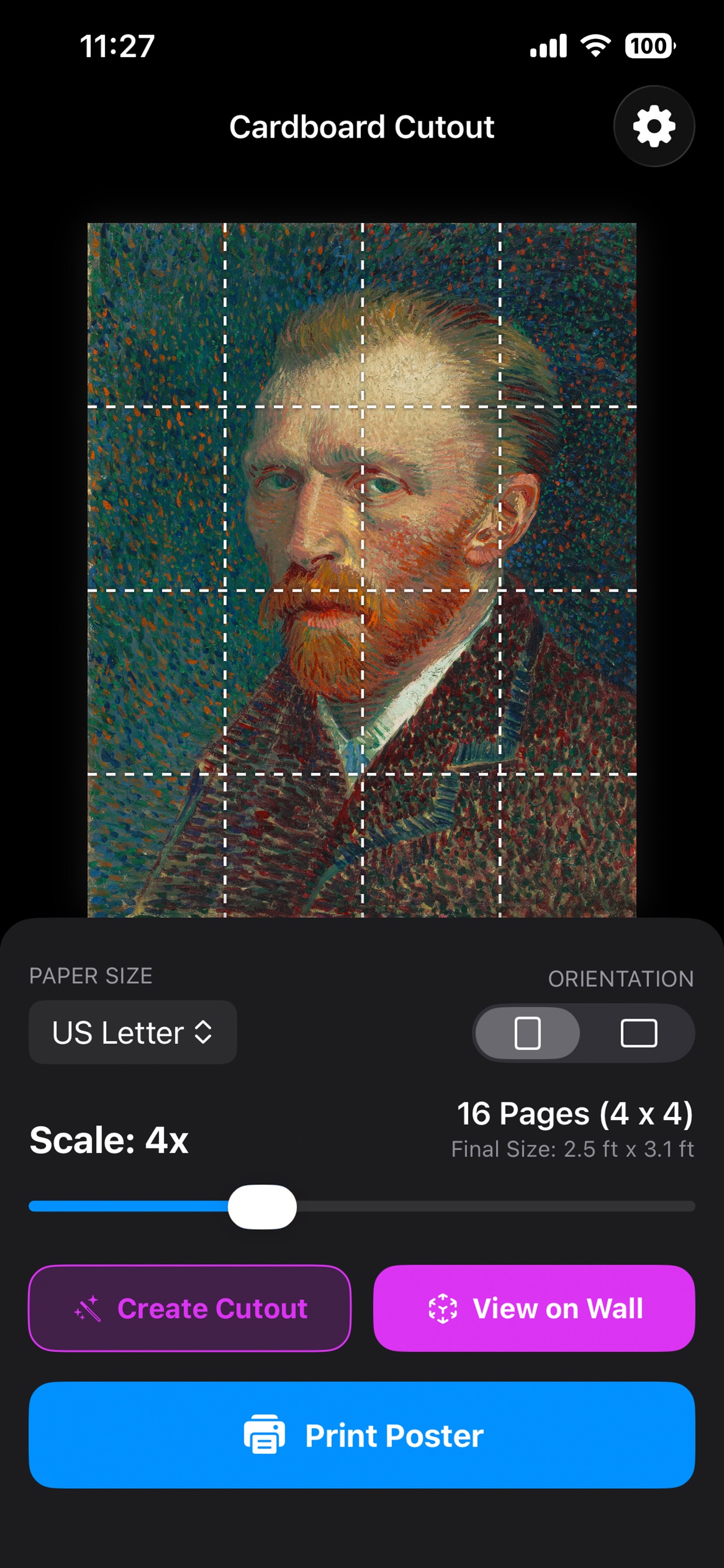
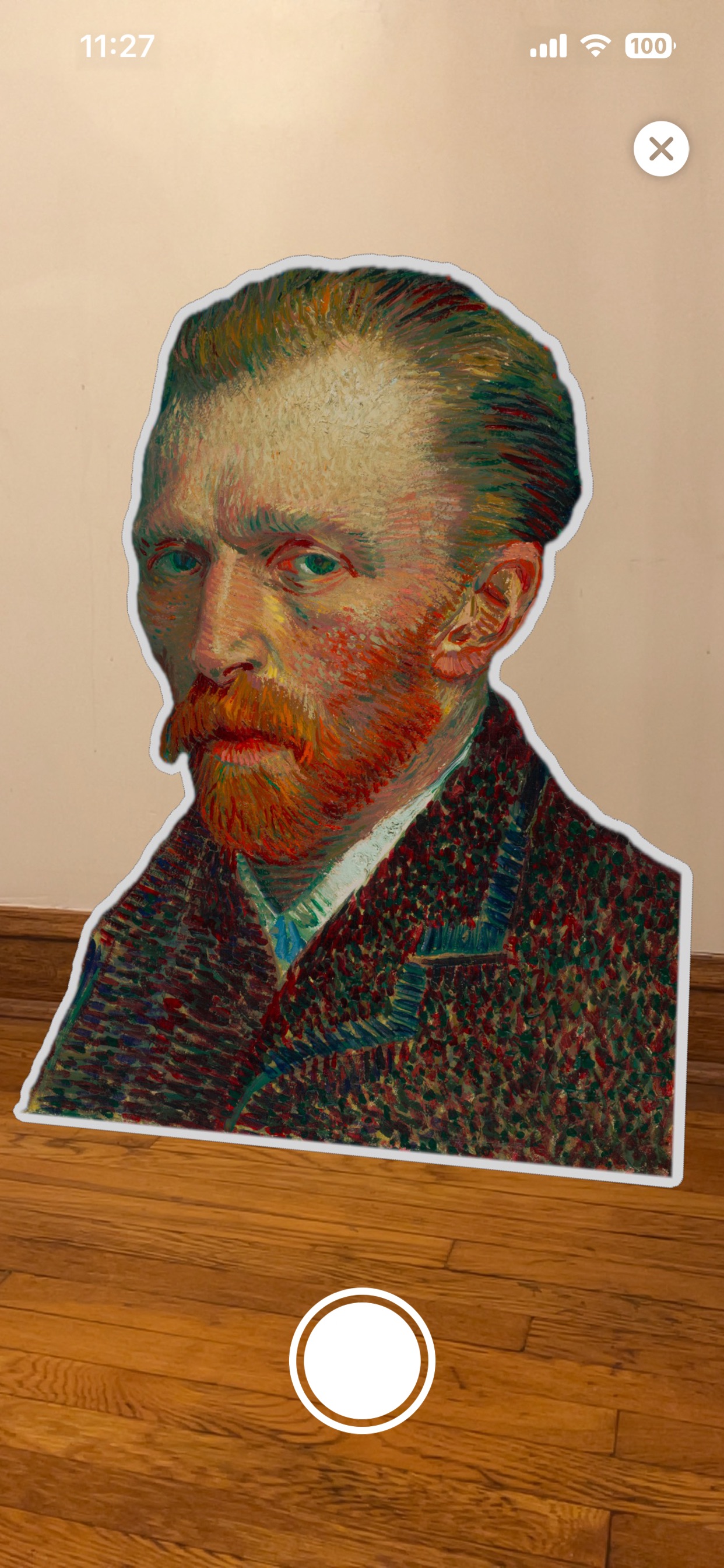
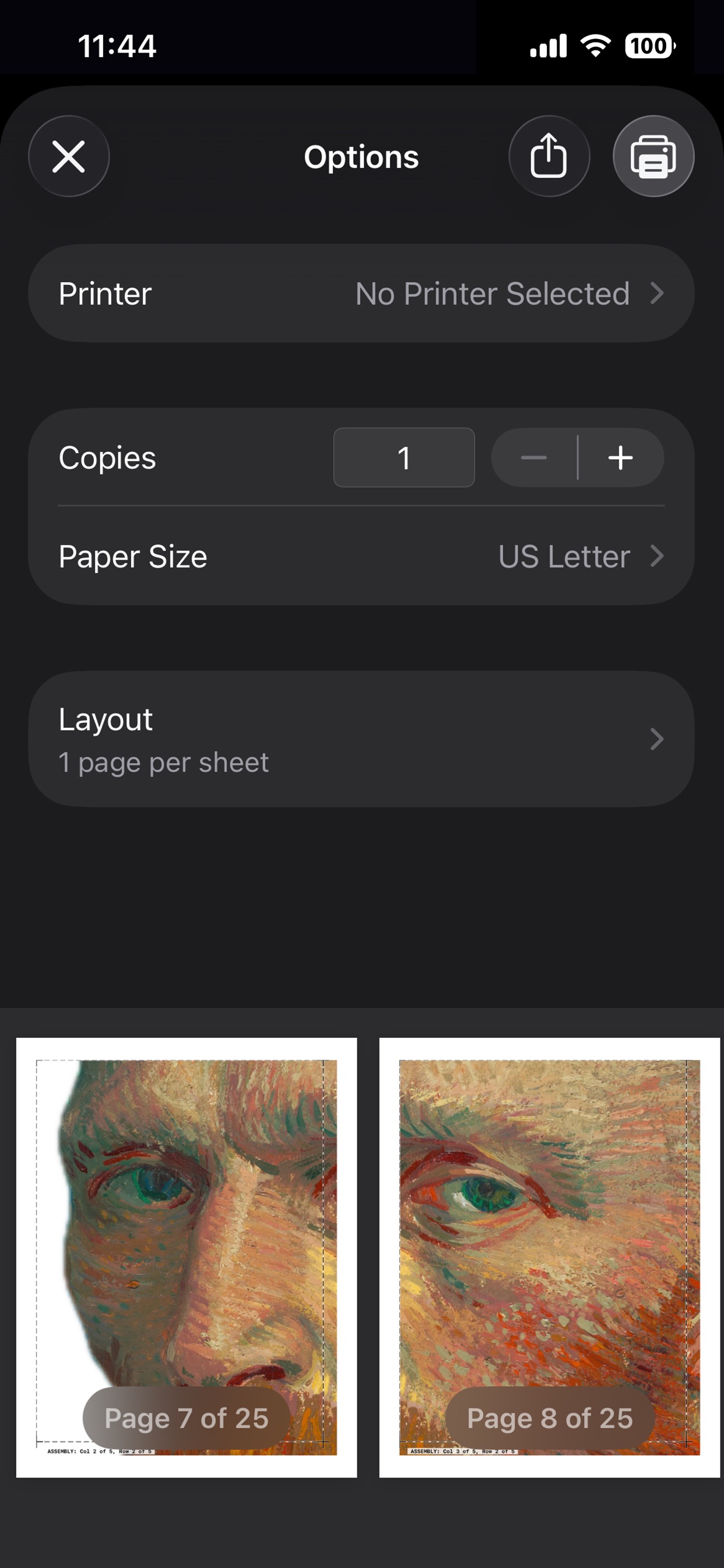
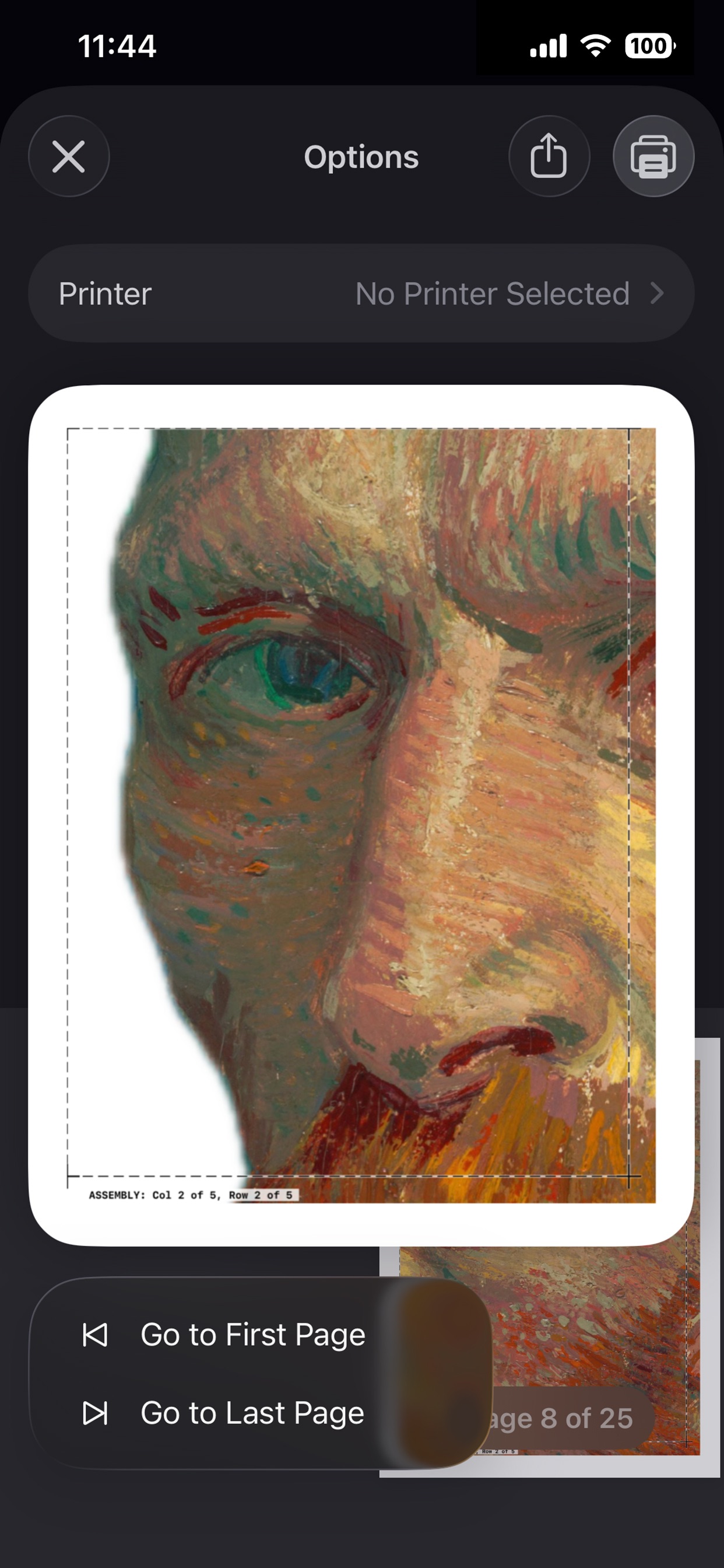
Create Life-Size Cutouts for Life-Sized Moments. Ever wanted to turn a stunning photo into a life-size cardboard cutout of a friend, pet, or celebrity? Cardboard Cutout by HoneyWired makes it possible using the printer you already own—without the expensive professional printing costs. Two Powerful Modes: • Poster Mode: Turn any photo into a massive multi-page wall poster using standard printer paper. • AI Cutout Mode: Instantly create life-size standees. Our on-device AI automatically isolates the subject, removes the background, and generates a precise dotted cut-line. (Pro Tip: Print on card stock and mount to foam core board for a sturdy, free-standing result!) How it Works: Cardboard Cutout intelligently tiles your images across standard sheets of paper. Simply select your photo, adjust your scale, and print directly from your device or save as a PDF. Our smart assembly guides ensure that when you trim and tape your pages together, the result is seamless and high-impact. Key Features: • Speech & Thought Bubbles: Let your cutouts do the talking! Add custom text bubbles with multiple fonts and emojis. Our AI automatically detects faces to anchor the bubble perfectly to your subject's mouth or head. • Auto-Base Generation: Making a free-standing cutout is easier than ever. Our custom physics engine calculates the center of mass and generates a perfectly flat, stable bottom edge so your cutout can stand on its own! Just add a triangle support to the back! • Ink Saver Mode: Printing giant murals takes a lot of ink. Our innovative Ink Saver mode applies a retro CMYK halftone dot effect over your entire poster—maintaining your image's legibility and colors while drastically reducing the physical ink required. • Exact Dimension Scaling: Use the fluid scale slider and the app will automatically calculate the perfect scale to match your required width or height. • View in Room (AR): Preview your poster at a true 1:1 scale in your living room before wasting any paper. Use Apple ARKit to place the cutout in your real space, snap a photo, or record a video of your setup to share! • Global Paper Support: We support a massive range of international and standard sizes! Print on US Letter, Legal, Tabloid (11x17), Executive, Half Letter, A3, A4, A5, B4, or B5 paper. • Margin-less Printing: Seamlessly toggle margin-less printing to eliminate white borders if you are using a borderless-capable photo printer. • Smart Assembly Guides: Dropping a stack of 45 printed pages is a nightmare. We automatically print hidden Row and Column labels directly into the overlap margins to make taping your massive poster foolproof. • Low-Res Upscaling: Imported a small image? Our engine automatically applies high-quality mathematical filtering and sharpening to ensure your final printed pages look as crisp as possible without jagged pixels. • PDF Export: Save your tiled poster as a PDF file via the print dialog to easily print from your Mac or PC, or to share with others. Privacy First: • On-Device AI: Background removal, face detection, and image processing run entirely on your device using Apple’s local Vision framework. Your photos never leave your phone. • Camera & Photo Privacy: The "View in Room" feature requests Camera access solely to power the Augmented Reality session and detect your floor. We never record, upload, or transmit your camera feed. • No Tracking: We don't track your usage or collect your data. There are no third-party analytics or advertising SDKs. • No Ads: A premium, one-time paid experience with zero interruptions. Requirements: Requires an AirPrint-compatible printer for direct printing. PDF export is available for all users via the iOS print dialog.


