

Chaos Control™: GTD Task List
Screenshots

ASO analysis
Tight against the limit — verify it doesn't truncate on small screens.
Solid length. Make sure the first 252 chars hook the reader.
Keyword rankings
iTunes Search · top 200About
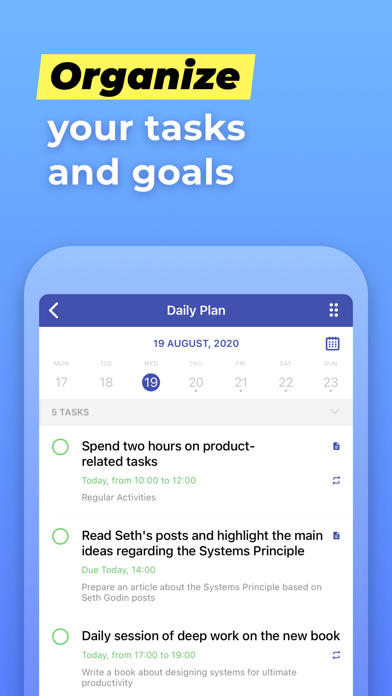
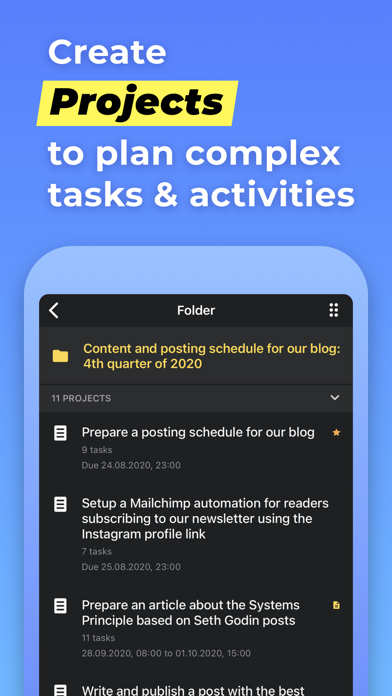
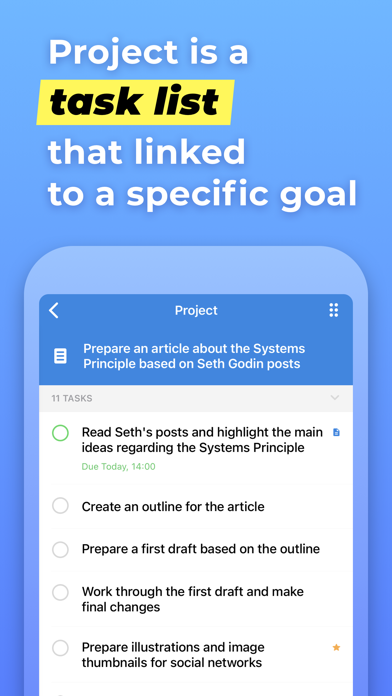
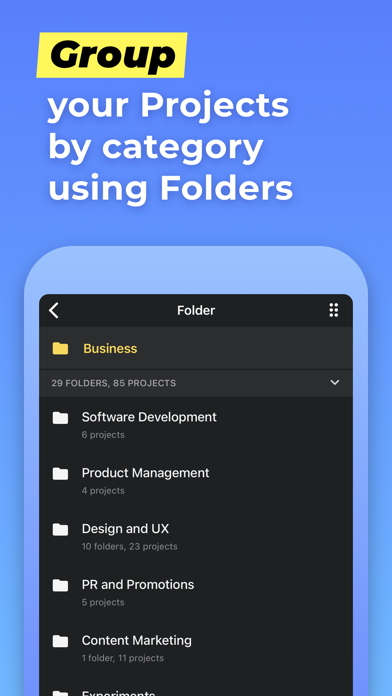
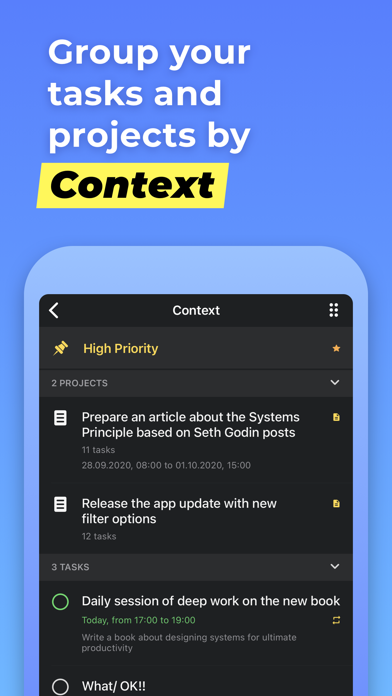
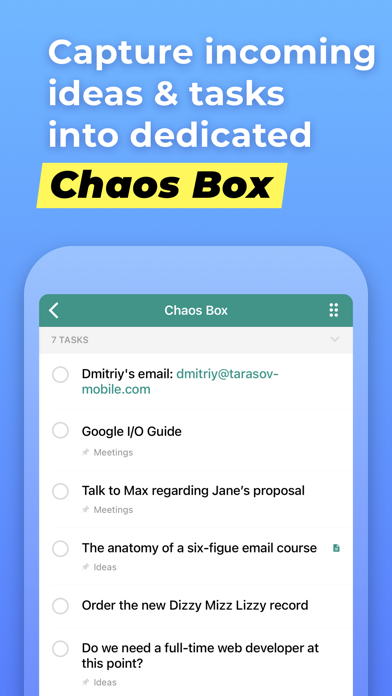
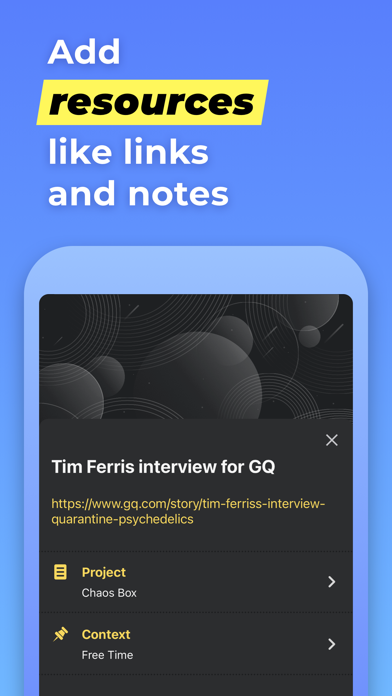
Chaos Control is a personal organizer that will help you manage your goals, to-do lists and tasks in both your business and personal life. People don't usually achieve impressive results simply by being good at task management. It's the ability to set legitimate goals that makes the difference. Just write down your desired outcomes to make them real. This simple technique helps you to prioritize your goals before acting on them. Chaos Control is a task manager based on the best ideas of GTD (Getting Things Done) methodology created by David Allen. Whether you are running a business, launching an app, working on a project or simply planning your holiday trip, Chaos Control is a perfect tool to manage your goals, juggle your priorities, and organize your tasks to get things done. And the best part is, you can handle both heavyweight project planning and simple daily routine like shopping list management in one flexible app. Also, Chaos Control is available across all major mobile and desktop platforms with seamless sync. HERE IS HOW IT WORKS: 1) MANAGE YOUR PROJECTS Project is a goal combined with a set of tasks you need to complete in order to achieve it. Create as many projects as you like to write down all the desired outcomes you have 2) ORGANIZE YOUR GOALS Create unlimited number of projects and group them by category using Folders 3) USE GTD CONTEXTS Organize tasks from different projects using flexible context lists. If you are familiar with GTD you would just love this feature 4) PLAN YOUR DAY Set due dates for tasks and make plans for any particular day 5) USE CHAOS BOX Put all the incoming tasks, notes and ideas into Chaos Box in order to process them later. It works similar to GTD inbox, but you can use it as a simple to-do list 6) SYNC YOUR DATA Chaos Control works on both desktop and mobile devices. Setup an account and sync your projects across all of your devices This app is designed with creative people in mind. Designers, writers, developers, startup founders, entrepreneurs of all kinds and pretty much anyone with ideas and desire to make them happen. We combined the power of GTD with the convenient interface to help you with: • personal goal setting • task management • time management • planning your business and personal activities • building your routine • handling simple to do lists, checklists and shopping lists • catching your ideas and thoughts to process them later KEY FEATURES • Seamless cloud sync across all major mobile and desktop platforms • GTD-inspired Projects and Contexts supplemented with Folders, sub-folders and sub-contexts • Recurring tasks (daily, weekly, monthly and chosen days of the week) • Chaos Box - Inbox for your unstructured tasks, notes, memos, ideas and thoughts. Great tool for staying on track inspired by GTD ideas • Notes for tasks, projects, folders and contexts • Fast and smart search • Recurring tasks for managing activities that happen regularly • Nested folders and contexts for better projects and tasks structuring • PIN code protection: secure your data with a secure passcode • Favorite tasks, projects and contents Terms Of Use: http://chaos-control.mobi/toc.pdf Have a productive day!


