Clear Scan: Doc Scanner App
Screenshots
ASO analysis
Good use of the title field.
Solid length. Make sure the first 252 chars hook the reader.
Used by similar apps in your niche, but not in your title or description. Adding these (where genuinely relevant) can broaden your search reach.
Words you and your peers both use. Confirms positioning in this niche.
Keyword rankings
iTunes Search · top 200About
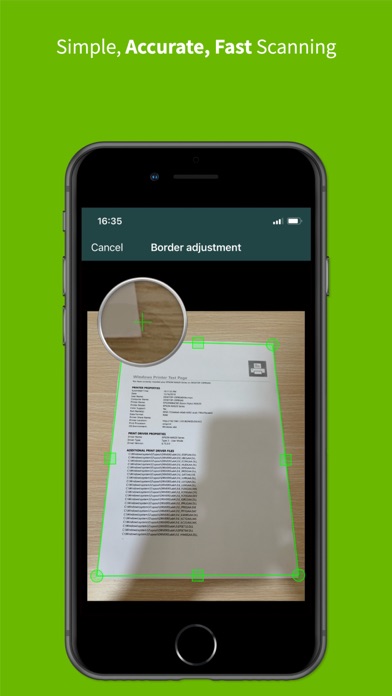
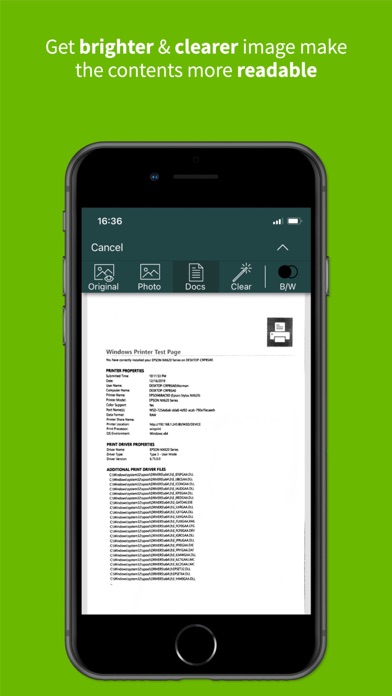
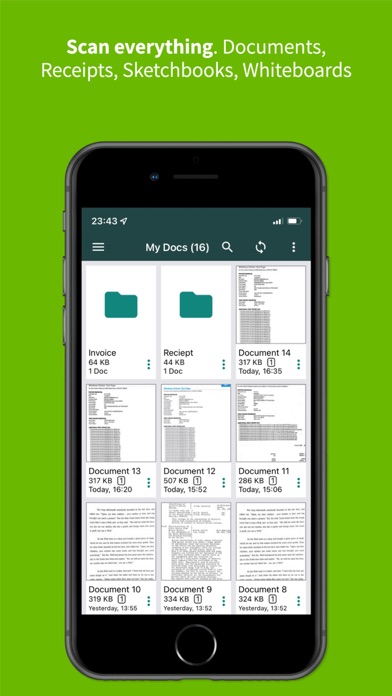
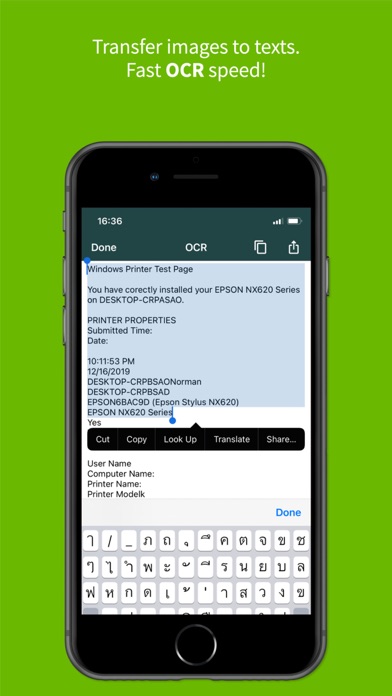
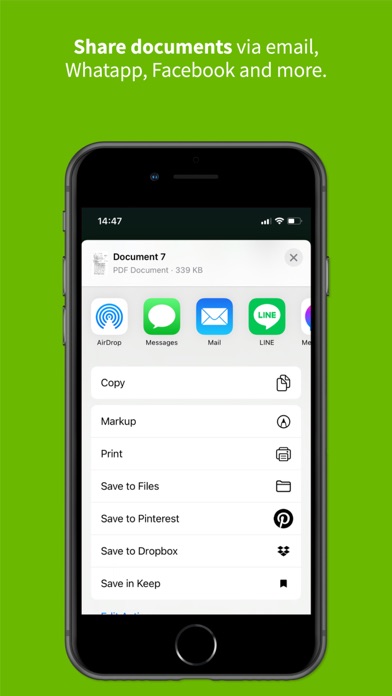
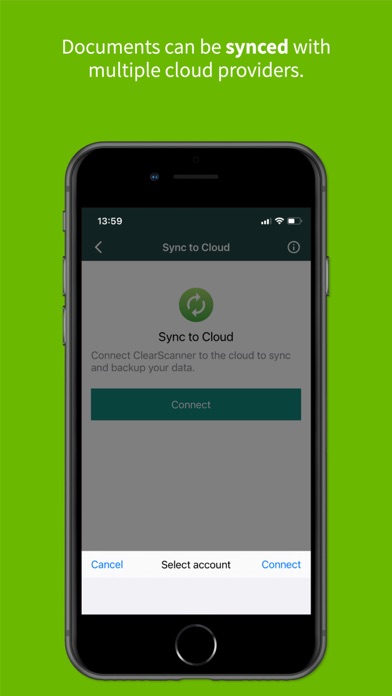
Get the best FREE document scanning app for your phone that you can use anytime, anywhere. Use all the features without having to pay for In-App purchase. *** Clear Scanner is FREE, powerful, fast, and easy.*** Whether you are a student, professionals, business owners, or even a stay at home mom, you need to download Clear Scanner now. You don’t need to invest in an expensive scanner because you can turn your phone into a scanner with Clear Scanner. It’s a great and handy app to have even if you don’t frequently use a scanner. It’s lightweight so it won’t take much storage room and you can use it anytime you need to. You can use Clear Scan to scan anything: * Scan Documents * Scan Letters, Bills, Receipts. * Scan Photos. * Scan Whiteboards. * Scan Books. * Scan Notes and Sketches. * or anything you may think of. We will automatically make the image more readable for you and if you need to, you can use the OCR feature to convert the image into text. Why should you download & use Clear Scanner: Clear result that is very readable. Completely FREE. Scan as many times as you want & get the best result. NO In-app purchase. Use all the features for FREE. No watermarks on the saved PDF files. Advanced algorithm to clarify the image to readable text. OCR capability, convert image to text. Save to Phone, Print, or Share via other apps immediately. Supports sharing to Dropbox, OneDrive, SkyDrive, Google Drive, Evernote & other essential apps. Lightweight and fast. Manage documents in folders and subfolders. Reorder pages. Email only certain pages or selected documents. Note: Please allow access to your Camera and File to use Clear Scanner for scanning your documents, photos, or receipts. How to use Clear Scanner to scan documents: Give us permission to access your phone’s Camera and Photo Gallery. Tap on the Camera icon below if you want to scan a new file. Tap on the Photo icon below if you want to export from a file on your phone. Adjust the camera zoom function if you need a more detailed picture. Adjust the border of the scanned image or use auto-adjust Rotate the image if you need to. We will automatically make the image more readable. However, you have options to choose the Original version, Photo version, Docs version, or Clear version. You can still edit the image as you wish. Our features include: Cop, Rotate, Eraser, & choose Color or BW version. You can save the Document as PDF and view or share with other apps. Tips on how to get better scan result: - Try to take an image on the flat surface. - Make sure you have enough lighting to get the best result. - Zoom in if necessary to get clearer results from small text. - Try to make the paper/ books/ receipt as flat and wrinkle free as possible. - Tweak the image as best as you can before you save it. So, what are you waiting for? Download Clear Scanner | Fast Scanning now and enjoy FREE, fast, and powerful scanning experience.