

Collage Maker:Photo Grid
Screenshots


ASO analysis
Good use of the title field.
Solid length. Make sure the first 252 chars hook the reader.
Used by similar apps in your niche, but not in your title or description. Adding these (where genuinely relevant) can broaden your search reach.
Words you and your peers both use. Confirms positioning in this niche.
Keyword rankings
iTunes Search · top 200About
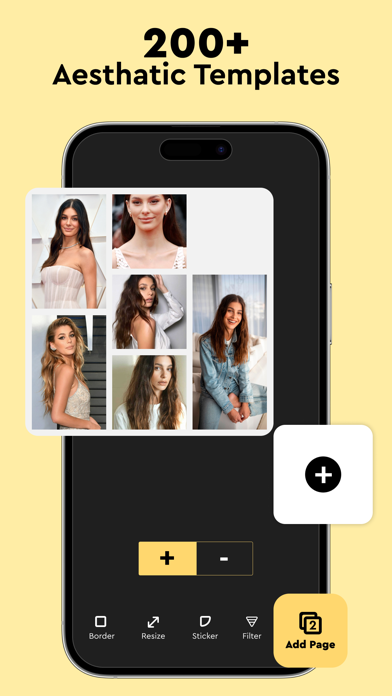
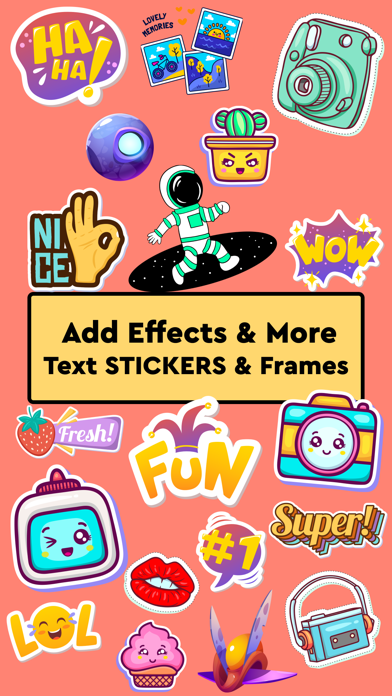
Are you looking forward to putting your pictures together and sharing your memorable moments on social media channels? Do you desire to surprise your partner, friends, family, or your loved ones on their special days? The collage maker app can help you make catchy collages that cherish the memorable and wonderful days in your life. You don’t need to be a designer to create photo collages anymore, as this collage maker app is here to assist in this journey. The user-friendly interface of this application brings no hassle in collage creation for its users. It allows you to simply select a grid layout that you like and choose the photos you need to add to the collage. The collage maker has made this task a piece of cake for everyone, as you just need to spend a few minutes and create top-notch collages. You may find several similar apps on the store, but this collage maker stands out due to its outstanding features. These features include the following: The collage maker provides you with templates in different dimensions. You can select the required collage style from the available options, including portrait, square, and landscape. It allows the users to create a collage from scratch. You can make custom collages through this app and select the ratio of the entire collage and the pictures you want to add to it manually. This app also comes with editing options for users. You can add filters to make your images look refined and better in collages. It comes with an extensive library of stickers. You can use this collage maker to choose and add attractive stickers to your collages. The collage maker also allows the users to add custom text to collage. The text can be further edited; you can alter its style, typeface, color, and other properties easily through this app. This collage maker helps you save collages in high resolution. You don’t need to worry about quality, as this app helps you get top results. Have you been finding an app that can let you create collages as well as edit pictures? If yes, then your hunt is over, as this collage maker app comes with exceptional options to edit your photos. You can include your desired text to collage, add stickers, and apply filters to your pictures with this collage maker. You can modify the text with a variety of options. From changing the font typeface to adding a shadow, there are plenty of options to add customized text to your collages with this app. Its wide variety of filters can help you add the desired effects to pictures. Creating a custom collage is no more a problem. The collage maker app goes beyond the pre-made templates, as it lets you create collages from scratch. You can adjust the ratio of the collage and add pictures in your desired size with this photo collage maker application. So, what are you waiting for? Download our collage maker app now and start making collages for your social feeds or friends on the go! Note: The payments for in-app purchases are directly charged from your iTunes account after the confirmation stage. The subscription to our service will be automatically renewed unless the auto-renew option is turned off 24 hours before the expiration of the current subscription period. Your iTunes account will be charged for the renewed subscription within a 24-hour time period prior to the expiration of the current subscription. The users can manage their subscriptions and turn off the auto-renewal of their purchase by going to the setting of your account on the App Store. Privacy Policy https://www.contentarcade.com/privacy Terms & Conditions https://www.contentarcade.com/terms


