AppScoutAppScout.gallery
ConcentratedTomato Focus Timer icon
Productivity

ConcentratedTomato Focus Timer

by Mauro Giovannini
Rating5.0(11)
PriceFree
Updated5y ago
Released6y ago
Latest rank
Not tracked yet
Rank change
Not tracked yet
Rank history
Movement appears after the next data refresh.

Screenshots

ConcentratedTomato Focus Timer screenshot 1ConcentratedTomato Focus Timer screenshot 2ConcentratedTomato Focus Timer screenshot 3ConcentratedTomato Focus Timer screenshot 4ConcentratedTomato Focus Timer screenshot 5ConcentratedTomato Focus Timer screenshot 6ConcentratedTomato Focus Timer screenshot 7

ASO analysis

Title30 / 30
ConcentratedTomato Focus Timer

Tight against the limit — verify it doesn't truncate on small screens.

Description1,501 / 4,000
11 paragraphs · 38% of limit used

Could go longer. The first 252 chars are above-the-fold; everything else still indexes.

Top keywords in your description
task×5time×5minutes×4timer×4work×4flower×3much×3track×3you've×3break×2concentratedtomato×2find×2
Keyword opportunities

Used by similar apps in your niche, but not in your title or description. Adding these (where genuinely relevant) can broaden your search reach.

pomodoro9 peerssession9 peerssessions9 peersproductivity8 peersdistractions7 peersstudy7 peerswhether7 peersbuild6 peersdesign6 peersdesigned6 peers
Shared niche keywords

Words you and your peers both use. Confirms positioning in this niche.

focus10 peersstay10 peerstimer10 peersbreak8 peersfocused8 peerswork8 peershelps7 peerstime7 peerstrack7 peersdone6 peers

Keyword rankings

iTunes Search · top 200
Keyword tracking starts automatically for apps on the top charts — ranks appear after the next data refresh. Manual tracking for search-only and niche apps coming soon.

About

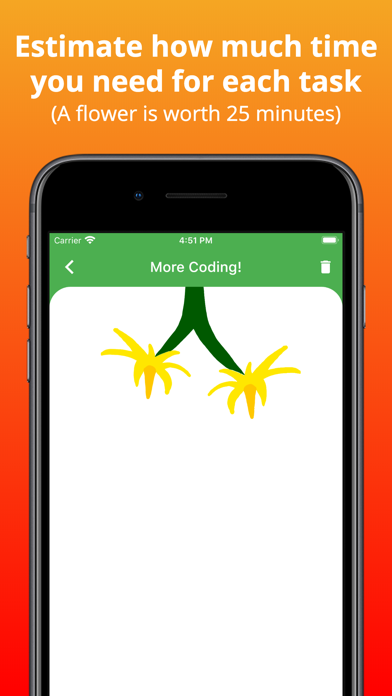
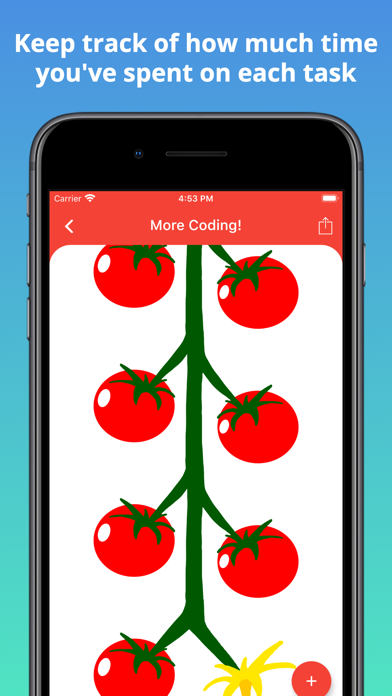
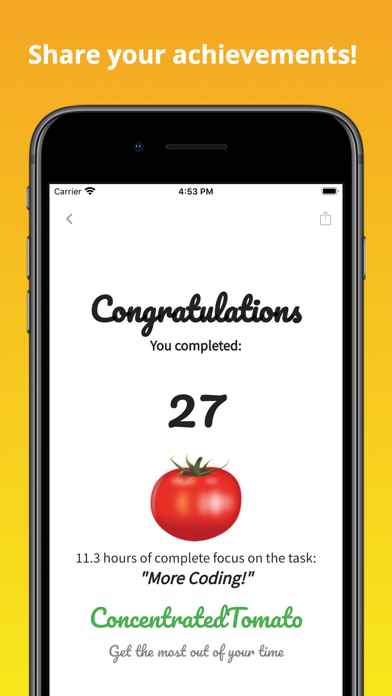
Do you find it difficult to focus on studying because of your phone? Would you like your phone to help you concentrate rather than distract you? ConcentratedTomato is a time management app that lets you overcome procrastination and stay focused.  With ConcentratedTomato you work in intervals, which helps you get started on your tasks and stay on track. You will be amazed to find how good you can become at making the best use of your time. Features: • Completely free, no hidden fees • Log in from other devices • Simple and easy to use • Motivating quotes • Easily plan your day with To Do Today • Keep track of how much time you've spent on each task (a tomato accounts for 25 minutes of work) • Set daily reminders • Share achievements (on iPhone) How does it work? 1) Add the tasks which you need to complete in "To Do Today". 2) You then choose one task and decide how much time you want to spend on it by adding some flowers (Each flower is worth 25 minutes). 3) Click on a flower to start the timer and focus on the task until the timer rings. Don't leave the app or the timer will stop! 4) After the timer rings, you will see that your flower has grown into a tomato (this should help you see your progress and keep track of how much time you've spent on a task). 5) Take a short 5-minute break before coming back to work (just do something relaxing for 5 minutes). 6) Once you've grown 4 tomatoes, take a longer break (20 minutes)  7) Tick off and then remove the task when done

01
Focus Timer & To do icon
Focus Timer & To do
Ali Siddique
0.0
02
Focus Tomato 2: Pomodoro Timer icon
Focus Tomato 2: Pomodoro Timer
CHIH-SHAN LIU
5.0
03
Bento: Calm Focus Timer icon
Bento: Calm Focus Timer
Keep Productive Ltd
4.1
04
Focus Timer - Tomo icon
Focus Timer - Tomo
Jia Ge
5.0
05
Tomato Timer ۬ icon
Tomato Timer ۬
BoltQ Media
4.7
06
Pomodoro Timer - Concentration icon
Pomodoro Timer - Concentration
Nicolas Christopher Katoyi Kaba
5.0
07
ADHD Focus Timer icon
ADHD Focus Timer
Sunita .
0.0
08
Focus Timer - Time Tracker icon
Focus Timer - Time Tracker
EMRE KOTUN
0.0
09
Focus Timer - Clay Focused icon
Focus Timer - Clay Focused
Jona Elias Fengler
5.0
10
Focal - Focus Timer icon
Focal - Focus Timer
Jakob Vogt
0.0