

Copy My Data - Smart Transfer
Screenshots
ASO analysis
Tight against the limit — verify it doesn't truncate on small screens.
Could go longer. The first 252 chars are above-the-fold; everything else still indexes.
Used by similar apps in your niche, but not in your title or description. Adding these (where genuinely relevant) can broaden your search reach.
Words you and your peers both use. Confirms positioning in this niche.
Keyword rankings
iTunes Search · top 200About
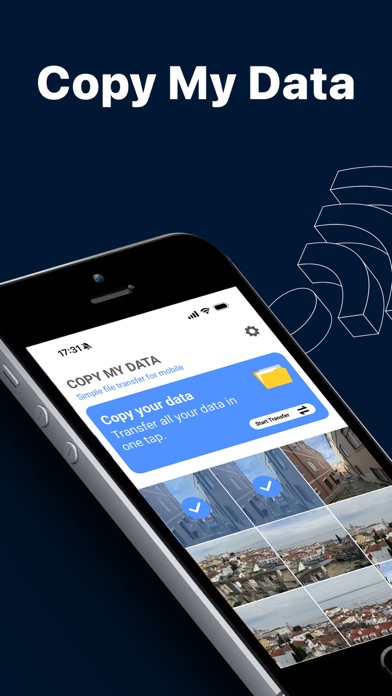
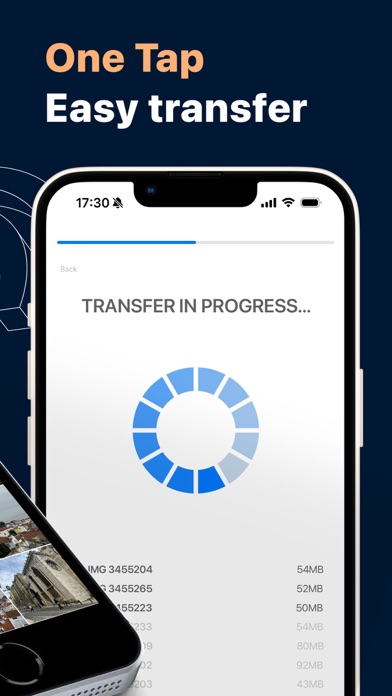
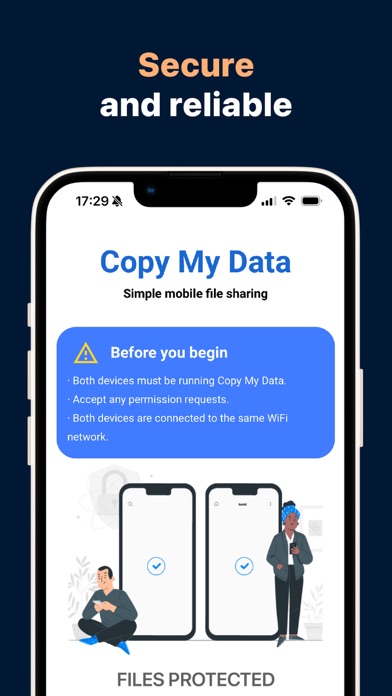
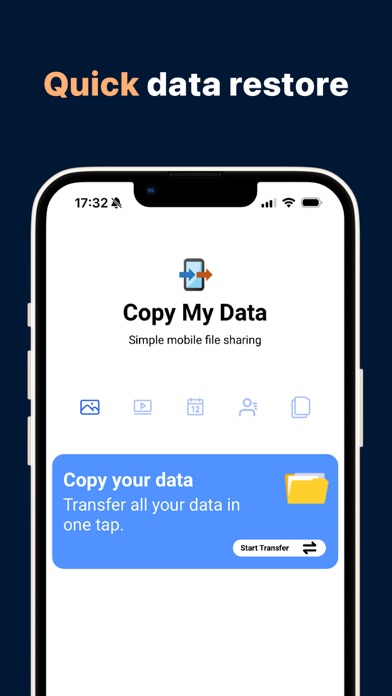
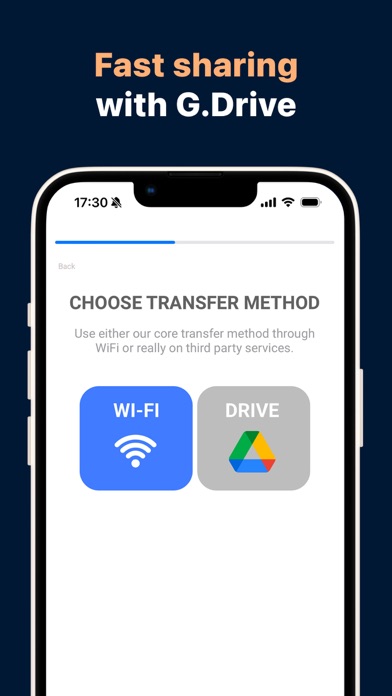
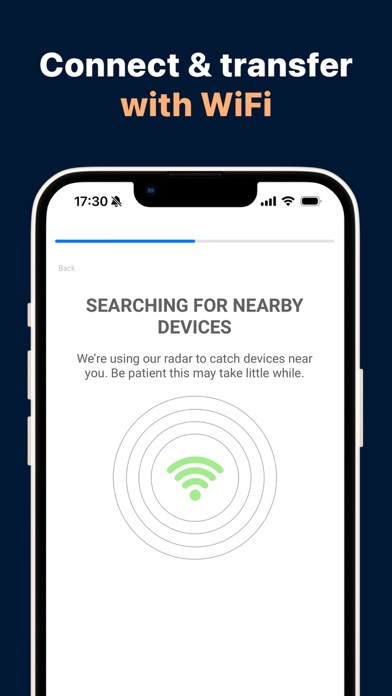
Switching to a new smartphone? Transfer your data in minutes, not hours! Switching to a new device shouldn't be a hassle. Copy My Data offers a secure, fast, and wireless way to transfer your most important data from one device to another. No cables, no complicated software—just a simple Wi-Fi connection. Whether you're sticking with the same operating system or switching to a different one, we have the right solution for you. WHAT CAN YOU TRANSFER? Contacts: Transfer your entire address book in a snap. Calendar: Keep track of all your appointments and important dates. Photos & Videos: Relive your best memories on your new screen. Files: Transfer important documents without the cloud. WHY COPY MY DATA? Cross-platform compatibility: Transfer data between different operating systems or devices of the same brand without compatibility issues. Fast Wi-Fi transfer: Say goodbye to tangled cables. Our app uses your local Wi-Fi network for lightning-fast data transfer. Data privacy is our priority: Your data stays on your devices. We do not store your personal data on external servers. Step-by-step instructions: Our intuitive user interface guides you through the entire process and is incredibly easy, even for users with limited technical experience. GET STARTED (3 EASY STEPS): Connect both devices to the same Wi-Fi network. Open "Copy My Data" on both smartphones. Follow the on-screen instructions to pair the devices and start the transfer! IMPORTANT NOTE ABOUT WI-FI: For a successful transfer, both devices must be on the same network. Please note that some public or corporate networks may block communication between devices. For optimal results, use your home Wi-Fi network. LEGAL & PRIVACY: By using our app, you agree to our Terms of Service and Privacy Policy. Privacy Policy: https://www.redsky-labs.com/privacy-policy-apps.html Terms of Service: https://www.redsky-labs.com/Service_Terms.html


