

CovertCam
Screenshots

ASO analysis
Short title. You're leaving keyword space on the table.
Could go longer. The first 252 chars are above-the-fold; everything else still indexes.
Used by similar apps in your niche, but not in your title or description. Adding these (where genuinely relevant) can broaden your search reach.
Words you and your peers both use. Confirms positioning in this niche.
Keyword rankings
iTunes Search · top 200About
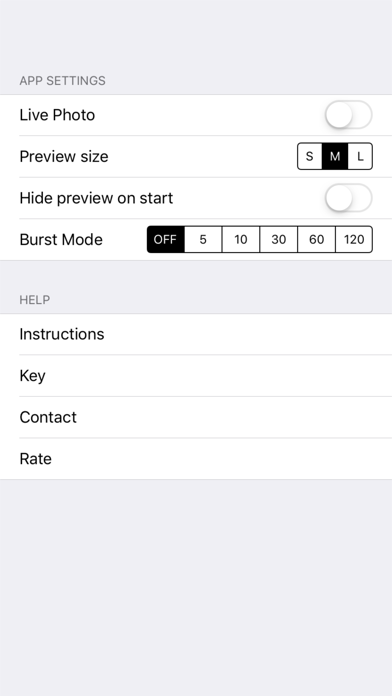
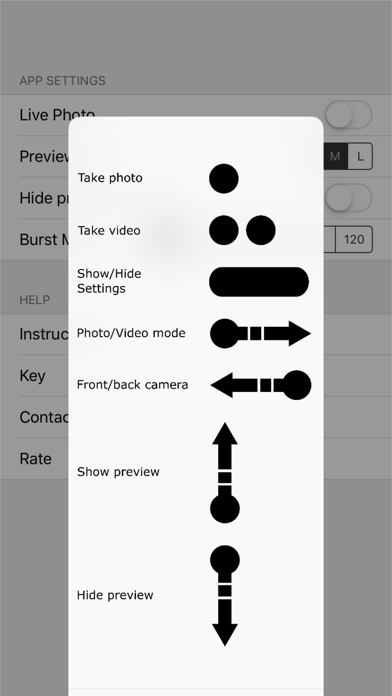
The original black screen camera app. No nonsense app with no silly gimmicks. Take a photo or video with a touch of the blacked out screen. Made for concert and festival goers Features include: - Discrete preview window that can be hidden - Live photos available - Burst mode All settings can be uniquely set to your preferences and saved. CovertCam v4.0.2 features: - Single tap anywhere on screen for photo - Swipe right to toggle video mode, then double tap anywhere on screen for video (double tap again to stop) - Swipe left to toggle front/rear cameras - Swipe right to toggle photo/video mode - Press and hold (3+ seconds) for settings/removing settings menu - Burst mode - Takes a photo every x seconds Coming soon: - Integration with Apple Watch PLEASE NOTE: In order to take video you need to be in 'video mode' - Swipe right and you toggle between photo and video mode. An indication that you are in 'video mode' will be that the view finder will slightly enlarge. Once in 'video mode' you can double tap to start the video. It is currently not possible to auto-disable the shutter sound of the camera when taking a photo. It is against the iOS Developer Program License Agreement. It is against iOS Developer Program License Agreement to not have indications on the screen when taking a photo and/or video.


