

DarkPDF
Screenshots
ASO analysis
Short title. You're leaving keyword space on the table.
Could go longer. The first 252 chars are above-the-fold; everything else still indexes.
Keyword rankings
iTunes Search · top 200About
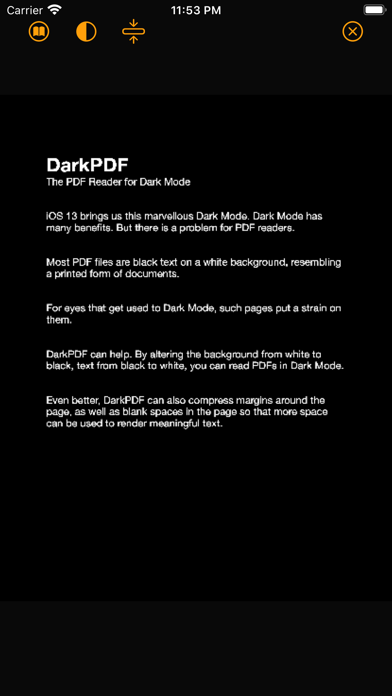
macOS and iOS 13 bring us this marvellous Dark Mode. Dark Mode has many benefits. But there is a problem for PDF readers. Most PDF files are black text on a white background, resembling a printed form of documents. For eyes that get used to Dark Mode, such pages put a strain on them. DarkPDF can help. It is available on both macOS (Catalina) and iOS. Buy it once, and use it on both platforms. By altering the background from white to black, text from black to white, you can read PDFs in Dark Mode. Even better, DarkPDF can also compress margins around the page, as well as blank spaces in the page so that more space can be used to render meaningful text.
